
A slow WordPress site does not just annoy visitors. It quietly kills sales, leads, rankings, and trust.
I’ve seen many people make this mistake: they buy the cheapest hosting plan, install WordPress, add a heavy theme, upload 30 plugins, and then wonder why the site takes five seconds to load.
The truth is simple. The best WordPress hosting is not always the most expensive one. It is the host that gives your site enough speed, stability, support, and room to grow without forcing you to pay for features you do not need.
For most beginners and small business owners in 2026, my top pick is Hostinger. It gives the best balance of price, speed, ease of use, LiteSpeed servers, backups, SSL, and beginner-friendly tools. A discount link or coupon is available on our site if you want to check the latest offer before buying.
That said, Hostinger is not perfect for everyone. A WooCommerce store, agency site, or high-traffic publication may need SiteGround, Cloudways, Kinsta, or WP Engine instead.
Let’s break it down properly.
You Need WordPress Hosting That Matches Your Real Traffic
WordPress hosting is web hosting tuned for WordPress websites.
That means the server, caching, security, backups, PHP settings, database handling, and support team are built around how WordPress works.
Do not get distracted by marketing words like “unlimited traffic” or “unlimited websites.” Here is a secret most hosting companies won’t tell you: unlimited rarely means unlimited server power.
A cheap shared hosting plan can say “unlimited bandwidth,” but if your site uses too much CPU or memory, the host can slow you down, warn you, or push you to upgrade.
The right host should give you:
- Fast page loading
- Strong uptime
- Free SSL
- Automatic backups
- Good WordPress support
- Simple dashboard
- Enough CPU and RAM
- A data center near your audience
- Clear renewal pricing
Choosing the right host can save hundreds of dollars in the long run. Pick too cheap, and you may spend later on migrations, malware cleanup, speed plugins, CDN tools, and developer help.
What Technical Specs Actually Matter Before You Buy?
Most beginners get lost here, so let’s make it simple.
NVMe SSD vs Standard SSD
Storage is where your website files live.
A standard SSD is already much faster than an old hard drive. But NVMe SSD is faster than regular SSD because it connects to the server in a more direct and efficient way.
Why does this matter?
WordPress constantly reads and writes data. It loads images, themes, plugins, database requests, cache files, and admin dashboard actions. Faster storage helps your site respond quicker, especially when many people visit at once.
For a small blog, standard SSD is fine. For a growing business site, WooCommerce store, or content-heavy site, NVMe is better.
LiteSpeed vs Nginx vs Apache
These are web servers. They handle requests when someone visits your site.
Apache is older and flexible. It works with many setups, but it can be slower under heavy traffic if not optimized well.
Nginx is fast and efficient. It handles many visitors better than Apache in most modern setups. Many managed cloud hosts use it because it performs well under pressure.
LiteSpeed is excellent for WordPress because it works tightly with the LiteSpeed Cache plugin. That plugin can speed up pages, images, CSS, JavaScript, and database requests without needing five separate tools.
For beginners, LiteSpeed is often the easiest win. Install WordPress, use LiteSpeed Cache, turn on the right settings, and your site can feel much faster.
RAM and CPU Cores
Think of RAM as short-term working memory. More RAM helps the server handle more tasks at the same time.
Think of CPU cores as workers. More cores can process more requests, plugin actions, database queries, and checkout activity.
For a basic blog, you do not need huge resources. To be honest, most beginners don’t need dedicated CPU cores.
But if you run:
- WooCommerce
- LMS courses
- Membership sites
- Booking systems
- Heavy Elementor pages
- High-traffic blogs
- Affiliate comparison sites with many plugins
Then CPU and RAM matter a lot.
A slow site is not always caused by bad hosting. Sometimes the site is bloated. But weak hosting makes every problem worse.
Data Center Locations and Latency
Latency is the time it takes for data to travel between your server and your visitor.
If your audience is in India but your server is in the US, your site may still work, but it will usually respond slower than a server closer to Asia.
This is why data center choice matters.
A CDN helps by storing static files closer to users. Static files include images, CSS, and JavaScript. But your WordPress database still lives on the main server. For dynamic pages, server location still matters.
Choose a host with a data center near your main audience, or use a strong CDN if your audience is global.
Which WordPress Hosting Providers Are Worth Shortlisting in 2026?
Here are the hosts I would actually consider for WordPress in 2026.
1. Hostinger: Best WordPress Hosting for Most Beginners
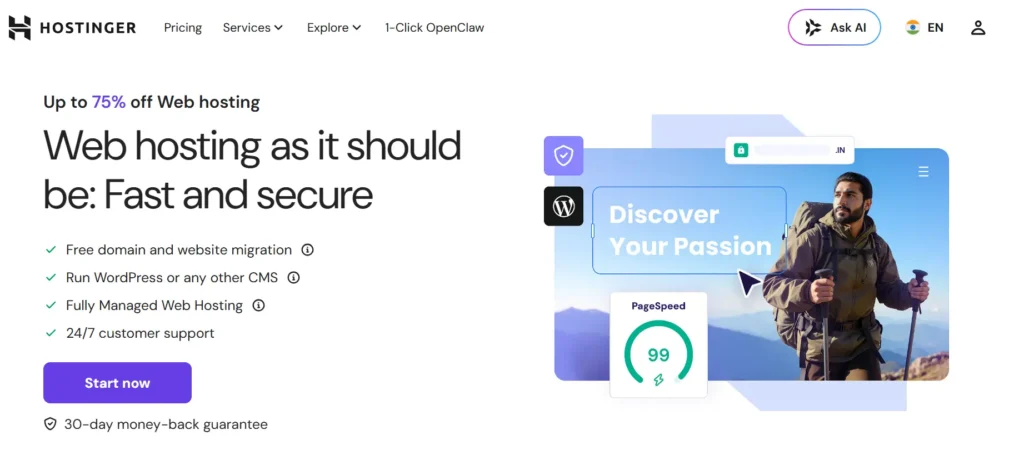
Hostinger is my top pick for most people starting a WordPress site.
It is affordable, fast enough for real projects, and much easier to use than traditional cPanel hosting. Its hPanel dashboard is clean, and beginners can manage WordPress, domains, SSL, email, backups, and performance without feeling lost.
Why this made the list
Hostinger gives beginners the best balance of price and performance. The LiteSpeed setup is a big reason. LiteSpeed works very well with WordPress caching, which means you can get strong speed without hiring a developer.
Best features:
- LiteSpeed web server
- Free SSL
- Free domain on selected plans
- Managed WordPress tools
- Automatic backups
- Beginner-friendly hPanel
- Good value on long-term plans
- Useful AI website tools
Where Hostinger is strong:
Hostinger is great for blogs, affiliate sites, small business websites, portfolio sites, and beginner WooCommerce stores.
Where Hostinger is weak:
The cheapest plans are still shared hosting. That means your site shares server resources with other sites. For serious WooCommerce or high-traffic publishing, you may eventually need cloud hosting or a premium managed host.
Best for:
- Beginners
- Bloggers
- Affiliate sites
- Small business websites
- Budget-conscious users
- People who want speed without complexity
My verdict:
Pick Hostinger if you want the best WordPress hosting for value. It is not the most powerful host here, but it is the smartest first choice for most beginners.
2. SiteGround: Best for Small Businesses That Want Strong Support
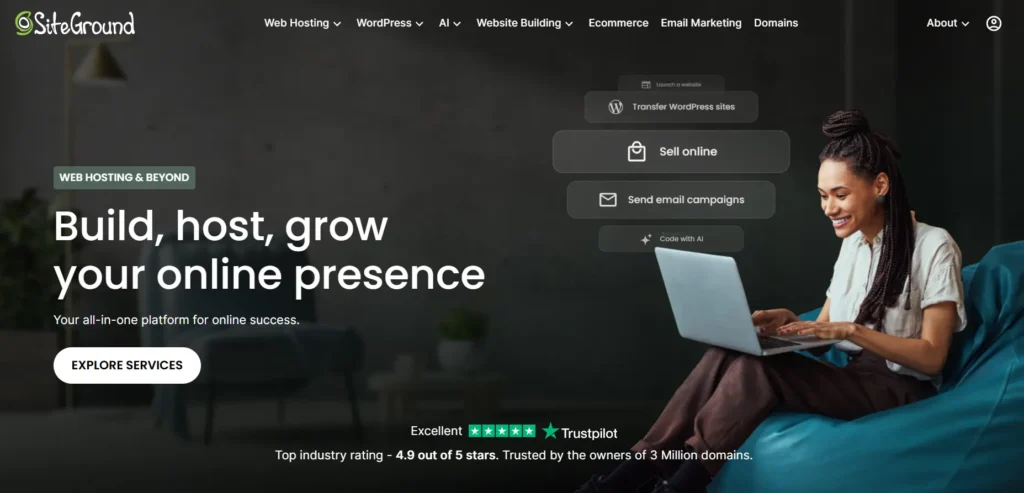
SiteGround is more expensive than many beginner hosts, especially after renewal. But it gives you a polished WordPress experience, good support, strong security tools, daily backups, and useful performance features.
Why this made the list
SiteGround is good for users who do not want cheap hosting headaches. It gives you more confidence if your website matters to your business.
Best features:
- Managed WordPress hosting
- Daily backups
- Free SSL
- Free CDN
- WordPress staging on higher plans
- Security tools
- Strong support
- Easy WordPress migration tools
Where SiteGround is strong:
SiteGround works well for business websites, service sites, agencies, and growing blogs. Its support is usually better than budget hosting support.
Where SiteGround is weak:
Renewal pricing can be painful. Also, storage limits are not always generous compared with cheaper hosts.
Best for:
- Small businesses
- Consultants
- Local service websites
- Users who value support
- People who want managed features without premium pricing
My verdict:
Pick SiteGround if support and reliability matter more than the lowest price.
3. Cloudways: Best for Growing Sites That Need More Power
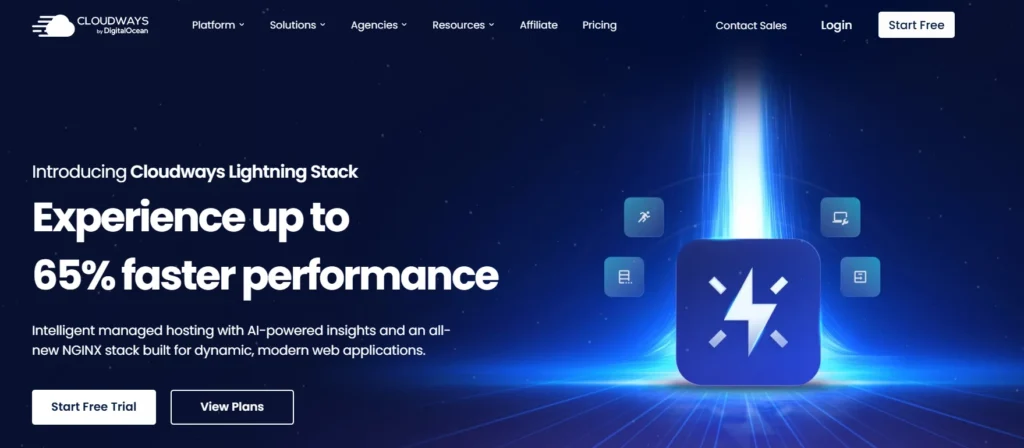
Cloudways is not normal shared hosting. It is managed cloud hosting.
That means you can run your WordPress site on cloud infrastructure while Cloudways handles many server management tasks. You get more control and power than shared hosting, without fully managing a raw VPS yourself.
Why this made the list
Cloudways is one of the best options when a site starts making money and needs better performance. It is especially useful for agencies, WooCommerce stores, and high-traffic content sites.
Best features:
- Managed cloud hosting
- NGINX-based stack
- Scalable resources
- Cloudflare options
- Staging
- Server monitoring
- Choice of cloud providers
- Better control than shared hosting
Where Cloudways is strong:
Performance and scalability. You can increase server resources when traffic grows. That is much better than being stuck on a crowded shared server.
Where Cloudways is weak:
It is not as beginner-friendly as Hostinger or Bluehost. You need to understand basic hosting terms like server size, application, bandwidth, PHP version, and caching.
Best for:
- Growing blogs
- WooCommerce stores
- Agencies
- Developers
- Affiliate sites with traffic
- Businesses that need scalable hosting
My verdict:
Pick Cloudways if your site is already important to your income and you want more power without managing a server from scratch.
4. Kinsta: Best Premium Managed WordPress Hosting for Serious Sites
Kinsta is expensive, but it is built for people who care about performance, uptime, security, and expert support.
It is not the host I would suggest for a brand-new hobby blog. But for a business site, agency, membership site, or high-value WooCommerce store, Kinsta makes sense.
Why this made the list
Kinsta removes a lot of technical stress. You get managed hosting, backups, staging, security, strong CDN features, and expert WordPress support.
Best features:
- Premium managed WordPress hosting
- Google Cloud infrastructure
- Cloudflare integration
- Automatic backups
- Staging environments
- Security monitoring
- Malware support
- Clean MyKinsta dashboard
Where Kinsta is strong:
Speed, dashboard quality, support, and reliability. It is built for websites where downtime costs real money.
Where Kinsta is weak:
Price. Beginners do not need this level of hosting. Also, visit-based pricing may not suit every site.
Best for:
- Established businesses
- Agencies
- High-value WordPress sites
- WooCommerce stores
- Membership sites
- Sites where uptime matters
My verdict:
Pick Kinsta when your website is already making money and you want premium hosting with fewer headaches.
5. WP Engine: Best for Agencies and Enterprise WordPress Teams
WP Engine is another premium managed WordPress host. It focuses heavily on businesses, agencies, developers, and teams managing serious WordPress websites.
Why this made the list
WP Engine is strong when you need workflows, staging, backups, updates, security, and developer tools. It is not cheap, but it is built for professional WordPress operations.
Best features:
- Managed WordPress platform
- Daily backups
- One-click staging
- Automatic WordPress and PHP updates
- Developer tools
- Strong security features
- Team-friendly dashboard
- Scalable plans
Where WP Engine is strong:
WP Engine is great for agencies managing client sites. It gives structure, support, and tools that make professional WordPress work easier.
Where WP Engine is weak:
It can feel expensive for small websites. Some plugins may also be restricted for performance or security reasons.
Best for:
- Agencies
- Enterprise sites
- Developers
- Client projects
- Business-critical WordPress sites
My verdict:
Pick WP Engine if you need a managed WordPress platform for serious business use, not just a cheap place to host a blog.
6. DreamHost: Best Simple WordPress Hosting With Honest Pricing
DreamHost has been around for a long time and is still a solid option for users who want simple WordPress hosting with clear pricing.
Its DreamPress managed WordPress plans are more serious than basic shared hosting, while its shared plans can work for smaller sites.
Why this made the list
DreamHost is good for users who want a simple setup, WordPress support, backups, SSL, and straightforward plans.
Best features:
- WordPress hosting and DreamPress options
- NVMe SSD storage on selected plans
- Free SSL
- Automated backups
- Free domain on selected plans
- WordPress support
- Good beginner setup
Where DreamHost is strong:
Simple sites, blogs, small business pages, and users who want fewer upsells than some mainstream hosts.
Where DreamHost is weak:
The dashboard may not feel as modern as Hostinger’s hPanel. It is reliable, but not always the fastest option for heavy traffic.
Best for:
- Bloggers
- Small business owners
- Simple WordPress sites
- Users who want clear hosting plans
My verdict:
Pick DreamHost if you want a stable, simple WordPress host and do not need the fastest stack on the market.
7. Bluehost: Best for Absolute Beginners Who Want Guided WordPress Setup
Bluehost is beginner-friendly and has a long WordPress history. It is often chosen by users who want a simple setup, domain, hosting, SSL, and WordPress installation in one place.
Why this made the list
Bluehost makes starting easy. That matters for non-technical users who are scared of dashboards, DNS, SSL, and WordPress setup.
Best features:
- Beginner-friendly WordPress setup
- Free domain on selected plans
- Free SSL
- CDN on selected plans
- Automatic backups on many plans
- AI site tools
- Simple onboarding
Where Bluehost is strong:
Ease of use. It is one of the simpler ways to get a WordPress site online.
Where Bluehost is weak:
Performance can depend heavily on the plan. The cheapest shared plans are fine for small sites, but they are not ideal for serious traffic.
Best for:
- First-time website owners
- Small blogs
- Simple business sites
- Users who want guided setup
My verdict:
Pick Bluehost if ease of use matters more than squeezing out maximum performance.
Which Host Should You Choose Based on Your Website Type?
Here is the simple buying guide.
- For a new blog or affiliate site, choose Hostinger. You get good speed, low cost, LiteSpeed, and a simple dashboard.
- For a local business website, choose SiteGround if support matters, or Hostinger if budget matters more.
- For a growing content site, choose Cloudways once traffic becomes serious.
- For WooCommerce, choose Cloudways for value, or Kinsta if revenue justifies premium hosting.
- For agencies, choose WP Engine, Kinsta, or Cloudways depending on your budget and workflow.
- For the lowest-stress beginner setup, choose Bluehost or Hostinger.
- For simple long-term hosting, choose DreamHost.
The Expert’s Checklist: What Should You Do Right Now?
Before buying WordPress hosting, check these points.
- Choose a host based on your traffic, not marketing claims.
- Pick a data center close to your main audience.
- Prefer NVMe SSD if your site is growing.
- Use LiteSpeed hosting if you want easy WordPress speed.
- Use cloud hosting if traffic is already valuable.
- Avoid paying premium prices for a brand-new hobby site.
- Check renewal prices before buying.
- Make sure backups are included.
- Make sure SSL is free.
- Avoid hosts that make support hard to reach.
- Do not install too many plugins on cheap hosting.
- Use a CDN if your audience is global.
- Upgrade only when your site actually needs it.
My practical recommendation is simple.
Start with Hostinger if you are building your first serious WordPress site. Use the discount link or coupon available on our site to lower the starting cost.
Move to Cloudways, Kinsta, or WP Engine when the site starts making enough money that better hosting pays for itself.
That is how you avoid wasting money early while still leaving room to grow.
FAQs About the Best WordPress Hosting
What is the best WordPress hosting for beginners in 2026?
Hostinger is the best WordPress hosting for most beginners because it is affordable, fast, and simple to manage. The LiteSpeed setup also helps WordPress sites load faster without complex server work.
Which WordPress hosting is best for high traffic?
Cloudways, Kinsta, and WP Engine are better for high-traffic WordPress sites. They offer stronger infrastructure, better scaling, staging, backups, and performance tools compared with cheap shared hosting.
Is managed WordPress hosting worth it?
Managed WordPress hosting is worth it if your website makes money or supports your business. It saves time by handling backups, security, caching, updates, and support. For a tiny hobby blog, basic hosting is usually enough.
Is LiteSpeed better than Apache for WordPress?
For most WordPress users, LiteSpeed is better than Apache because it works well with LiteSpeed Cache. That can improve page speed, image optimization, caching, and Core Web Vitals with less manual setup.
Do I need cloud hosting for WordPress?
You do not need cloud hosting for a new site. Start with shared or managed WordPress hosting. Move to cloud hosting when your traffic grows, your site slows down, or downtime starts costing money.
How much should I pay for WordPress hosting?
Beginners can usually start around a few dollars per month with promotional pricing. Growing businesses may pay $20 to $50+ per month. Serious WooCommerce or agency sites can pay much more, but only when the site justifies it.
What is the most important WordPress hosting feature?
Speed matters, but backups are just as important. A fast site is useless if one bad plugin update breaks everything and you cannot restore it. Always choose hosting with automatic backups.
Can I switch WordPress hosting later?
Yes, you can migrate WordPress to another host later. Many hosting companies offer free migration. Still, picking the right host early can save money, stress, and lost traffic.