
A slow website does not just annoy visitors. It quietly kills sales, leads, rankings, and trust.
I’ve seen many people make this mistake. They stay on cheap shared hosting for too long because the monthly price looks safe. Then traffic grows, checkout pages slow down, WordPress starts timing out, and support says the same thing: “You need to upgrade.”
That is where VPS hosting comes in.
The best VPS hosting providers give your site dedicated resources without forcing you to rent an entire physical server. You get more power, better isolation, and more control than shared hosting.
But here is the catch. VPS hosting can also become a money trap if you choose the wrong type.
A $5 unmanaged VPS looks cheap until you need malware cleanup, server hardening, backups, updates, firewall rules, and performance tuning. Choosing the right host now can save hundreds of dollars later.
What Is VPS Hosting and Why Does It Matter?
VPS stands for Virtual Private Server.
Think of it like renting your own private apartment inside a larger building. You still share the physical building, but your space, resources, and setup are separate.
On shared hosting, many websites fight for the same CPU, RAM, and disk performance. If another site gets hit with traffic or bad scripts, your site can slow down too.
With VPS hosting, your site gets a fixed slice of server resources.
That means:
- More stable performance
- Better security isolation
- More control over server settings
- Room to handle higher traffic
- Better support for WooCommerce, LMS sites, forums, and agencies
To be honest, most beginners do not need root access. Root access means full control over the server. It sounds powerful, but it also means you can break things faster.
If you are not technical, choose managed VPS hosting. The hosting company handles server updates, security patches, monitoring, and many backend tasks.
Who Should Upgrade to VPS Hosting?
Move to VPS hosting when your site is no longer “just a simple website.”
You should consider VPS if:
- Your WordPress site gets regular traffic spikes
- Your WooCommerce store slows down during checkout
- Your agency hosts multiple client websites
- Your shared hosting account keeps hitting CPU limits
- You need better security and account isolation
- You want staging, backups, caching, and server-level control
- Your website makes money and downtime costs you sales
Do not buy VPS hosting just because someone on YouTube said it is faster.
If your site gets 500 visits per month and has five pages, shared hosting is fine. Spend your money on content, design, SEO, or conversion first.
Top Pick for 2026: ScalaHosting Is the Safest VPS Choice for Most Growing Sites
My top pick for 2026 is ScalaHosting.
Not because it is the cheapest. It is not.
ScalaHosting makes the list because it gives growing businesses a practical middle ground: cloud VPS power, managed options, NVMe storage, and an easier control panel called SPanel.
Here is a secret most hosting companies won’t tell you: cPanel licensing has become expensive. Some hosts pass that cost directly to users. ScalaHosting’s SPanel helps reduce that dependency while still giving beginners a visual interface.
Why this matters: a non-technical business owner should not need to live inside a command line to manage WordPress.
Best for: growing WordPress sites, WooCommerce stores, agencies, and business owners who want VPS power without becoming server admins.
Why this made the list
ScalaHosting balances performance and usability better than most VPS providers.
You get:
- Managed cloud VPS options
- NVMe SSD storage
- SPanel control panel
- LiteSpeed/OpenLiteSpeed support
- Scalable resources
- Security tools like SShield
- Data center choices across multiple regions
The main downside is price. If you only want the cheapest possible VPS, ScalaHosting is not your best fit.
But if your site makes money, cheap is not always smart. A properly managed VPS can save you from downtime, slow pages, and developer bills.
A discount link or coupon is available on our site for readers who want to check the latest ScalaHosting deal.
Hostinger Is the Best Budget VPS for Hands-On Users
Hostinger is one of the strongest budget VPS options in 2026.
Its KVM VPS plans offer strong specs for the price, including NVMe storage, generous bandwidth, and scalable CPU/RAM tiers.
KVM means Kernel-based Virtual Machine. In plain English, it gives better resource isolation than weaker virtualization setups. Your VPS behaves more like a real independent server.
Hostinger is attractive because the entry pricing is low. But read this carefully: Hostinger VPS is better for users who are comfortable managing a server or willing to learn.
Why this made the list
Hostinger gives strong hardware value for the money.
You get:
- KVM virtualization
- NVMe disk space
- Full root access
- AI server assistant
- Good bandwidth allocations
- Easy upgrade path
- Low starting price
The downside is management.
If you are scared of SSH, Linux commands, firewall settings, and server updates, do not choose an unmanaged VPS just to save money.
I’ve seen many people buy cheap VPS hosting, install WordPress, skip security, then panic when the site gets infected.
Best for: developers, bloggers with some technical skill, budget-conscious users, and people who want strong specs at a low monthly cost.
Cloudways Is Best for Managed Cloud VPS Without Server Headaches
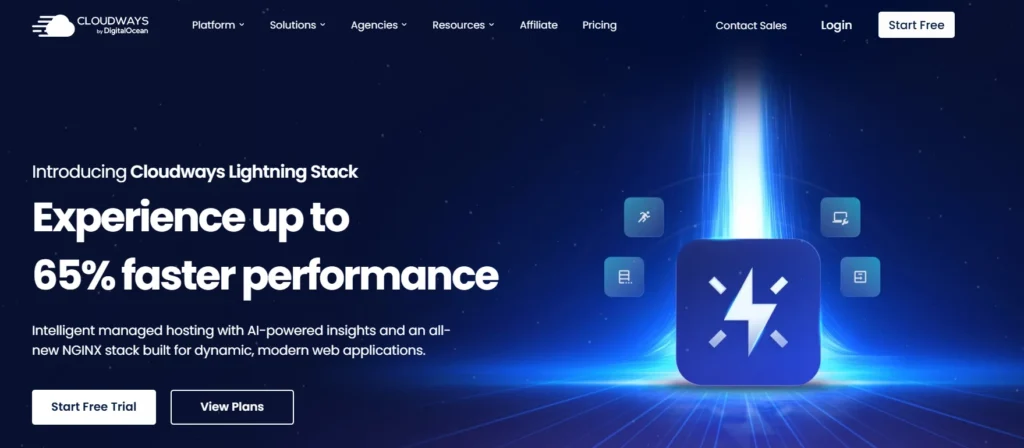
Cloudways is not a traditional VPS host. It is a managed cloud hosting platform that sits on top of cloud providers like DigitalOcean, AWS, and Google Cloud.
That means you get cloud infrastructure without needing to manage every server detail yourself.
Cloudways is popular with WordPress users because it handles many painful tasks:
- Server setup
- Security patches
- Backups
- Caching stack
- PHP settings
- Staging
- SSL
- Scaling
The big advantage is convenience.
The downside is pricing. Cloudways usually costs more than buying directly from the infrastructure provider. That extra cost pays for management, support, and an easier dashboard.
Why this made the list
Cloudways is a good choice if you want performance but do not want to become a Linux admin.
You get:
- Managed cloud servers
- Pay-as-you-go pricing
- Choice of cloud infrastructure
- Built-in caching
- Free migration options
- Staging environment
- 24/7 support
- Easy vertical scaling
Use Cloudways if your WordPress site is already earning money and you want fewer technical headaches.
Skip it if you want full low-level server control or the cheapest possible VPS.
Best for: WordPress businesses, agencies, course sites, SaaS landing pages, and WooCommerce stores that need managed cloud performance.
InMotion Hosting Gives Businesses Solid Managed VPS Value

InMotion Hosting is a strong choice for users who want managed VPS hosting with familiar tools like cPanel.
It is not the flashiest provider, but it gives practical business hosting features, NVMe storage on VPS plans, and human support.
For many small businesses, that is enough.
The nice thing about InMotion is that it does not feel like a developer-only platform. You can run WordPress, host multiple sites, use cPanel, and get support without feeling completely lost.
Why this made the list
InMotion works well for small business owners upgrading from shared hosting.
You get:
- Managed VPS options
- NVMe SSD storage
- cPanel support
- Multiple data center locations
- Human customer support
- Good upgrade path
- Unlimited website support on VPS plans
The downside is that advanced users may find some parts less modern than pure cloud platforms.
Still, for many business owners, boring and stable is better than fancy and confusing.
Best for: small businesses, agencies, service websites, and users who want a familiar cPanel-based VPS setup.
Kamatera Is Best for Custom Cloud VPS Power
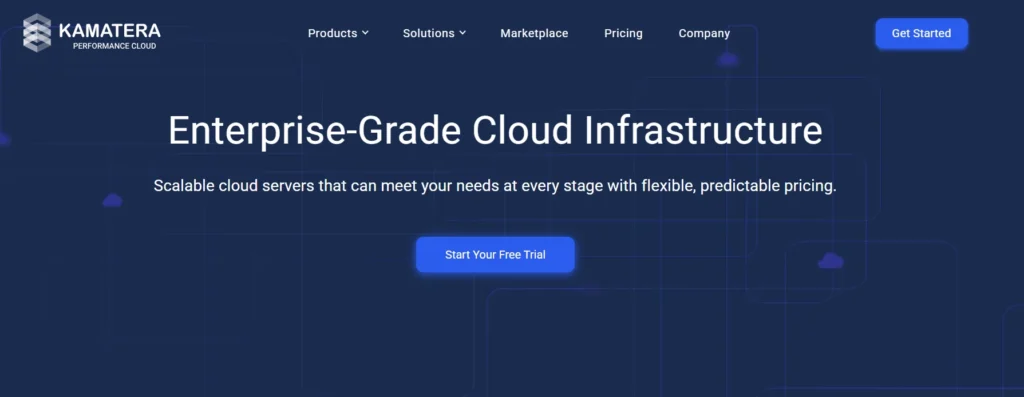
Kamatera is for users who want control.
You can choose CPU, RAM, storage, operating system, and data center location. Pricing is flexible, and the entry point is low.
This is powerful, but it is not beginner-friendly in the same way as managed WordPress hosting.
Kamatera is closer to cloud infrastructure than traditional hosting. That means you should know what you are doing, or have someone on your team who does.
Why this made the list
Kamatera gives serious flexibility.
You get:
- Custom server configurations
- Hourly and monthly pricing
- Global data center options
- Fast scaling
- Free trial availability
- Cloud firewall and add-on services
- Choice of operating systems
The downside is complexity.
If you just want to launch a WordPress blog, Kamatera may feel like too much. If you run apps, custom stacks, SaaS projects, or global workloads, it becomes much more interesting.
Best for: developers, SaaS projects, custom applications, global businesses, and teams that need flexible cloud VPS infrastructure.
Hosting.com Is Best for Users Who Want Managed or Unmanaged Choice
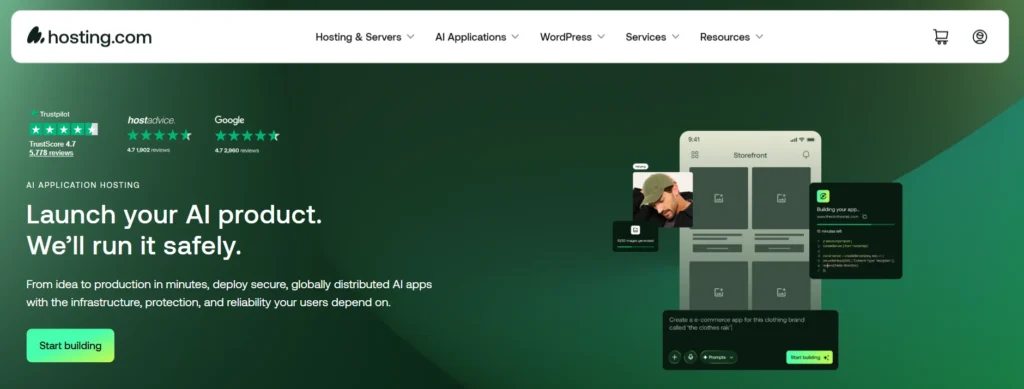
Hosting.com, previously known in the market through A2 Hosting branding, is still a strong VPS option for users who want speed-focused hosting.
Its VPS page separates managed VPS and unmanaged VPS, which is helpful. Beginners can choose managed hosting with cPanel, while technical users can choose command-line control.
The Turbo plans are the main attraction. These include performance-focused features like NVMe storage and LiteSpeed.
LiteSpeed matters because it can serve cached WordPress pages very quickly, especially when paired with the LiteSpeed Cache plugin.
Why this made the list
Hosting.com gives flexibility without forcing one setup on everyone.
You get:
- Managed and unmanaged VPS options
- cPanel on managed VPS
- CloudLinux on managed plans
- Turbo performance options
- LiteSpeed support on Turbo plans
- Free SSL
- Migration help
- 24/7 support
The downside is that pricing and plan names can feel a bit busy. Read renewal rates carefully before buying.
Best for: WordPress users, developers, agencies, and site owners who want a choice between managed ease and unmanaged control.
NVMe SSD vs Standard SSD: Which One Should You Choose?
Storage affects how fast your server reads and writes data.
A standard SSD is already much faster than an old hard drive. It has no spinning disk, so it can access files quickly.
NVMe SSD is a newer and faster storage technology. It connects through a faster interface and can handle more input/output operations.
Why does that matter?
WordPress constantly reads and writes data. Product pages, search queries, admin actions, database requests, image loads, and cache files all touch storage.
Choose NVMe VPS hosting if you run:
- WooCommerce
- Membership sites
- LMS websites
- Busy WordPress blogs
- Agency hosting
- Database-heavy websites
Do not pay extra for NVMe if your site is tiny and mostly static. You may not feel the difference.
LiteSpeed vs Nginx vs Apache: What Actually Matters?
The web server handles visitor requests.
Apache is old, flexible, and widely supported. It works with almost everything, but it can use more resources under heavy traffic.
Nginx is fast and efficient. It is great for handling many visitors at once and is often used in high-performance stacks.
LiteSpeed is popular for WordPress because it works well with LiteSpeed Cache. That can make cached pages load very fast without complicated setup.
Here is the practical answer.
For beginners using WordPress, LiteSpeed is usually the easiest speed win.
For developers, Nginx gives excellent control and performance.
For legacy apps, Apache may still be useful.
Do not buy hosting only because the provider says “LiteSpeed.” Bad server management can ruin good software.
RAM and CPU Cores: How Much Do You Really Need?
RAM is short-term memory. It helps your server handle active processes.
CPU cores handle processing tasks. More cores help when your site has many visitors or heavy dynamic activity.
For a normal WordPress site, start with:
- 2 vCPU cores
- 4 GB RAM
- NVMe storage
- Managed support if you are non-technical
For WooCommerce, LMS, or membership sites, consider:
- 4 vCPU cores
- 8 GB RAM
- Object caching
- Daily backups
- Staging environment
- Strong PHP worker capacity
Do not overspend on huge specs if your site is badly optimized. A bloated theme, 50 plugins, and poor caching can make even a strong VPS feel slow.
Data Center Locations and Latency: Why Distance Still Matters
Latency is the delay between a visitor and your server.
If your customers are in India but your server is in the United States, every request has to travel farther. That adds delay.
Choose a data center close to your main audience.
If your traffic is global, use a CDN. A CDN, or content delivery network, stores static files like images, CSS, and JavaScript closer to visitors.
But remember this. A CDN does not fix a slow origin server. It helps, but your hosting still matters.
Expert’s Checklist: What Should You Do Right Now?
Before buying VPS hosting, do this:
- Check your current traffic and CPU usage
- Decide whether you need managed or unmanaged VPS
- Choose NVMe storage if your site is dynamic
- Pick a data center near your audience
- Check renewal pricing, not just the first-month deal
- Confirm backup policy before paying
- Look for free migration if you are moving a live site
- Use LiteSpeed or strong Nginx caching for WordPress
- Start with 2 vCPU and 4 GB RAM for normal WordPress
- Upgrade to 4 vCPU and 8 GB RAM for WooCommerce or LMS
My practical recommendation: choose ScalaHosting if you want the safest all-around VPS for 2026. Choose Hostinger if you are technical and want budget power. Choose Cloudways if you want managed cloud hosting without touching server setup.
FAQs About the Best VPS Hosting Providers
1. What is the best VPS hosting provider for beginners?
For beginners, ScalaHosting and Cloudways are safer choices because they reduce server management work. Hostinger is cheaper, but it is better for users who can handle technical setup.
2. Is VPS hosting better than shared hosting?
Yes, VPS hosting is better when your site needs more power, stability, and control. Shared hosting is cheaper, but VPS gives dedicated resources and better isolation.
3. How much RAM do I need for VPS hosting?
Most WordPress sites can start with 4 GB RAM. WooCommerce, LMS, and membership websites should consider 8 GB RAM or more, especially if traffic is growing.
4. Is managed VPS worth it?
Managed VPS is worth it for non-technical users and business websites. It costs more, but it can save money by reducing downtime, security problems, and developer support bills.
5. Which VPS hosting is best for WordPress?
ScalaHosting, Cloudways, Liquid Web, InMotion Hosting, and Hosting.com are strong WordPress VPS choices. The right pick depends on your budget, traffic, and technical skill.
6. Is NVMe VPS hosting worth it?
Yes, NVMe VPS hosting is worth it for dynamic websites, WooCommerce stores, and database-heavy WordPress sites. It improves storage speed, which can help pages and admin tasks feel faster.
7. Can VPS hosting handle high traffic?
Yes, VPS hosting can handle high traffic if the CPU, RAM, caching, database, and web server are configured properly. Bad optimization can still slow down a powerful VPS.
8. What is the cheapest good VPS hosting?
Hostinger is one of the best low-cost VPS options for users who want strong specs. But cheap VPS hosting is not always best for beginners because unmanaged servers require technical work.