
Your store can have great products, clean photos, and decent ads, but one slow checkout page can quietly kill sales.
That is the ugly part of ecommerce hosting. You notice bad hosting when people add products to cart, coupons run, and checkout takes six seconds to load.
I’ve seen many people make this mistake. They buy the cheapest shared plan, install WooCommerce, add 35 plugins, then blame the theme when orders stop coming in.
The best hosting for eCommerce websites is not always the most expensive option. It is the host that gives your store speed, security, backups, and real server resources without forcing you to become a system administrator.
For 2026, my top pick for most growing ecommerce stores is ScalaHosting Managed Cloud VPS. It gives better resource isolation than normal shared hosting, strong performance, managed support, and room to scale. A discount link or coupon is available on our site if you want to check the latest offer.
Why does ecommerce hosting matter more than normal website hosting?
A blog mostly serves pages. An ecommerce store does more work.
Every product filter, cart update, coupon code, account login, stock check, and checkout step hits the server harder than a basic article page. That means a store needs better CPU, more RAM, faster storage, smarter caching, and stronger security.
Here is a secret most hosting companies won’t tell you. “Unlimited websites” does not mean unlimited performance. It usually means you can create many sites until your CPU, memory, PHP workers, or inode limits start choking.
Bad ecommerce hosting costs money through cart abandonment, failed checkouts, slow admin pages, emergency migrations, developer hours, and wasted ad spend.
Choosing the right host can save hundreds of dollars in the long run because you avoid rebuilds, crashes, and panic upgrades.
What should you look for before buying ecommerce hosting?
Do not buy based on storage alone. A store with 10 GB of product images can still run badly if the server has weak CPU power.
Look for these features first:
- Isolated resources: Your store should not be slowed by another website.
- Daily backups: Ecommerce data changes every day, so weekly backups are risky.
- Free SSL: This encrypts customer data and is required for secure checkout.
- Staging site: This lets you test plugin updates before touching the live store.
- Server-level caching: This reduces repeated server work.
- Malware protection: Stores are bigger targets because they handle payments and accounts.
- Easy scaling: Traffic spikes should not force a full migration.
To be honest, most beginners don’t need a dedicated server. They need a good managed cloud, managed VPS, or optimized WooCommerce plan.
Which hosting type is best for ecommerce websites?
Shared hosting is fine for testing an idea. It is not ideal for a serious store.
On shared hosting, many websites use the same pool of resources. If one site gets hammered, everyone can feel it. Good providers limit the damage, but the basic model is still shared.
Managed WordPress hosting is better for WooCommerce users because updates, caching, backups, and security are handled for you. The trade-off is price and sometimes plugin restrictions.
Managed cloud VPS hosting is often the sweet spot. You get dedicated CPU/RAM allocations, better control, and managed help without renting an entire machine.
Which providers offer the best hosting for eCommerce websites in 2026?
1. ScalaHosting: Best overall for growing ecommerce stores
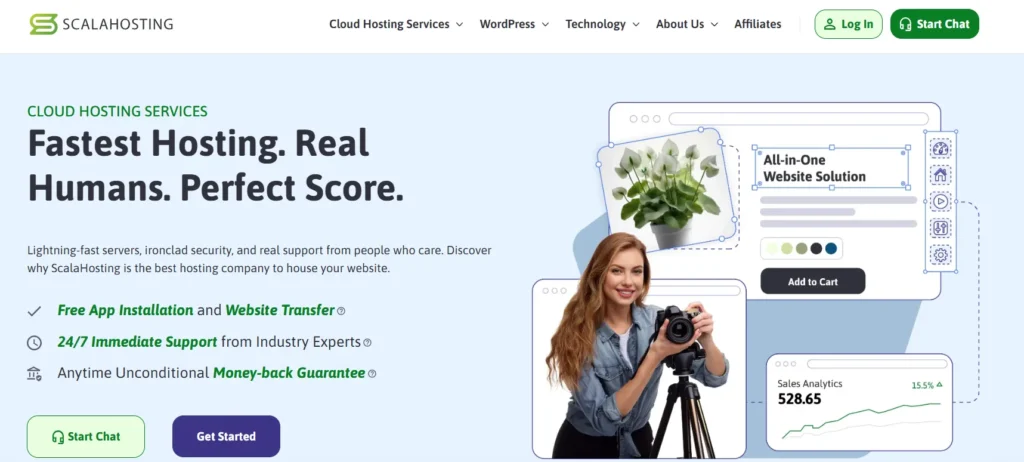
ScalaHosting is my top pick for 2026 because it gives ecommerce stores the thing they usually need most: room to grow without jumping straight into expensive enterprise hosting.
Its managed cloud VPS plans are better suited for stores than basic shared hosting because resources are more isolated. Your store is not fighting hundreds of random websites for the same CPU pool.
Why this made the list
ScalaHosting is a strong fit for WooCommerce, Magento-style projects, and growing stores that need better stability.
Key strengths:
- Managed VPS environment
- NVMe SSD storage on cloud VPS
- Automatic backups
- Free SSL certificates
- CDN integration
- Malware protection
- Optional root access
- SPanel control panel
The honest downside is that it is not the cheapest path for a tiny hobby store. If your store is already making money, better hosting starts to pay for itself.
2. Hostinger: Best budget ecommerce hosting for beginners
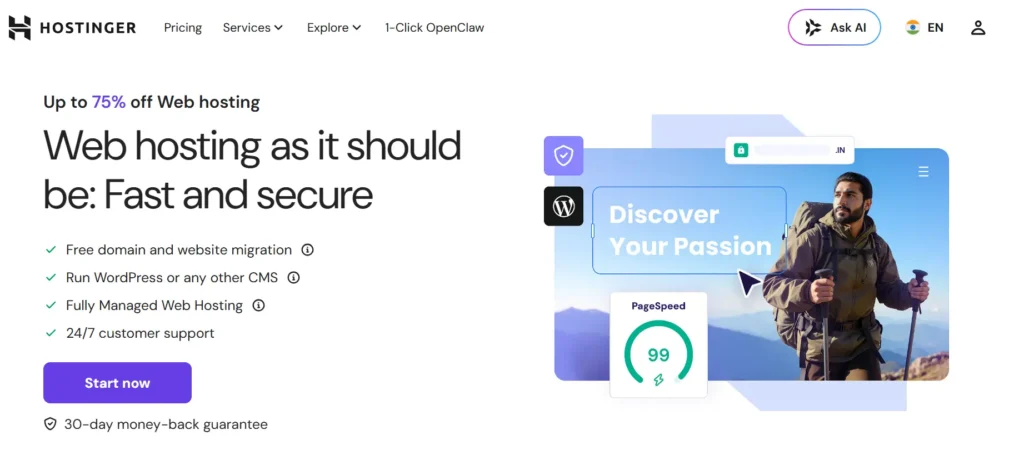
Hostinger is a good starting point for small WooCommerce stores that need low pricing and a beginner-friendly dashboard.
Its managed WooCommerce plans include useful basics like NVMe storage, free SSL, CDN, backups, and one-click WooCommerce setup.
Why this made the list
Hostinger makes sense when price is the biggest concern. It gives you enough tools to launch a small store without hiring a developer.
Key strengths:
- Low entry pricing
- NVMe storage on WooCommerce plans
- Free CDN
- Daily and on-demand backups on selected plans
- One-click WooCommerce setup
- Simple hPanel dashboard
- Staging tools
Here is the catch. Cheap plans are cheap for a reason. They can work for small stores, but not serious traffic spikes or large catalogs.
3. SiteGround: Best easy WooCommerce host for small businesses
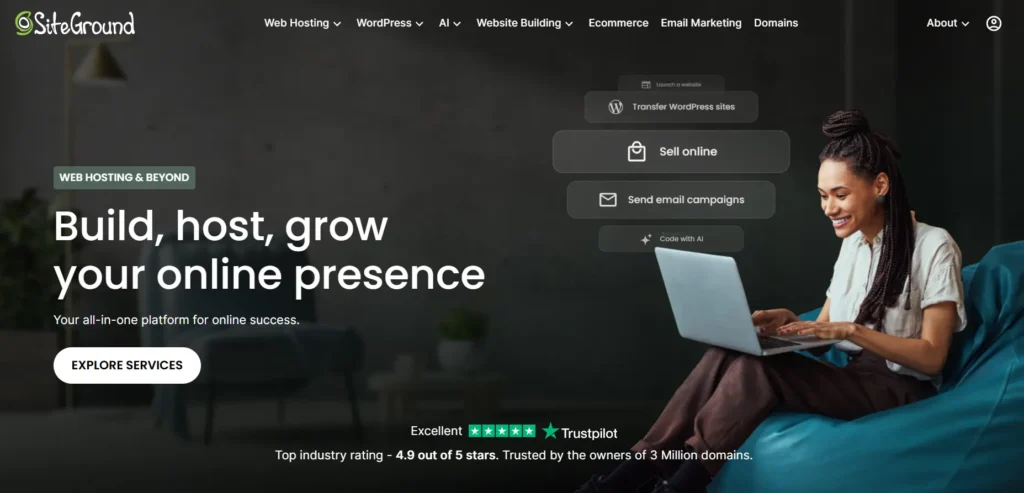
SiteGround is a solid choice for small business owners who want strong support, easy tools, and WooCommerce-focused hosting without managing a VPS.
It is beginner-friendly but still more serious than bargain shared hosting.
Why this made the list
SiteGround works well for business owners who want fewer technical headaches. You get daily backups, SSL, caching tools, and ecommerce-ready features in one place.
Key strengths:
- WooCommerce hosting plans
- Free SSL
- Daily backups
- Built-in caching
- CDN options
- Staging on higher plans
- 24/7 support
The downside is renewal pricing. Many people love the first invoice and dislike the second one.
4. Cloudways: Best flexible cloud hosting for performance-focused stores
Cloudways is not a normal host. It is a managed layer on top of cloud providers.
That means you can run your ecommerce site on cloud infrastructure without managing everything manually. You get more flexibility than typical shared hosting, but it is still easier than setting up a server from scratch.
Why this made the list
Cloudways is great for store owners, agencies, and developers who want scalable cloud hosting without dealing with command-line server work every day.
Key strengths:
- Choice of cloud infrastructure
- Managed server dashboard
- Vertical scaling
- Built-in caching stack
- Staging environments
- Free migration options
- Good for multiple apps
The honest warning is this: Cloudways may feel more technical than Hostinger or SiteGround.
5. WP Engine: Best premium
WP Engine is built for serious WordPress and WooCommerce users who want managed hosting, strong support, and performance-focused features.
It is not the cheapest provider on this list, and that is the point. WP Engine is for stores where uptime, support, workflow tools, and managed updates matter.
Why this made the list
WP Engine’s ecommerce tools are aimed at WooCommerce stores that need better checkout performance and smoother operations.
Key strengths:
- Managed WordPress hosting
- WooCommerce performance tools
- Staging and development environments
- Backups
- Security monitoring
- CDN options
- Developer-friendly workflows
The downside is cost. Also, some plugins may be restricted for performance or security reasons.
6. Kinsta: Best premium hosting for high-value WooCommerce stores

Kinsta is another premium managed WordPress host. It is clean, fast, and strong for businesses that want a polished hosting experience.
Why this made the list
Kinsta removes a lot of server management work. You get managed backups, staging, security features, and a clean dashboard.
Key strengths:
- Premium managed WordPress hosting
- Free migrations
- Daily backups
- Staging environments
- Global data center options
- Strong dashboard experience
- 24/7 expert support
The downside is simple. Kinsta can be expensive for small stores, once traffic grows.
How do NVMe SSDs, LiteSpeed, RAM, CPU, and data centers affect ecommerce speed?
NVMe SSD vs standard SSD
An SSD is storage with no spinning disk.
NVMe SSD is a faster type of SSD that connects through a more efficient path inside the server. For ecommerce, this matters because stores constantly read product data, sessions, orders, carts, and database records.
NVMe will not fix bad plugins, but it gives your store a faster floor.
LiteSpeed vs Nginx vs Apache
Apache is older, flexible, and widely supported. It works, but it can use more resources under heavy traffic.
Nginx is fast and efficient, especially for static files and many connections. Many premium hosts use Nginx or Nginx-based stacks.
LiteSpeed is popular for WordPress and WooCommerce because it works well with LiteSpeed Cache. That cache can reduce server load when configured properly.
Do not buy hosting only because it says LiteSpeed. Buy it because the full stack is good: server resources, caching, database tuning, CDN, backups, and support.
RAM and CPU cores
RAM is short-term working memory. Your store uses RAM when PHP, MySQL, plugins, and checkout are running.
CPU cores handle processing work. More CPU helps when many visitors are browsing, filtering products, adding items to cart, or checking out at the same time.
For a small WooCommerce store, 2 CPU cores and 2 GB to 4 GB RAM can be enough if the site is optimized. For growing stores, 4 cores and 4 GB to 8 GB RAM is safer.
Data center locations and latency
A data center is where your website server physically lives.
Latency is the delay between a visitor’s browser and your server. If your customers are in India and your server is in the US, the request travels farther and adds delay.
Choose a host with a data center close to your main buyers, or use a good CDN. A CDN stores static files like images, CSS, and JavaScript closer to visitors.
Which host should you choose based on your store size?
Use this simple guide.
| Store type | Best fit |
|---|---|
| Testing a small store | Hostinger |
| Local small business | SiteGround |
| Growing WooCommerce store | ScalaHosting |
| Performance-focused store | Cloudways |
| Premium WooCommerce brand | WP Engine |
| High-value WordPress store | Kinsta |
| Complex WooCommerce or Magento | Nexcess / Liquid Web |
Do not overbuy. A new store does not need enterprise hosting.
Do not underbuy either. A store spending money on ads should not run on weak shared hosting.
Expert’s checklist: what should you do right now?
Before you buy, check these points:
- Pick a host with daily backups, not weekly backups.
- Choose NVMe SSD if the price difference is reasonable.
- Avoid “unlimited” plans unless resource limits are clear.
- Match the data center to your main customer location.
- Check renewal pricing before you pay.
- Start with managed hosting if you are not technical.
- Upgrade before big sales, not during the crash.
Here is my practical answer. If you want the best balance of performance, support, and long-term value, start with ScalaHosting Managed Cloud VPS. If your budget is tight, start with Hostinger. For easy WooCommerce support, choose SiteGround.
FAQs about the best hosting for eCommerce websites
What is the best hosting for eCommerce websites in 2026?
For most growing stores, ScalaHosting Managed Cloud VPS is the strongest overall pick because it offers better resource isolation and scaling than basic shared hosting. Hostinger is better for tight budgets, while WP Engine and Kinsta are better for premium WooCommerce stores.
Is shared hosting good for an ecommerce website?
Shared hosting is acceptable for testing, but I would not use it for a serious store. Ecommerce needs stable CPU, RAM, backups, SSL, and security. Shared plans often become slow when traffic or plugin load increases.
How much RAM does an ecommerce website need?
A small WooCommerce store can run on 2 GB to 4 GB RAM if optimized. A growing store should look at 4 GB to 8 GB RAM. More products, plugins, traffic, and logged-in users increase memory needs.
Is LiteSpeed better than Nginx for WooCommerce?
LiteSpeed can be excellent for WooCommerce when paired with LiteSpeed Cache. Nginx is also very fast when configured well. The server stack matters, but support, resources, caching, and database performance matter just as much.
Do I need VPS hosting for my online store?
You do not need VPS hosting for a brand-new store with low traffic. You should consider managed VPS or cloud hosting once your store gets regular orders, paid traffic, large product filters, or seasonal traffic spikes.
Which is better for ecommerce, WooCommerce hosting or Shopify?
WooCommerce hosting gives you more control and ownership, but you must manage hosting quality. Shopify is simpler because hosting is included, but monthly app costs and platform limits can add up. Choose WooCommerce for control and Shopify for simplicity.
Can better hosting increase ecommerce sales?
Yes, indirectly. Faster loading, fewer checkout errors, and better uptime can improve the buying experience. Hosting will not fix bad products or weak offers, but it can stop technical problems from killing sales.