

A slow blog does not just annoy readers. It quietly kills your traffic, lowers your Google rankings, and makes people leave before they even read your headline.
I’ve seen many people make this mistake: they buy the cheapest hosting plan, install WordPress, publish 30 articles, then wonder why the site feels heavy once traffic starts coming in.
The truth is simple. The best hosting for bloggers is not always the most expensive plan. It is the host that gives you enough speed, stability, backups, support, and room to grow without forcing you to pay for features you do not need yet.
Choosing the right host can also save hundreds of dollars in the long run. A bad host may look cheap today, but slow support, paid migrations, weak backups, and early upgrades can cost more than a better plan from day one.
For 2026, my top pick for most bloggers is Hostinger, especially for new and mid-size WordPress blogs. It offers a strong mix of speed, beginner-friendly tools, modern server technology, and fair pricing. A discount link or coupon is available on our site, so check that before paying full price.
Now let’s break down what actually matters.
Why Do Bloggers Need Better Hosting Than Cheap Shared Plans?
Blogging looks simple from the outside. You write posts, upload images, add a few plugins, and publish.
But behind the scenes, WordPress is constantly working. Every visitor triggers database queries, PHP processing, theme files, plugin scripts, image loading, and caching rules.
When your hosting is weak, your blog becomes slow even if your content is good.
Here is what bad hosting usually causes:
- Slow page loading
- Random downtime
- WordPress dashboard lag
- Failed plugin updates
- Poor Core Web Vitals
- Weak support during urgent issues
- Traffic limits hidden inside “unlimited” plans
Here is a secret most hosting companies won’t tell you: unlimited hosting is never truly unlimited. It usually means they do not measure bandwidth strictly, but they still limit CPU, RAM, entry processes, database usage, or inode count.
For a beginner blog, this may not matter. For a blog getting real traffic from Google, Pinterest, email, or ads, it matters a lot.
How Should You Choose the Best Hosting for Bloggers?
Pick hosting based on your stage, not based on flashy homepage claims.
A new personal blog does not need an expensive managed WordPress plan. A blog earning money from affiliate marketing, display ads, leads, or digital products needs stronger hosting because downtime means lost revenue.
Use this simple rule:
- New blog: affordable WordPress hosting is fine
- Growing blog: choose better caching, backups, and more resources
- High-traffic blog: use managed WordPress or cloud hosting
- Business blog: prioritize support, uptime, security, and staging
To be honest, most beginners don’t need dedicated servers, Kubernetes, root access, or custom DevOps setups. They need a host that makes WordPress fast without making them learn server management.
The most important buying factors are:
- Fast storage
- Good server software
- Enough CPU and RAM
- Reliable backups
- Free SSL
- Simple control panel
- Responsive support
- Nearby data center
- Easy upgrade path
Do not buy hosting only because it says “AI builder” or “unlimited websites.” Those are nice extras, not the core reason your blog will load fast.
Best Hosting for Bloggers: My Top Picks for 2026
1. Hostinger: Best Overall Hosting for Bloggers in 2026
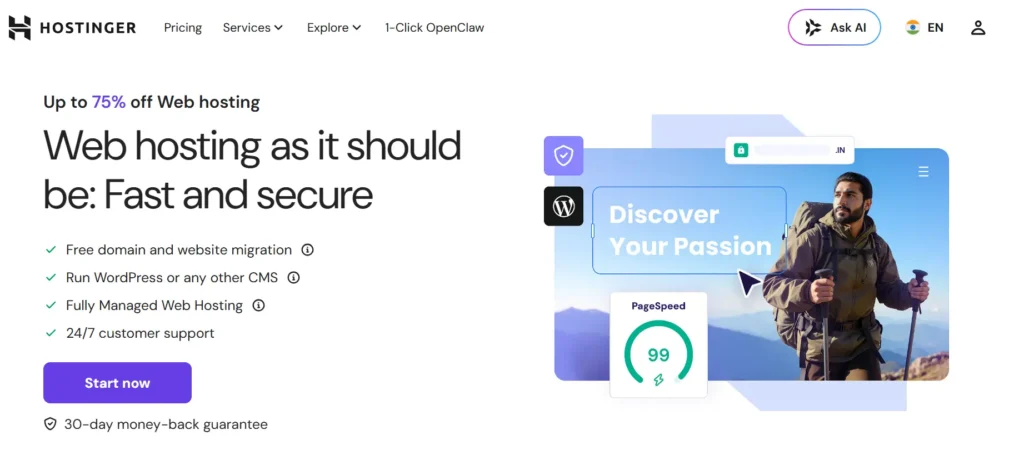
Hostinger is my top pick for most bloggers because it hits the right balance between price, speed, and simplicity.
It is not enterprise hosting. It is not meant for massive media sites with millions of visits. But for a new blog, affiliate site, niche website, personal brand, or small business blog, it gives you more than enough to start properly.
Why this made the list
Hostinger uses modern performance features like LiteSpeed-based hosting on many plans, caching tools, SSL, easy WordPress setup, and beginner-friendly management. The dashboard is much less scary than traditional cPanel for many first-time users.
That matters because beginners do not want to spend three days learning hosting terms. They want to publish.
Best for:
- New bloggers
- Affiliate blogs
- Small business blogs
- Niche websites
- Beginners who want low cost and decent speed
Key features:
- Easy WordPress installation
- Free SSL
- Managed WordPress tools
- Caching support
- Free migration on many plans
- Good upgrade path from shared to cloud hosting
What I like
Hostinger gives beginners a clean path. Start small, then upgrade when traffic grows. You are not forced into expensive hosting before your blog earns anything.
What to watch
Renewal prices can be higher than promo prices. Also, the cheapest plan may feel limited once you add more plugins, large images, and steady traffic.
My recommendation
Start with the Business WordPress-style plan instead of the absolute cheapest plan if your blog is serious. The small extra cost is usually worth it.
2. SiteGround: Best for Bloggers Who Want Strong Support
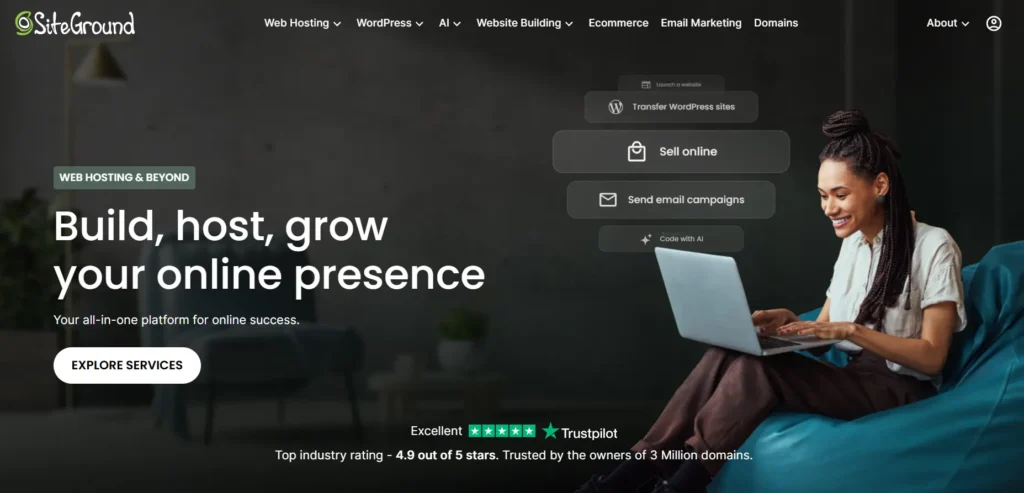
SiteGround is a good option for bloggers who want managed WordPress features, strong support, and a more polished hosting experience.
It is usually more expensive than budget hosts, especially after renewal. But the platform is stable, beginner-friendly, and well-suited for business blogs that cannot afford messy downtime.
Why this made the list
SiteGround focuses heavily on caching, security, updates, and support. For bloggers who do not want to touch technical settings, that is valuable.
Best for:
- Business bloggers
- Coaches and consultants
- Content websites with lead forms
- Bloggers who care more about support than the lowest price
Key features:
- Managed WordPress updates
- Free SSL
- Daily backups
- Built-in caching
- CDN features
- Staging on higher plans
- Helpful support team
What I like
SiteGround is beginner-friendly without feeling cheap. Their tools are clean, and the support experience is usually better than many low-cost shared hosts.
What to watch
The renewal pricing can surprise people. I’ve seen many people make this mistake: they sign up for the low first-term price, then get shocked when the bill renews.
My recommendation
Use SiteGround if support and simplicity matter more than getting the lowest monthly cost.
3. DreamHost: Best Simple Hosting for Long-Term Bloggers
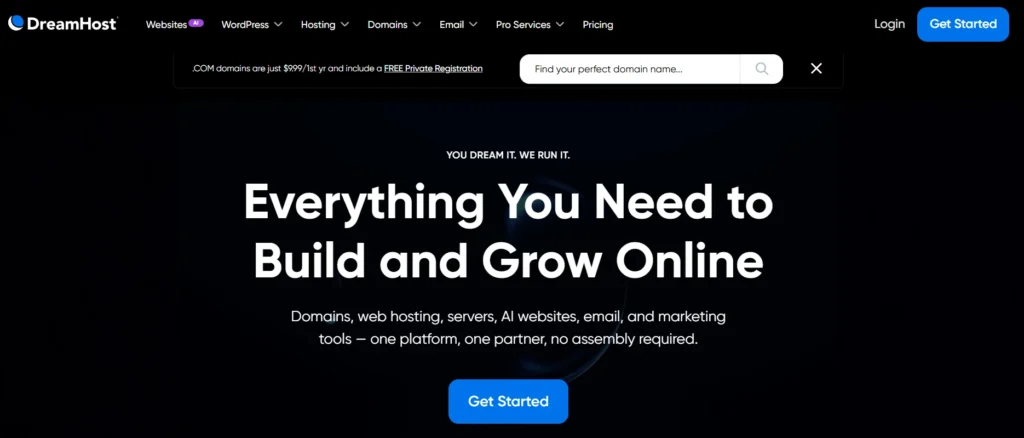
DreamHost is a solid choice for bloggers who want straightforward WordPress hosting without too much noise.
It is not the flashiest host. That is actually part of the appeal. DreamHost works well for writers, personal brands, and small publishers who want a stable platform without too many upsells.
Why this made the list
DreamHost has been around for a long time and offers beginner-friendly WordPress hosting with useful basics like SSL, backups on many plans, and simple management.
Best for:
- Personal bloggers
- Writers
- Portfolio blogs
- Small content sites
- Beginners who want a simple setup
Key features:
- WordPress-friendly hosting
- Free SSL
- Domain options
- Automated backups on selected plans
- Managed WordPress option through DreamPress
- Simple custom dashboard
What I like
DreamHost is easy to understand. Many bloggers do not need a complicated server dashboard, and DreamHost keeps things fairly direct.
What to watch
If your audience is mostly outside the United States, check data center and speed needs carefully. Also, some advanced performance options may not be as flexible as cloud-based hosts.
My recommendation
Choose DreamHost if you want stable, simple hosting for a content-focused blog and do not need advanced developer tools.
4. Bluehost: Best for Absolute Beginners Starting a WordPress Blog
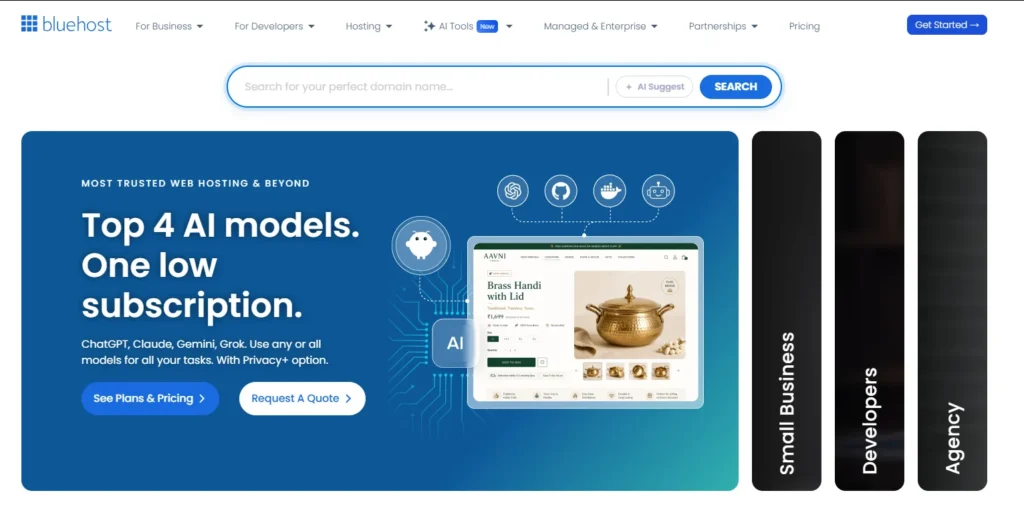
Bluehost is popular with beginners because it makes WordPress setup easy. If this is your first blog and you are nervous about domains, SSL, WordPress installation, and basic design, Bluehost can make the process less stressful.
Is it the fastest host on this list? No.
Is it simple for beginners? Yes.
Why this made the list
Many beginners need hand-holding more than raw server power. Bluehost gives you a guided experience, WordPress tools, SSL, security features, and a familiar setup flow.
Best for:
- First-time bloggers
- Hobby blogs
- Basic WordPress websites
- Users who want a guided setup
Key features:
- Easy WordPress setup
- Free SSL
- Beginner-friendly dashboard
- Security tools
- Domain and email options
- WordPress-focused plans
What I like
Bluehost reduces the fear factor. For someone launching their first blog, that matters.
What to watch
As your blog grows, you may want stronger caching, better resource limits, or a more performance-focused host. Do not stay on a beginner plan forever if your traffic becomes serious.
My recommendation
Use Bluehost if your main goal is to get started without technical stress. Move to a stronger plan or host when traffic and income justify it.
5. Cloudways: Best for Growing Blogs That Need More Power
Cloudways is not traditional shared hosting. It is managed cloud hosting, which means your site runs on cloud infrastructure while Cloudways handles the control panel, server setup, caching stack, backups, and support layer.
This is a strong option when your blog starts getting serious traffic.
Why this made the list
Cloudways gives you more control and better scalability than basic shared hosting, without forcing you to manage a raw cloud server yourself.
Best for:
- Growing affiliate blogs
- Ad-monetized content sites
- Blogs with traffic spikes
- Users who want cloud power without server headaches
Key features:
- Managed cloud servers
- Choice of cloud providers
- Server-level caching
- Vertical scaling
- Staging
- Backups
- Team access
What I like
Cloudways is a smart middle ground. You get more power than shared hosting, but you do not need to become a system administrator.
What to watch
It is slightly more technical than Hostinger or Bluehost. Beginners may need time to understand servers, applications, scaling, and caching.
My recommendation
Move to Cloudways when your blog is making money and speed matters more than saving the last few dollars.
6. WP Engine: Best Premium Managed WordPress Hosting for Serious Blogs
WP Engine is for bloggers and businesses that treat their site as a real asset.
If your blog drives leads, sales, affiliate revenue, course sales, or brand authority, managed WordPress hosting can be worth the higher price.
Why this made the list
WP Engine handles many technical tasks for you: caching, backups, staging, security checks, updates, and performance tools. You pay more, but you also reduce the risk of expensive problems.
Best for:
- High-income blogs
- Business blogs
- Agencies
- WooCommerce content sites
- Publishers who want premium support
Key features:
- Managed WordPress platform
- Server-level caching
- Daily backups
- Staging environments
- Security tools
- Developer features
- Strong support
What I like
WP Engine is built for people who want fewer surprises. Staging alone can save you from breaking your live blog during updates.
What to watch
It is not cheap. Also, managed WordPress hosts may restrict some plugins for performance or security reasons.
My recommendation
Use WP Engine when your blog already earns enough that downtime, slow speed, or broken updates cost you real money.
What Technical Specs Actually Matter for Blog Hosting?
NVMe SSD vs Standard SSD
Storage affects how quickly your server can read and write files.
A standard SSD is already much faster than an old hard drive. But NVMe SSD is faster than regular SSD storage because it communicates with the server more efficiently.
For bloggers, this matters when WordPress loads theme files, plugin files, images, and database-heavy pages.
Does every tiny blog need NVMe? No.
But if the price difference is small, choose NVMe. It gives your site a better foundation.
LiteSpeed vs Nginx vs Apache
These are web servers. Think of them as the software that receives visitor requests and sends your website pages back to the browser.
Apache is older and widely used. It is flexible, but it can be slower under load if not tuned properly.
Nginx is fast and efficient. Many managed hosts use it for better performance and caching.
LiteSpeed is popular for WordPress because it works well with LiteSpeed Cache, which can make WordPress sites faster without complicated setup.
For beginners, LiteSpeed hosting is often easier because the caching plugin and server are designed to work together.
RAM and CPU Cores
CPU is the processing power. RAM is short-term memory.
When someone visits your blog, WordPress uses CPU to process PHP and database requests. RAM helps the server handle active processes without choking.
More CPU and RAM matter when:
- You get traffic spikes
- You use heavy plugins
- You run WooCommerce
- You have many logged-in users
- Your site has lots of dynamic pages
For a basic blog, shared resources are fine. For a money-making blog, dedicated or cloud resources become more important.
Data Center Locations and Latency
Latency is the delay between your visitor and your server.
If your readers are in India and your server is in the United States, the data travels farther. That can make your site feel slower.
Choose a data center close to your main audience. Also use a CDN, which stores copies of your static files like images, CSS, and JavaScript in multiple locations.
For bloggers, this helps readers load pages faster even if they are far from the main server.
The Expert’s Checklist: What Should You Do Right Now?
Use this checklist before buying hosting:
- Choose Hostinger if you want the best balance for most bloggers in 2026.
- Choose SiteGround if you want stronger support and managed features.
- Choose DreamHost if you want simple, stable hosting for writing-focused blogs.
- Choose Bluehost if you are a total beginner and want easy setup.
- Choose Cloudways if your blog is growing and needs more power.
- Choose WP Engine if your blog earns money and downtime is expensive.
Before checkout, check these:
- Does the plan include free SSL?
- Are backups daily or weekly?
- Is the storage SSD or NVMe?
- Is the renewal price acceptable?
- Is support available 24/7?
- Can you upgrade easily?
- Is the data center close to your readers?
- Does the host offer staging?
Do not overbuy. Start with the right level, then upgrade when traffic proves you need it.
FAQs About the Best Hosting for Bloggers
What is the best hosting for bloggers in 2026?
For most bloggers, Hostinger is the best overall choice in 2026 because it offers strong speed, easy WordPress setup, beginner-friendly tools, and affordable pricing. It is a good starting point for new blogs, affiliate blogs, and small business blogs.
Is shared hosting good enough for a blog?
Yes, shared hosting is good enough for a new blog. But once your traffic grows, shared hosting can become slow because multiple websites use the same server resources. Upgrade when your blog starts earning money or getting regular traffic.
How much RAM does a blog need?
A small WordPress blog can run on shared hosting without dedicated RAM. A growing blog should look for plans with clearer CPU and RAM resources. For cloud hosting, 1 GB to 2 GB RAM can be enough for many small blogs, while busy blogs may need more.
Does hosting affect SEO for bloggers?
Yes. Hosting affects loading speed, uptime, Core Web Vitals, and user experience. Google does not rank you only because you use a certain host, but slow and unstable hosting can hurt performance signals.
Should bloggers choose managed WordPress hosting?
Managed WordPress hosting is worth it if your blog earns money, gets steady traffic, or you do not want to handle technical maintenance. Beginners can start with normal WordPress hosting and upgrade later.
Is NVMe hosting better for WordPress blogs?
Yes, NVMe hosting is generally better than standard SSD hosting because it can read and write data faster. This helps WordPress load files and database content more efficiently, especially on busier sites.
When should I upgrade my blog hosting?
Upgrade when your site becomes slow, your dashboard lags, traffic spikes crash pages, support tells you that you are hitting limits, or your blog starts earning enough money that downtime costs you revenue.
Which hosting should I avoid as a blogger?
Avoid hosts that hide renewal prices, charge extra for basic SSL, offer weak backups, have poor support reviews, or promise “unlimited everything” without explaining CPU, RAM, inode, and traffic limits.