
A slow website does not just annoy visitors. It quietly kills sales, leads, rankings, and trust.
I’ve seen many people make this mistake. They pick the cheapest web hosting plan they can find, launch a website, and then wonder why WordPress feels slow after installing a theme, Elementor, WooCommerce, or a few plugins.
Cheap hosting is not bad by default.
Bad cheap hosting is the problem.
The best cheap web hosting gives you enough speed, storage, security, support, and upgrade room without forcing you into a $30 or $50 per month plan too early. Choosing the right host can save hundreds of dollars in the long run because you avoid expensive migrations, emergency upgrades, downtime, and paid cleanup services.
For 2026, my top pick is Hostinger for most beginners and small business websites. It gives strong value, beginner-friendly tools, LiteSpeed technology, decent storage, free SSL, and affordable long-term plans. A discount link or coupon is available on our site, so check that before paying full price.
What Is the Best Cheap Web Hosting in 2026?
The best cheap web hosting for most people is Hostinger, mainly because it balances price, speed, and ease of use better than most low-cost hosts.
But not everyone needs the same host.
Here is the quick breakdown:
| Hosting Provider | Best For | Starting Price Style | Main Strength |
|---|---|---|---|
| Hostinger | Best overall cheap host | Very low intro pricing | Speed and ease of use |
| DreamHost | Bloggers and simple sites | Low first-year pricing | Good storage and simple plans |
| Bluehost | Beginners who want WordPress help | Cheap starter plans | Easy setup and phone support |
| Namecheap | Lowest budget projects | Very cheap shared hosting | Low cost and cPanel |
| Hosting.com | Speed-focused shared hosting | Affordable intro pricing | LiteSpeed, NVMe, AMD EPYC |
| IONOS | Small business value | Aggressive promo pricing | Included domain, SSL, email |
| GreenGeeks | Eco-friendly hosting | Budget shared hosting | LiteSpeed and green hosting angle |
Here is a secret most hosting companies won’t tell you: the cheapest plan is often not the best deal.
A $1 or $2 plan can look amazing until you see the renewal price, storage limits, email limits, backup restrictions, or slow support. The real question is not “Which host is cheapest today?” It is “Which host stays affordable after one year and does not slow down my website?”
How Should You Judge Cheap Web Hosting Before You Buy?
Do not judge hosting only by the advertised monthly price.
Most cheap hosting offers use long-term billing. That means you may need to pay for 12, 24, 36, or 48 months upfront to get the lowest monthly rate.
Check these things before buying:
- Renewal price: What will you pay after the first term?
- Storage type: Is it SSD or NVMe SSD?
- Web server: LiteSpeed, Nginx, or Apache?
- Backups: Weekly or daily?
- Free SSL: Included or paid?
- Email: Included or extra?
- Support: Chat only, tickets, or phone too?
- Data centers: Is there a server near your audience?
- Upgrade path: Can you move to cloud, VPS, or higher shared plans later?
To be honest, most beginners don’t need a VPS, dedicated server, or expensive managed WordPress hosting. A good shared hosting plan is enough for blogs, business websites, affiliate sites, service pages, portfolios, and basic WooCommerce stores.
But you do need a plan that is not overloaded.
Cheap hosting becomes painful when too many websites sit on the same server and fight for the same CPU, RAM, and disk speed.
Why Do NVMe SSD, LiteSpeed, RAM, CPU, and Data Centers Matter?
Hosting companies love throwing technical words at beginners. Let’s make them simple.
NVMe SSD vs Standard SSD
SSD storage is much faster than old hard drives.
NVMe SSD is faster than regular SSD because it connects in a more direct and efficient way to the server. Think of it like a wider road between your website files and the server processor.
Why it matters:
- Faster file access
- Faster database reads
- Better WordPress admin speed
- Better performance under traffic spikes
For a small static website, standard SSD is fine. For WordPress, WooCommerce, or affiliate sites with lots of images and plugins, NVMe is better.
LiteSpeed vs Nginx vs Apache
Your web server software handles visitor requests.
Apache is older and widely used. It works, but it can feel heavier under load.
Nginx is fast and efficient, especially for static files and high traffic.
LiteSpeed is popular in cheap WordPress hosting because it works well with LiteSpeed Cache, a powerful WordPress caching plugin.
Caching means the server stores ready-made versions of your pages instead of rebuilding them every time someone visits. That reduces server work and improves loading speed.
For beginners, LiteSpeed hosting is usually easier to optimize because the cache plugin does a lot of the heavy lifting.
RAM and CPU Cores
RAM is short-term memory. More RAM helps the server handle more active tasks at once.
CPU cores process requests. More CPU power helps when visitors load pages, submit forms, use filters, add products to cart, or search your site.
A simple blog does not need huge resources.
A WooCommerce store does.
If your site gets traffic spikes, uses page builders, or has many plugins, weak CPU and low RAM will show up as slow loading, 503 errors, or a sluggish WordPress dashboard.
Data Centers and Latency
A data center is where your website physically lives.
Latency is the delay between your visitor and your server. If your audience is in India and your server is in the United States, data travels farther. That can make the site feel slower.
Use a host with data centers near your audience or use a CDN.
A CDN, or Content Delivery Network, stores copies of your site files in multiple global locations. This helps visitors load images, CSS, and scripts from a nearby location.
The 7 Best Cheap Web Hosting Providers for 2026
1. Hostinger: Best Cheap Web Hosting Overall
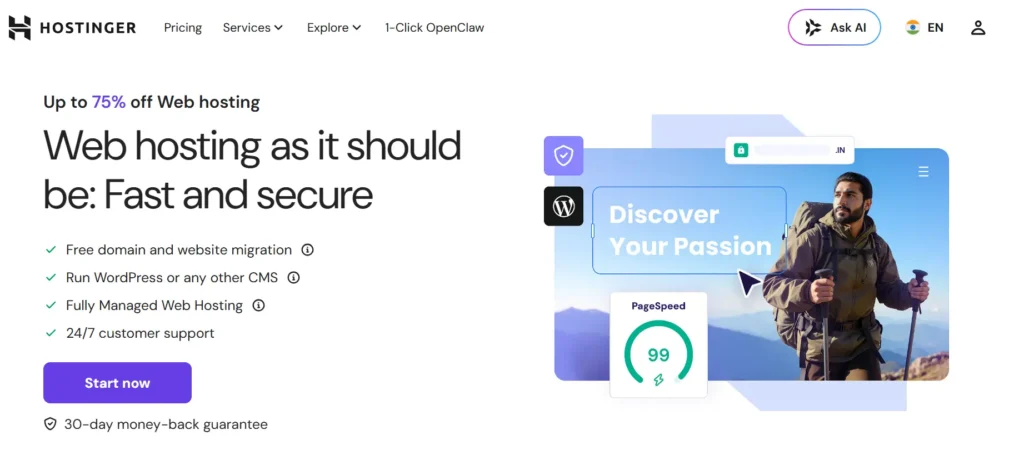
Hostinger is my top pick for 2026 because it gives beginners a strong mix of price, speed, and usability.
The dashboard is clean. WordPress setup is simple. LiteSpeed support helps performance. Some plans include NVMe storage, CDN, free SSL, free migration, backups, and email features.
Why this made the list
Hostinger is not perfect, but it gives better value than most ultra-cheap hosts. Its Business plan is usually the sweet spot because it gives more storage, better backups, CDN, and more room to grow.
Best features
- LiteSpeed web server
- Beginner-friendly control panel
- Free SSL
- Free migration
- Weekly or daily backups depending on plan
- CDN on higher plans
- NVMe storage on selected plans
- Good value for WordPress sites
What I don’t like
The cheapest plan is very limited. It may work for one small site, but serious users should skip it and start with Premium or Business.
Best for
- Beginners
- Affiliate websites
- Small business sites
- Bloggers
- Local service websites
- Budget WordPress users
Verdict
Pick Hostinger if you want the best cheap web hosting without making your life complicated.
2. DreamHost: Best for Bloggers Who Want Simple Pricing
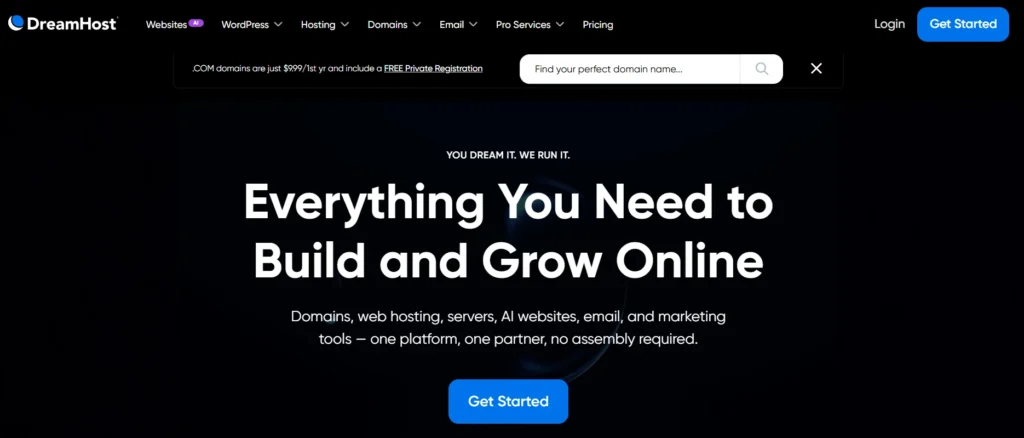
DreamHost is a solid choice if you want simple web hosting with good storage and fewer confusing upsells.
Its entry plan includes useful features like NVMe SSD storage, unmetered bandwidth, free SSL, backups, and a free domain for the first year on annual plans.
Why this made the list
DreamHost is not always the fastest cheap host, but it is easy to understand. That matters for beginners who do not want to compare 40 tiny plan details.
Best features
- NVMe SSD storage
- Free SSL
- Free domain for the first year
- Daily automated backups
- Unmetered bandwidth
- Simple custom control panel
- Good for WordPress blogs
What I don’t like
DreamHost uses its own control panel instead of cPanel. Some users like it. Some users hate it. Also, advanced performance users may outgrow basic shared hosting.
Best for
- Personal blogs
- Content websites
- Simple business websites
- Users who want clean pricing
Verdict
Pick DreamHost if you want a simple, stable cheap host and do not care about cPanel.
3. Bluehost: Best for Beginners Who Want Extra Guidance
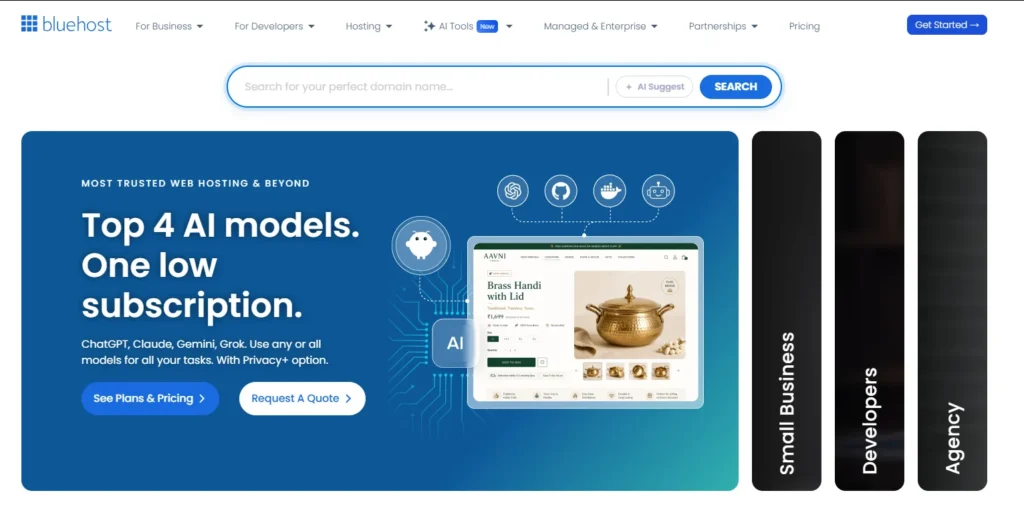
Bluehost is popular with beginners because it makes WordPress setup easy and offers support options that many first-time users appreciate.
It includes free SSL, free domain for the first year on eligible plans, WordPress tools, malware scanning, backups, and migration tools on many plans.
Why this made the list
Bluehost is beginner-friendly. The onboarding is easier than many old-school cPanel hosts. For non-technical users, that can matter more than having the absolute fastest server.
Best features
- Easy WordPress setup
- Free SSL
- Free domain for first year on eligible plans
- Chat and phone support on many plans
- WordPress migration tool
- Good for low to moderate traffic sites
What I don’t like
Bluehost is not the cheapest after renewal. Also, some add-ons can increase your checkout price if you do not pay attention.
Best for
- First websites
- Small business owners
- WordPress beginners
- Users who want phone support
Verdict
Pick Bluehost if you want easy setup and beginner support more than raw speed.
4. Namecheap: Best for the Tightest Budget
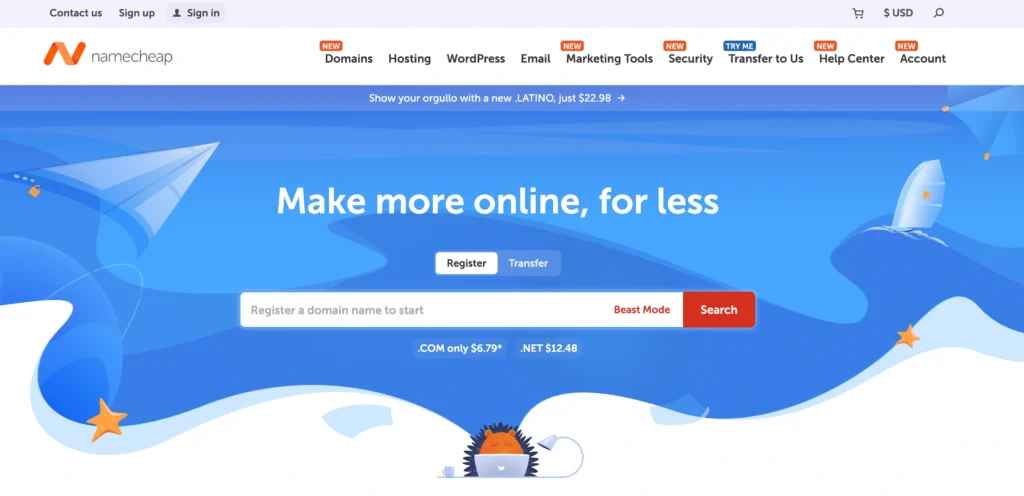
Namecheap is one of the most affordable shared hosting options.
It is best known as a domain registrar, but its shared hosting plans can be useful for small websites, starter blogs, test projects, and low-budget business pages.
Why this made the list
Namecheap gives you a very low entry cost with cPanel, SSD storage, email accounts, and multiple websites even on some low-cost plans.
Best features
- Very low pricing
- cPanel included
- SSD storage
- Email accounts included
- Good for small websites
- Easy domain and hosting management in one account
What I don’t like
Do not expect premium performance on the cheapest plan. If your site gets serious traffic or uses WooCommerce, you may need something stronger.
Best for
- Test websites
- Portfolio sites
- Small blogs
- Low-budget projects
- Domain buyers who want hosting in the same account
Verdict
Pick Namecheap if price is your biggest concern and your website is not business critical yet.
5. Hosting.com: Best Cheap Hosting for Speed-Focused Users
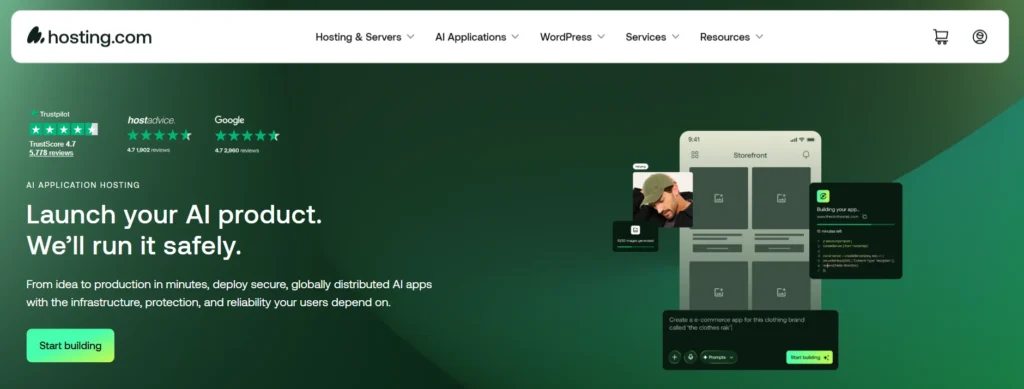
Hosting.com, formerly connected with the A2 Hosting brand, is a good option if you want performance features at a reasonable price.
Its hosting plans highlight LiteSpeed, NVMe storage, AMD EPYC CPUs, free SSL, malware protection, backups, and global data centers.
Why this made the list
Many cheap hosts hide performance features behind expensive plans. Hosting.com puts strong hardware and LiteSpeed technology closer to the budget range.
Best features
- LiteSpeed web server
- NVMe storage
- AMD EPYC CPUs
- Free SSL
- Free migration
- Malware and DDoS protection
- Global data centers
What I don’t like
The better performance usually comes from higher plans, not always the cheapest entry plan. Read the plan details carefully before buying.
Best for
- WordPress users who care about speed
- Growing blogs
- Developers on a budget
- Small agencies
- Users who want cPanel-style hosting
Verdict
Pick Hosting.com if you want cheap hosting with stronger performance hardware than average.
6. IONOS: Best for Small Businesses That Want Included Extras

IONOS is aggressive with pricing and often offers very low first-year deals. Some plans include a free domain, SSL, professional email, daily backup, and 24/7 support.
Why this made the list
For small businesses, bundled extras can save money. Buying email, SSL, domain, backups, and hosting separately can cost more than expected.
Best features
- Very low promo pricing on selected plans
- Free domain for first year
- Free SSL
- Professional email included
- Daily backup and restore
- 24/7 support
- Strong business hosting angle
What I don’t like
The dashboard is not as beginner-friendly as Hostinger for everyone. Also, renewal prices can jump, especially after a deep promo.
Best for
- Small businesses
- Service websites
- Users who want domain, email, and hosting together
- Budget-conscious business owners
Verdict
Pick IONOS if you want a cheap business hosting bundle and you are comfortable checking renewal pricing before buying.
7. GreenGeeks: Best Cheap Eco-Friendly Hosting

GreenGeeks is a good option if you want affordable hosting with an environmental angle.
It offers shared hosting with LiteSpeed, SSD storage, CDN, security features, and a green hosting message that some brands may like.
Why this made the list
GreenGeeks is not just cheap. It also gives useful performance features, especially for WordPress users who want LiteSpeed caching.
Best features
- LiteSpeed technology
- SSD storage
- Free SSL
- Free CDN
- Daily backups on many plans
- cPanel
- Eco-friendly positioning
What I don’t like
The renewal price can be much higher than the intro price. Also, the eco-friendly angle is nice, but do not choose a host only because of branding. Performance and support still matter more.
Best for
- Blogs
- Small business sites
- Eco-conscious brands
- WordPress users who want LiteSpeed and cPanel
Verdict
Pick GreenGeeks if you want affordable hosting with LiteSpeed and a cleaner energy-focused brand story.
Which Cheap Host Should You Pick Based on Your Website Type?
- Pick Hostinger if you want the best overall balance.
- Pick DreamHost if you want simple pricing and a clean beginner setup.
- Pick Bluehost if you want easy WordPress onboarding and support.
- Pick Namecheap if you need the lowest possible cost.
- Pick Hosting.com if speed matters more than saving the last dollar.
- Pick IONOS if you want hosting, domain, SSL, and email in one small business bundle.
- Pick GreenGeeks if you want cheap hosting with an eco-friendly angle.
Avoid choosing only by the first-month price. That is how people end up moving websites six months later.
Expert Checklist: What Should You Do Right Now?
Before buying cheap web hosting, do this:
- Choose your website type: Blog, business site, affiliate site, or store.
- Estimate traffic honestly: Under 10,000 visits per month does not need expensive hosting.
- Pick SSD or NVMe storage: NVMe is better for WordPress performance.
- Check backup frequency: Daily backups are better than weekly.
- Check renewal pricing: This is where cheap hosting gets expensive.
- Choose a nearby data center: Lower latency means faster loading.
- Use free SSL: Never pay extra for basic SSL.
- Avoid unnecessary add-ons: Many checkout pages include extras you do not need.
- Start with shared hosting: Upgrade later when traffic proves you need more power.
- Use our discount link or coupon: This can reduce your first-term cost.
I’ve seen many people overspend on hosting before their site even gets traffic. Do not do that.
Start lean, but do not start weak.
FAQs About Best Cheap Web Hosting
1. What is the best cheap web hosting for beginners in 2026?
Hostinger is the best cheap web hosting for most beginners because it is affordable, fast enough for WordPress, and easy to manage. Bluehost is also good if you want more beginner guidance and phone support.
2. Is cheap web hosting good for WordPress?
Yes, cheap web hosting is good for WordPress if you choose a quality provider. Look for LiteSpeed or well-optimized servers, SSD or NVMe storage, free SSL, backups, and enough resources for your plugins.
3. What is the difference between shared hosting and VPS hosting?
Shared hosting means your website shares server resources with other websites. VPS hosting gives you a more isolated slice of server resources. Beginners should usually start with shared hosting. Upgrade to VPS when traffic, plugins, or store activity demand more power.
4. How much should I pay for cheap web hosting?
For a serious beginner website, expect to pay around $2 to $6 per month during the first term. Renewal can be higher. Always check the renewal price before buying because that is the real long-term cost.
5. Do I need NVMe SSD hosting?
You do not always need it, but it helps. NVMe SSD hosting is better for WordPress, WooCommerce, image-heavy sites, and websites with many plugins. If the price difference is small, choose NVMe.
6. Is LiteSpeed better than Apache for cheap hosting?
For most WordPress users, yes. LiteSpeed works very well with LiteSpeed Cache, which can improve page speed without advanced technical setup. Apache is still reliable, but LiteSpeed is usually easier to optimize on budget WordPress hosting.
7. Can cheap hosting handle high traffic?
Cheap shared hosting can handle small to moderate traffic, but not heavy traffic forever. If your site gets consistent traffic, runs WooCommerce, or has sudden spikes, move to a higher shared plan, cloud hosting, or VPS.
8. Which cheap web hosting should small businesses avoid?
Avoid hosts that hide renewal pricing, charge extra for basic SSL, offer poor backups, or provide weak support. Also avoid free hosting for a real business website. Free hosting usually costs more later through limits, ads, downtime, or migration headaches.
Final Verdict: The Best Cheap Web Hosting for 2026
The best cheap web hosting in 2026 is Hostinger for most beginners, bloggers, affiliate marketers, and small business owners.
It is affordable, simple, fast enough for most WordPress websites, and has a better feature mix than many low-cost hosts.
DreamHost is a strong alternative for simple blogs. Bluehost is better if you want beginner help. Namecheap is best when the budget is extremely tight. Hosting.com is better for speed-focused users. IONOS is good for business bundles. GreenGeeks is the eco-friendly budget pick.
Buy cheap hosting, but do not buy blindly.
Check the renewal price, storage type, backups, support, and server technology before you pay. A smart hosting choice can save you hundreds of dollars over the next few years and prevent the headache of moving your website later.