

A slow affiliate website does not just annoy visitors. It leaks money.
Someone clicks your “best VPN” or “best LLC service” article, waits four seconds, gets bored, and goes back to Google. That lost click may have been a $50, $100, or $300 commission.
I’ve seen many people make this mistake. They spend months writing reviews, comparison posts, and coupon pages, then host everything on the cheapest plan they can find. The site works in the beginning, but once traffic grows, pages slow down, admin panels freeze, and rankings start moving the wrong way.
The best hosting for affiliate websites is not always the most expensive host. It is the host that gives you enough speed, uptime, security, backups, and room to grow without paying for enterprise features you do not need.
For 2026, my top pick for most affiliate site owners is Hostinger Business or Cloud hosting, mainly because it gives beginners strong speed, LiteSpeed caching, simple WordPress tools, and fair pricing. A discount link or coupon is available on our site, so check that before paying full price.
Why do affiliate websites need better hosting than normal blogs?
Affiliate websites are not simple online diaries. They are money pages.
Most affiliate sites run WordPress, SEO plugins, comparison tables, schema plugins, coupon boxes, tracking scripts, display ads, popups, and image-heavy product reviews. Every plugin adds code. Every image adds weight.
That is why cheap hosting can become expensive later.
A slow host can hurt:
- Google rankings, because user experience and speed matter
- Conversion rates, because visitors leave before clicking
- Affiliate tracking, because broken redirects and timeouts lose sales
- Content workflow, because a slow WordPress dashboard wastes time
- Trust, because downtime makes your site look abandoned
Choosing the right host can save hundreds of dollars in the long run. You avoid emergency migrations, developer fixes, malware cleanups, and lost commissions during traffic spikes.
Here is a secret most hosting companies won’t tell you: “unlimited websites” does not mean unlimited power. It usually means you can add many sites until CPU, RAM, inode, or process limits slow everything down.
Choose hosting that protects rankings, clicks, and commissions
A good affiliate host should do four jobs well.
First, it should load pages fast. Most affiliate traffic comes from search, so your pages must feel quick on mobile.
Second, it should stay online. If your site goes down during a Google traffic spike, a Black Friday sale, or a product launch, the host is costing you money.
Third, it should make WordPress easy to manage. Beginners should not need to understand server commands just to update PHP or restore a backup.
Fourth, it should scale. A site getting 5,000 monthly visits today may get 100,000 monthly visits after one ranking jump.
To be honest, most beginners don’t need dedicated servers. They need a fast shared, cloud, or managed WordPress plan with solid caching and backups.
Understand the technical specs before you buy
NVMe SSD vs standard SSD: why storage speed matters
SSD means solid-state drive. It is much faster than old hard drives because it does not use spinning disks.
NVMe SSD is a faster type of SSD. It connects to the server in a way that reduces delay and handles more requests at once.
For affiliate sites, this matters when WordPress has to fetch database content, load plugin files, show images, or serve logged-in admin pages. NVMe will not fix a bloated theme, but it helps the server respond faster under pressure.
LiteSpeed vs Nginx vs Apache: which server is better?
The web server is the software that responds when someone visits your website.
Apache is old, stable, and widely supported. It works with almost everything, but it can be slower under heavy traffic unless tuned well.
Nginx is fast and efficient. Many premium hosts use it because it handles many visitors with less memory.
LiteSpeed is excellent for WordPress when paired with the LiteSpeed Cache plugin. It can serve cached pages quickly and reduce the load on PHP and the database.
For non-technical affiliate site owners, LiteSpeed is usually the easiest speed win.
RAM and CPU cores: what do they actually do?
CPU cores are like workers. They process PHP, database queries, plugin tasks, and admin actions.
RAM is short-term memory. It helps the server hold active tasks without slowing down.
For affiliate sites:
- 1 CPU core / 1 GB RAM is fine for a tiny site
- 2 CPU cores / 2 GB RAM is safer for growing blogs
- 4+ CPU cores / 4+ GB RAM makes sense for high traffic or multiple sites
Never buy hosting only by storage size. A plan with “100 GB storage” can still be slow if CPU limits are poor.
Data center locations and latency: why distance matters
Latency is the time it takes for data to travel between your visitor and your server.
If your audience is in the US, choose a US data center. If your audience is in India, choose Mumbai, Singapore, or another nearby Asian location. If your audience is global, use a host with a strong CDN.
A CDN, or content delivery network, stores copies of your images, CSS, and cached pages in different locations. This helps visitors load your site from a nearby server instead of waiting for every file to travel across the world.
The 6 best hosting providers for affiliate websites
1. Hostinger: best overall for beginner and growing affiliate sites
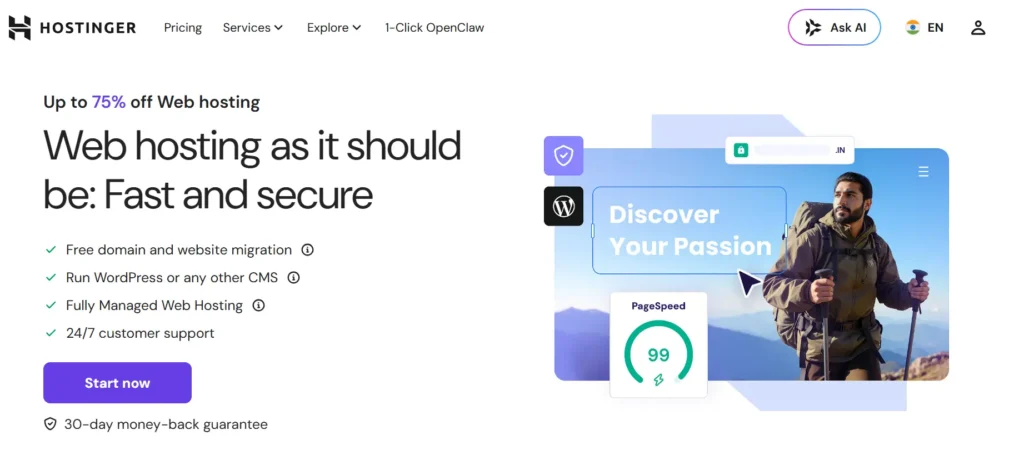
Hostinger is my top pick for most affiliate marketers because it balances price, speed, and simplicity.
The real advantage is the mix of LiteSpeed servers, WordPress tools, beginner-friendly dashboard, free SSL, backups, and easy scaling.
Why this made the list:
- LiteSpeed server stack works well with WordPress caching
- Simple dashboard is easier than traditional cPanel
- Good value plans for new affiliate sites
- Cloud hosting upgrade path for growing traffic
- Free migration helps if you are moving from a weak host
- Useful for multiple small affiliate websites
Start with Hostinger Business if your site is new or mid-sized. Move to Hostinger Cloud if you are running several money sites or getting serious traffic.
The downside? Renewal prices are higher than the first-term promo price. Also, entry-level plans may not give you the same power as cloud plans.
2. Cloudways: best for serious affiliate sites that need scalable cloud power
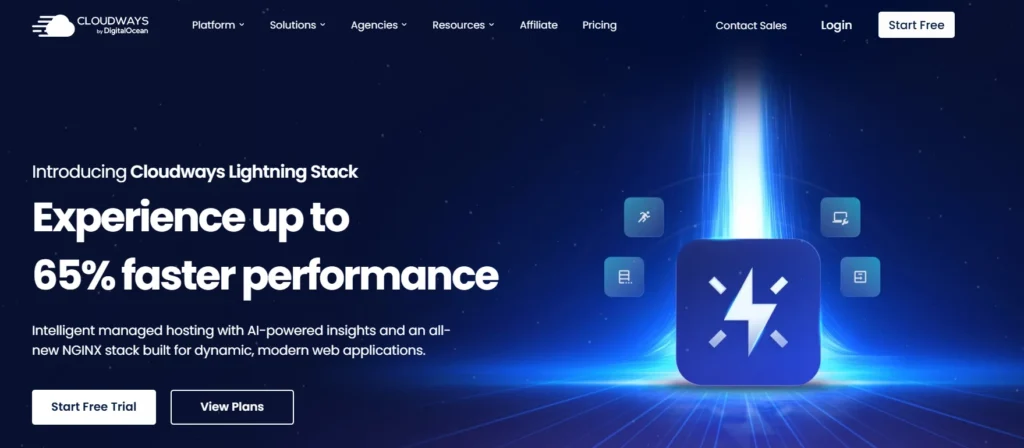
Cloudways is a managed cloud hosting platform. Instead of buying shared hosting, you choose cloud infrastructure from providers like DigitalOcean, Vultr, AWS, or Google Cloud, then Cloudways manages the server layer.
That means you get stronger resources without having to manage everything manually.
Why this made the list:
- Dedicated cloud resources give better consistency than cheap shared hosting
- Pay-as-you-go pricing avoids long lock-ins
- Easy vertical scaling lets you upgrade RAM and CPU
- Built-in caching stack helps WordPress performance
- Useful staging tools for testing changes
Cloudways is a better fit when your affiliate site is already making money. If one article brings thousands of visits per day, you want more predictable hosting than crowded shared servers.
The downside is that it feels slightly more technical than Hostinger or SiteGround.
3. Kinsta: best premium managed WordPress hosting for authority affiliate sites
Kinsta is expensive, but it is built for people who care about performance, support, security, and uptime more than saving a few dollars per month.
It runs managed WordPress hosting on Google Cloud infrastructure and gives you a polished dashboard, expert support, staging, backups, caching, CDN, and strong security.
Why this made the list:
- Premium managed WordPress setup
- Excellent dashboard for teams
- Strong caching and CDN features
- Daily backups and easy restores
- Good data center coverage
- Helpful WordPress-specific support
Use Kinsta when your affiliate site is already earning enough to justify premium hosting. If your site earns nothing yet, Kinsta may be overkill.
4. WP Engine: best for established WordPress businesses and agencies
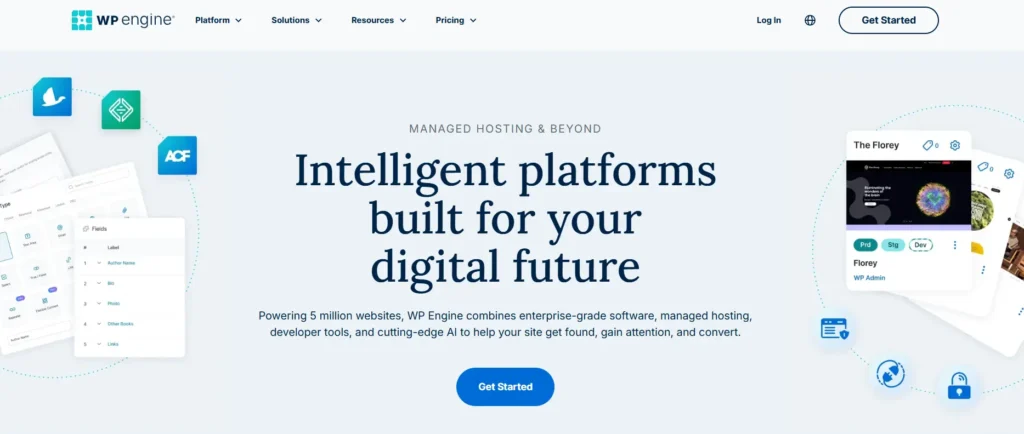
WP Engine is another premium managed WordPress host. It is strong for businesses, agencies, and affiliate brands that need staging, backups, security, support, and workflow tools.
Why this made the list:
- Managed WordPress environment
- Daily backups and staging
- Security tools and malware protection features
- Developer-friendly workflow
- Good fit for teams and agencies
- Useful for larger content operations
WP Engine makes sense if your affiliate business has writers, editors, developers, or multiple sites. It gives you structure, not just server space.
The downside is cost. Some plugins may also be restricted for performance or security reasons. That can surprise beginners.
5. SiteGround: best for support-focused affiliate site owners
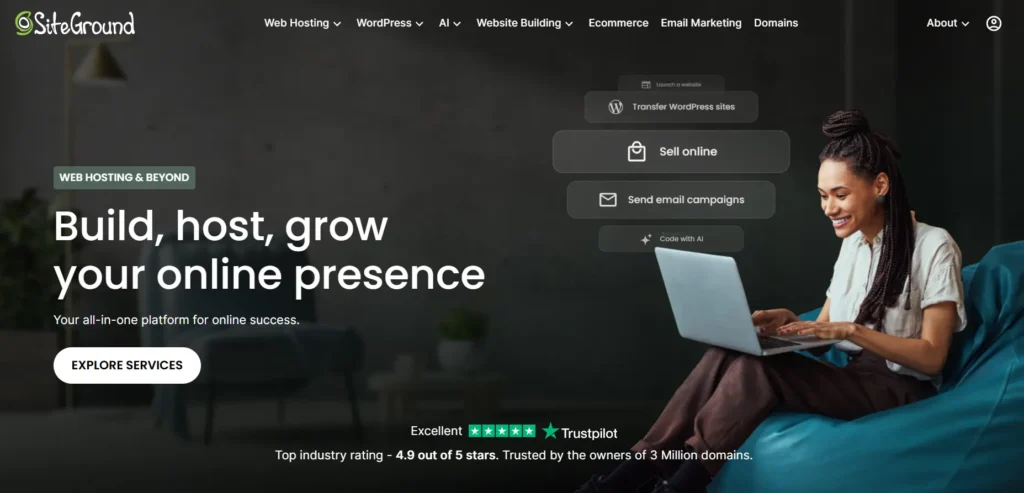
SiteGround is a strong middle-ground host. It is more expensive at renewal than many budget hosts, but it gives a clean dashboard, good support, daily backups, free SSL, CDN options, and WordPress tools.
Why this made the list:
- Beginner-friendly control panel
- Good support reputation
- Daily backups
- Built-in caching tools
- Multiple data center locations
- Good for small business affiliate sites
SiteGround is smart if you are not comfortable with technical hosting but want better reliability than the cheapest shared plans.
The downside is renewal pricing. I’ve seen many people make this mistake: they buy SiteGround at a promo price and feel shocked when renewal comes. Budget for the real renewal price.
6. DreamHost: best simple hosting for content-heavy beginners
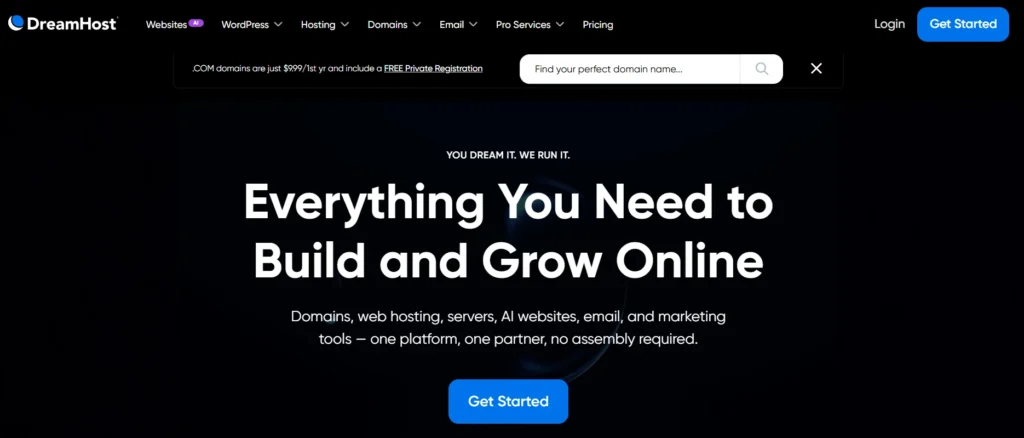
DreamHost is a long-running host with simple plans, WordPress support, and beginner-friendly features. It is not the fastest choice on this list, but it can work well for smaller content sites.
Why this made the list:
- Simple WordPress setup
- Good entry-level value
- NVMe storage on some plans
- Unmetered bandwidth on many plans
- Clear upgrade path to managed WordPress
- Good for basic affiliate content sites
DreamHost is useful if you want a straightforward hosting setup without too many upsells. It is better for clean content sites than plugin-heavy affiliate machines.
Compare the best affiliate hosting options quickly
| Host | Best For | Main Strength | Watch Out For |
|---|---|---|---|
| Hostinger | Most beginners and growing sites | Speed-to-price value | Renewal pricing |
| Cloudways | Scaling affiliate sites | Cloud resources | Slight learning curve |
| Kinsta | Premium authority sites | Managed performance | Higher cost |
| WP Engine | Agencies and established brands | WordPress workflow | Plugin limits and pricing |
| SiteGround | Support-focused users | Ease and backups | Renewal jump |
| DreamHost | Simple content sites | Clean beginner setup | Not ideal for heavy sites |
Use this expert checklist before you pay
Do not buy hosting only because the homepage says “fast.”
Check these points first:
- Pick the right server location close to your main audience
- Choose LiteSpeed or a strong managed stack for WordPress
- Prefer NVMe storage if your site is growing
- Check renewal pricing, not only the first discount
- Make sure daily backups are included
- Confirm free SSL is included
- Avoid too many paid add-ons at checkout
- Use a CDN for global traffic
- Start small, but choose a host that can scale
- Test your site after migration using PageSpeed Insights or GTmetrix
Do this right and you avoid most beginner hosting problems.
Final verdict: which host should you choose?
For most people, Hostinger is the best hosting for affiliate websites in 2026 because it gives the right mix of speed, price, simplicity, and upgrade options.
Choose Hostinger Business if you are starting or running a small-to-medium affiliate site. Choose Hostinger Cloud if you have multiple sites or steady traffic.
Choose Cloudways if your site is already earning and you want stronger cloud resources.
Choose Kinsta or WP Engine if your affiliate website is a real business and downtime costs more than premium hosting.
Choose SiteGround if you want helpful support and an easy WordPress setup.
Choose DreamHost if you are building a simple content site and want a clean beginner option.
Do not overbuy. Do not underbuy. Buy the hosting that matches your traffic, plugins, and revenue stage.
Before you sign up, check our site for a discount link or coupon. Hosting companies often run promos, and using the right deal can save money before your site earns its first commission.
FAQs about the best hosting for affiliate websites
1. What is the best hosting for affiliate websites for beginners?
Hostinger is the best choice for most beginners because it is affordable, fast enough for WordPress affiliate sites, and easy to manage.
2. Is shared hosting enough for an affiliate website?
Shared hosting is enough for a new affiliate website with low traffic. Once your site starts getting steady traffic, heavy plugins, or multiple money pages, move to cloud hosting or managed WordPress hosting.
3. How much should I spend on affiliate website hosting?
Most beginners should spend a modest monthly amount, not premium agency pricing. As your site starts earning, upgrade to better hosting. Your hosting should protect revenue, not eat your entire budget.
4. Does hosting affect SEO rankings?
Hosting can affect SEO indirectly. Fast loading, strong uptime, and stable performance improve user experience. Slow pages, downtime, and server errors can hurt rankings and conversions.
5. Which is better for affiliate sites, LiteSpeed or Nginx?
Both can be fast. LiteSpeed is easier for many WordPress users because it works well with the LiteSpeed Cache plugin. Nginx is also excellent, especially on premium managed hosts.
6. What hosting features matter most for affiliate marketers?
The most important features are fast servers, daily backups, free SSL, good caching, nearby data centers, enough CPU and RAM, malware protection, and easy migration.