
Your blog should not feel slow after you publish a new post, add images, or get a small traffic spike from Google. Yet that happens when people buy the cheapest hosting plan and hope for the best.
I’ve seen many people make this mistake. They spend weeks writing content, install ten plugins, run ads, and then wonder why the site takes six seconds to load.
The truth is simple. The best hosting for bloggers is not always the most expensive one. It is the host that gives you speed, clean WordPress tools, reliable support, and room to grow without forcing you to overpay too early.
Choose well now and you can save hundreds of dollars in the long run. Choose badly and you may pay twice, first for cheap hosting, then again for migration, fixes, downtime, and lost traffic.
Which hosting should most bloggers choose in 2026?
For most new and growing bloggers, my Top Pick for 2026 is Hostinger.
Not because it is perfect. No host is. Hostinger makes the list because it gives beginners a strong mix of NVMe storage, LiteSpeed server technology, WordPress tools, backups, staging, CDN, and affordable long-term pricing.
That combination matters for bloggers. You need a site that loads fast, handles image-heavy posts, and does not make WordPress feel scary.
A discount link or coupon is available on our site, so check that before paying full price. Hosting companies often discount the first bill, then increase the renewal price later. Always check the renewal price before you buy.
To be honest, most beginners don’t need dedicated servers, custom cloud clusters, or enterprise hosting. Start lean. Upgrade when traffic and income justify it.
What should bloggers actually look for in a hosting plan?
A good blog host is not just “fast.” That word gets abused in hosting ads. Look at what creates speed and stability.
1. NVMe SSD vs standard SSD: why storage speed matters
SSD means solid-state drive. It is faster than old hard drives because it has no moving parts.
NVMe SSD is a newer and faster type of SSD. It allows quicker data transfer. For WordPress, this helps when your site reads database files, loads media, creates backups, or serves cached pages.
Does every tiny blog need NVMe? No. But if the price is similar, choose NVMe. Here is a secret most hosting companies won’t tell you: storage size is not the same as storage speed. A plan with “100 GB storage” can still feel slow if the server is crowded.
2. LiteSpeed vs Nginx vs Apache: what is powering your WordPress site?
Your web server software decides how requests are handled when someone opens your blog.
Apache is old, reliable, and widely used. It works well, but it can feel heavy on crowded shared hosting.
Nginx is fast at handling many visitors at the same time. Many premium WordPress hosts use Nginx because it is efficient.
LiteSpeed is popular with budget WordPress hosts because it pairs well with the LiteSpeed Cache plugin. That plugin can create cached pages, optimize CSS, delay JavaScript, and improve page speed without needing five extra plugins.
For beginners, LiteSpeed is often the easiest win. Install WordPress, enable LiteSpeed Cache, connect a CDN, and you are already ahead of many slow blogs.
3. RAM and CPU cores: why they matter when traffic grows
RAM is temporary working memory. WordPress uses it when plugins run, pages are generated, and admin tasks happen.
CPU cores process requests. More CPU power helps when many people visit at once, or when page builders, forms, ad scripts, and analytics tools are running.
Watch for phrases like “unlimited traffic.” That does not mean unlimited power. Shared servers still have CPU limits, memory limits, inode limits, and fair-use rules.
4. Data center locations and latency: why distance affects speed
Latency is the delay between a visitor’s device and your server. If your audience is in the United States but your server is far away, pages may take longer to respond.
A good host lets you choose a data center near your main audience. A CDN can help by serving cached files from locations closer to users, but your main server still matters.
Pick a U.S. data center for a U.S. blog. Pick Europe for a European audience. Pick Mumbai or Singapore for India and nearby regions if the host supports it.
5. Backups, staging, and support are not bonus features
Backups save you when updates break your site. Staging lets you test changes before pushing them live. Good support helps when your site is down and you do not know what to check.
Do not ignore these. A cheap host without clean backups can become expensive the day your site breaks.
The 5 best hosting providers for bloggers in 2026
1. Hostinger: best overall hosting for most bloggers
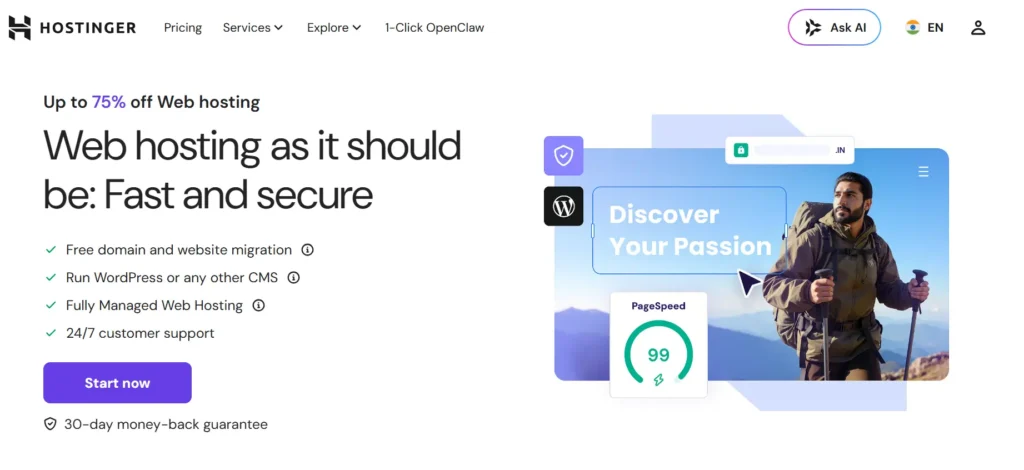
Hostinger is my top recommendation for beginners, niche site owners, and growing bloggers who want strong speed without paying premium managed WordPress prices.
Why this made the list
Hostinger gives bloggers a lot of useful hosting features in one place. You get WordPress installation, NVMe storage on many plans, LiteSpeed performance, CDN options, backups, staging on higher plans, email, and a simple control panel.
That matters because beginners do not want to manage server settings manually. They want to publish, optimize, and grow.
Best for:
- New bloggers
- Affiliate sites
- Niche blogs
- Budget-conscious business owners
Watch out for:
- Renewal prices after the first term
- Lower plans may not be enough for heavy traffic
- No phone support on many plans
Hostinger is not the right choice for a huge media site. But for most bloggers, it gives the best balance of price, performance, and ease.
2. SiteGround: best for bloggers who want stronger support
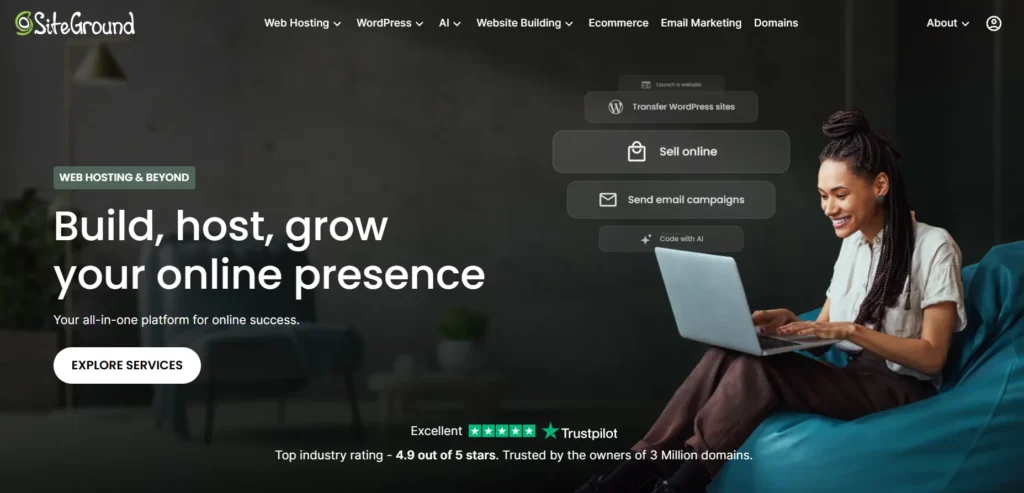
SiteGround is a good step up for bloggers who care about support, uptime, and polished WordPress tools.
Why this made the list
SiteGround uses strong infrastructure, built-in caching, security tools, and a beginner-friendly dashboard. It is not the cheapest option, but it feels more mature than many low-cost shared hosts.
Its caching system helps with both static content, like images and CSS, and dynamic WordPress output. That can make a real difference when your blog has many plugins or traffic spikes.
Best for:
- Small business blogs
- Bloggers who want better support
- Sites with growing traffic
Watch out for:
- Renewal pricing can jump
- Storage limits are not as generous as some budget hosts
- Not always the cheapest for multiple sites
Choose SiteGround if you want fewer headaches and you are okay paying more after the first term.
3. Bluehost: best for total beginners who want guided setup
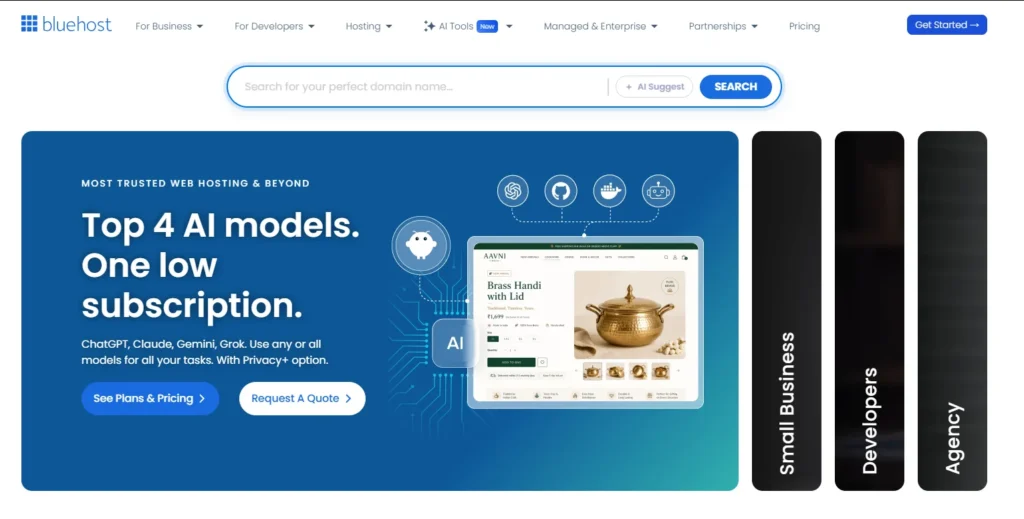
Bluehost is popular because it makes the first WordPress setup easy. That is useful for beginners who are scared of DNS, SSL, themes, and dashboards.
Why this made the list
Bluehost gives you an easy starting point, a familiar WordPress onboarding flow, and beginner-friendly tools. Many plans include useful extras like a free domain for the first year and security options.
It is not my top pick for performance-heavy bloggers, but it is good for people who need a simple starting path.
Best for:
- First-time website owners
- Personal blogs
- Bloggers who value easy setup over advanced tuning
Watch out for:
- Upsells during checkout
- Renewal pricing
- Performance may not match stronger WordPress-focused hosts
Pick Bluehost if you want the easiest start. Skip it if you already know WordPress and want more speed control.
4. Cloudways: best for bloggers ready for cloud hosting
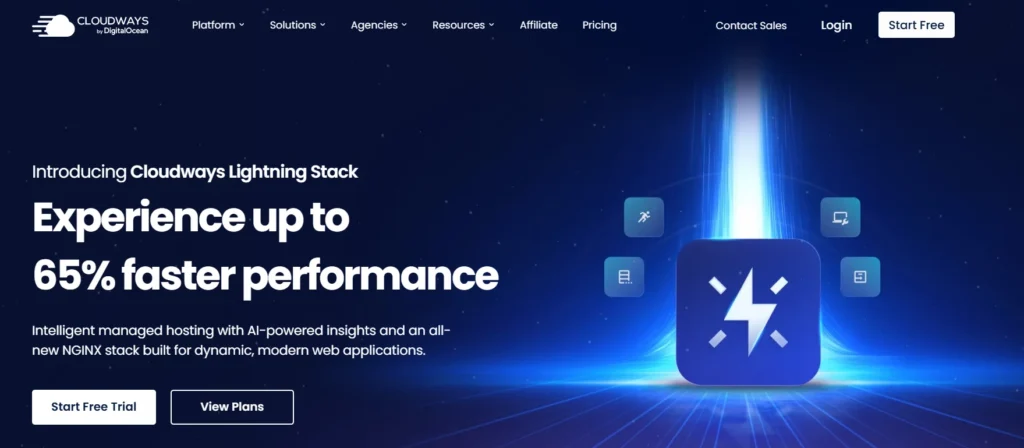
Cloudways is different from normal shared hosting. It lets you run WordPress on cloud providers like Vultr, DigitalOcean, AWS, and Google Cloud, but gives you a managed dashboard on top.
Why this made the list
Cloudways is good when your blog becomes a serious business. You get more control over server size, data center location, caching, staging, backups, monitoring, and scaling.
This is where RAM and CPU start to matter more. A Cloudways server with dedicated resources can handle traffic spikes better than crowded shared hosting.
Best for:
- High-traffic blogs
- Affiliate sites making revenue
- Bloggers running many plugins
Watch out for:
- No traditional email hosting included
- More settings than beginner hosts
- Costs rise as server resources increase
Move to Cloudways when your blog earns enough to justify better infrastructure.
5. WP Engine: best managed WordPress hosting for serious business blogs
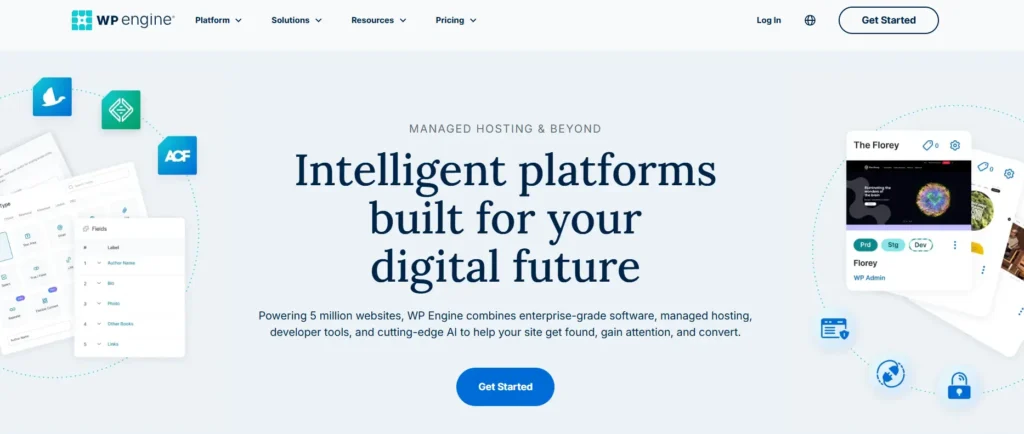
WP Engine is a premium managed WordPress host. It is not cheap, and it is not meant for hobby blogs.
Why this made the list
WP Engine focuses on managed WordPress performance, support, security, staging, backups, developer tools, and stability. It is built for businesses that cannot afford messy downtime or slow support.
This is useful when content is tied to revenue. If your blog drives leads, sales, affiliate commissions, or SaaS signups, premium hosting can make sense.
Best for:
- Business blogs
- Agency sites
- Lead-generation websites
- Content teams
Watch out for:
- Higher monthly cost
- Plugin restrictions
- Overkill for brand-new blogs
I would not put a new personal blog on WP Engine. I would consider it for a blog that already earns or supports a real business.
Which hosting type is best for your blog?
Choose based on stage, not ego.
If you are starting your first blog, choose Hostinger. Keep costs low and focus on publishing.
If your blog is getting regular traffic and you want better support, choose SiteGround.
If your blog earns money and speed matters more, choose Cloudways.
If your blog supports a serious business, choose WP Engine.
What hosting features are mostly marketing gimmicks?
Some features sound impressive but do not matter much for most bloggers.
Be careful with:
- Unlimited bandwidth: There are still fair-use limits.
- Unlimited websites: CPU and RAM still limit you.
- Free domain: Nice, but not a reason to pick a weak host.
- AI site builder: Helpful for drafts, but it will not replace good content.
- Huge storage: Useless if the server is slow.
- 99.9% uptime claims: Common, but support response matters when something breaks.
Focus on real value: speed, backups, support, caching, security, clean upgrades, and fair renewal pricing.
Expert’s checklist: what should you do right now?
Use this checklist before buying hosting.
- Pick the host based on your blog stage.
- Check the renewal price, not only the first-year discount.
- Choose a data center near your main audience.
- Prefer NVMe storage when pricing is close.
- Use LiteSpeed hosting if you want simple WordPress speed optimization.
- Make sure daily backups are included or affordable.
- Confirm staging is available before making big design changes.
- Avoid the cheapest monthly plan if you plan to use page builders.
- Keep plugins lean after launch.
- Use a CDN once traffic comes from multiple countries.
Start with the plan you need today, but choose a host that lets you upgrade without a painful migration.
FAQs about the best hosting for bloggers
1. What is the best hosting for bloggers in 2026?
For most bloggers, Hostinger is the best overall choice in 2026 because it balances price, speed, WordPress tools, NVMe storage, LiteSpeed performance, and beginner-friendly management. SiteGround is better if support is your top priority. Cloudways is better once the blog earns money and needs cloud resources.
2. Is shared hosting enough for a blog?
Yes, shared hosting is enough for most new blogs. A small blog with clean plugins, optimized images, caching, and basic traffic does not need a VPS. Upgrade only when traffic grows, WordPress admin becomes slow, or your host starts hitting resource limits.
3. How much should bloggers pay for hosting?
Most beginners should spend enough to get reliable WordPress hosting, backups, SSL, email if needed, and decent support. Do not pick the cheapest plan just to save a few dollars. Bad hosting can cost more later through downtime, lost rankings, and migration work.
4. Is LiteSpeed better than Apache for WordPress blogs?
For many WordPress bloggers, LiteSpeed is easier to optimize because it works well with the LiteSpeed Cache plugin. Apache is reliable, but it can feel slower on crowded shared hosting. Nginx is also fast and common on premium managed WordPress platforms.
5. Do bloggers need managed WordPress hosting?
New bloggers usually do not need premium managed WordPress hosting. Growing business blogs may benefit from it because managed hosts handle caching, backups, updates, security, staging, and support better than cheap shared hosts.
6. Can better hosting improve SEO?
Better hosting can help SEO indirectly by improving page speed, uptime, crawl reliability, and user experience. It will not fix weak content, poor keyword research, or bad site structure, but it removes technical friction that can hold a blog back.
Final buying advice
The best hosting for bloggers is the one that fits your current stage and gives you a clean upgrade path.
For most people, start with Hostinger. It is affordable, beginner-friendly, fast enough for serious blogging, and strong for WordPress. Use the discount link or coupon available on our site before buying.
Choose SiteGround if support matters more than price. Choose Cloudways when your blog becomes a real income asset. Choose WP Engine when downtime and slow support are more expensive than the hosting bill.
Keep the setup simple. Publish good content. Optimize images. Use caching. Upgrade when traffic proves you need it.