
A slow WooCommerce store does not just annoy visitors. It quietly kills sales.
Someone clicks your product page. It takes four seconds to load. They leave. Another shopper reaches checkout, but the cart freezes. They leave too. You do not always see these lost sales in your dashboard, but they are real.
That is why choosing the best WooCommerce hosting matters more than choosing a pretty theme or another plugin.
I’ve seen many people make this mistake. They buy cheap shared hosting, install WooCommerce, add 25 plugins, upload heavy product images, and then blame WordPress when the store becomes painfully slow.
The truth is simpler. WooCommerce needs stronger hosting than a basic blog.
This guide will help you choose the right host without getting trapped by marketing claims, fake “unlimited” promises, or features you do not need.
Why does WooCommerce hosting need more power than normal web hosting?
WooCommerce is not just a website. It is a live store.
A normal blog mostly shows the same page to every visitor. That means the host can cache the page and serve it quickly.
A WooCommerce store is different. It has carts, checkout pages, customer accounts, product filters, coupon rules, inventory updates, order emails, and payment gateway requests.
Some pages can be cached. Some cannot.
Your homepage and product pages can usually be cached. Your cart, checkout, and account pages need to stay dynamic. That means the server has to process real-time requests.
This is where cheap hosting starts to fail.
A $2 shared plan may look fine when you have 10 products and 20 visitors a day. But once you run ads, add product variations, or get holiday traffic, the limits show up fast.
Good WooCommerce hosting should give you:
- Fast server response time
- Enough CPU and RAM
- Reliable caching
- Daily backups
- Free SSL
- Staging site
- Security monitoring
- Real WooCommerce support
- Scalable plans when traffic grows
Here is a secret most hosting companies won’t tell you: “WooCommerce hosting” is often just normal WordPress hosting with WooCommerce pre-installed.
That is not always bad. But you need to know what you are really paying for.
What is the top pick for best WooCommerce hosting in 2026?
Top Pick for 2026: SiteGround
For most beginners and growing store owners, SiteGround is the safest all-round choice.
It is not the cheapest host forever. Renewal pricing can be higher than the intro price. But the balance of speed, support, backups, staging, security, and beginner-friendly management makes it a strong pick.
SiteGround is especially good if you want a host that feels simple but still has enough performance for a serious WooCommerce store.
Why it is my top pick:
- WooCommerce-ready setup
- Strong caching stack
- Daily backups
- Free SSL
- Good support
- Beginner-friendly dashboard
- Reliable uptime
- CDN support
To be honest, most beginners don’t need a complex cloud server on day one. They need a stable host, clean dashboard, backups, and support that does not disappear when something breaks.
SiteGround fits that job well.
Also, choosing the right host can save hundreds of dollars in the long run. A cheap host may force you to buy extra backup plugins, security tools, CDN services, migration help, and emergency developer fixes.
A discount link or coupon for our recommended WooCommerce hosting pick is available on our site.
Which WooCommerce hosting providers are worth considering in 2026?
Below are the hosting providers I would actually consider for a WooCommerce store. Not every host is right for every business, so read the “best for” notes carefully.
1. SiteGround: Best overall WooCommerce hosting for most stores
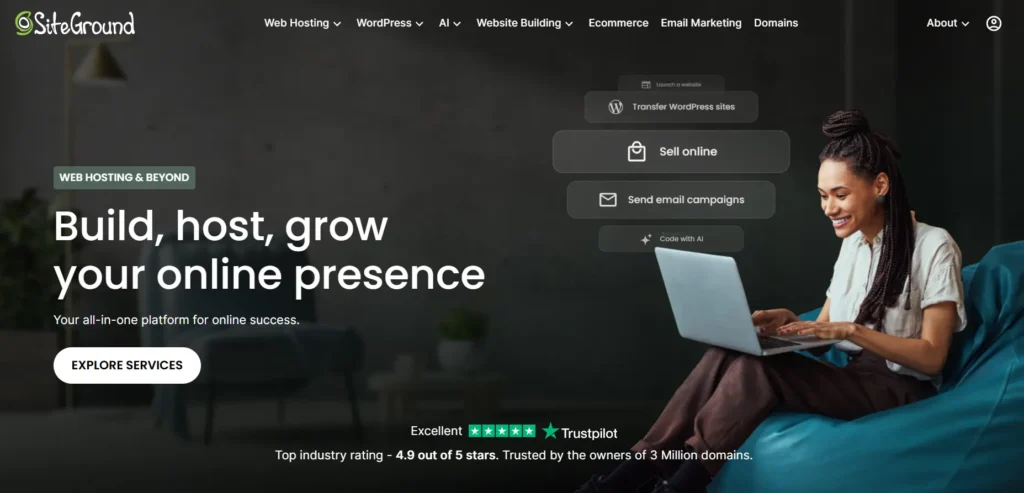
SiteGround is a strong middle ground between cheap beginner hosting and expensive managed hosting.
It works well for small to mid-sized WooCommerce stores that need speed, support, and safety without managing a server manually.
Why this made the list
SiteGround gives beginners a clean path. You can launch a store, use built-in caching, enable SSL, create backups, and get help without touching command lines.
For WooCommerce, that matters. Store owners should spend time improving product pages, shipping rules, and checkout flow, not fixing server errors.
Best features:
- WooCommerce pre-installation
- Managed WordPress updates
- Free SSL
- Daily backups
- Staging on higher plans
- Built-in caching
- Email hosting
- 24/7 support
The main drawback is renewal pricing. The first deal can look very cheap, but renewals are higher. Check the long-term cost before buying.
Best for:
- New WooCommerce stores
- Small business owners
- Bloggers adding products
- Local shops moving online
- Store owners who want support
Not ideal for:
- Very large catalogs
- Heavy marketplace stores
- Developers who want full server control
2. Cloudways: Best WooCommerce hosting for growing stores that need cloud power
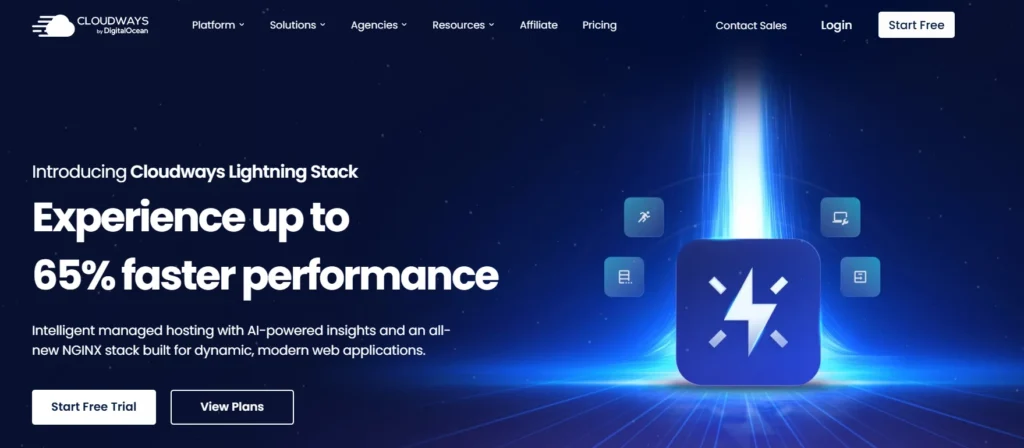
Cloudways is not traditional shared hosting. It gives you managed cloud hosting on providers like DigitalOcean, Vultr, AWS, and Google Cloud.
That means you get stronger resources than normal shared hosting, but Cloudways handles much of the server management.
Why this made the list
WooCommerce stores often grow unevenly. One week you get normal traffic. The next week you run a sale and traffic jumps. Cloudways makes scaling easier because you can increase server resources without moving to a totally new host.
Best features:
- Managed cloud servers
- Choice of cloud provider
- Vertical scaling
- Server-level caching
- Staging
- Free SSL
- Pay-as-you-go pricing
- Good performance for the money
Cloudways is great for performance, but it is not the easiest host for absolute beginners. The dashboard is simpler than managing a raw VPS, but still more technical than SiteGround or Bluehost.
Best for:
- Growing WooCommerce stores
- Agencies
- Store owners running ads
- Medium traffic stores
- Users who want better performance without full server management
Not ideal for:
- People who want email hosting included
- Very non-technical beginners
- Tiny stores that only need a basic setup
3. WP Engine: Best premium WooCommerce hosting for serious stores
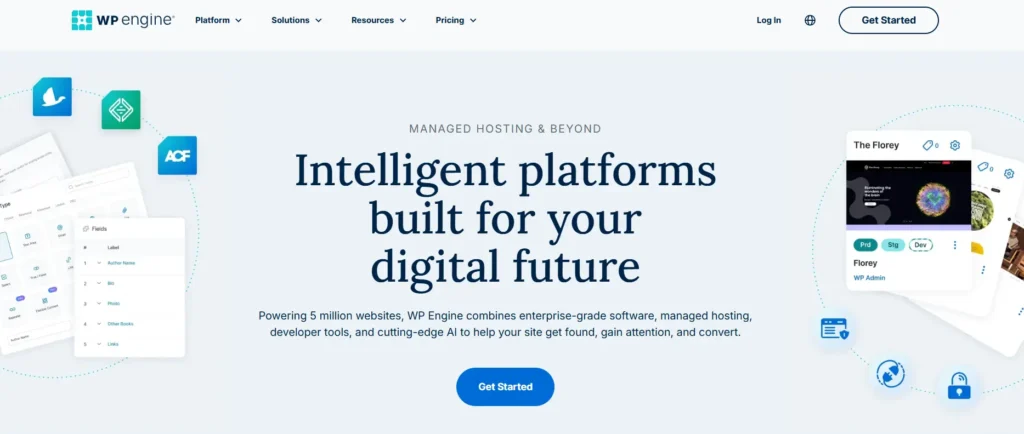
WP Engine is a managed WordPress host built for businesses that care about reliability, support, and performance.
It is not cheap. But for a real WooCommerce business, cheap is not always the goal. Stable checkout and fast product pages matter more.
Why this made the list
WP Engine has WooCommerce-specific performance tools like Live Cart and EverCache for Woo. These are designed to handle the tricky part of WooCommerce: keeping carts accurate while still making the rest of the store fast.
Best features:
- Managed WordPress platform
- WooCommerce performance tools
- EverCache for Woo
- Live Cart
- CDN
- Staging
- Security features
- Expert support
WP Engine is a good choice when your store makes enough revenue that downtime costs more than hosting.
Best for:
- Established stores
- High-value products
- Stores running paid traffic
- Agencies managing client stores
- Businesses that want premium support
Not ideal for:
- Hobby stores
- Very small budgets
- Users who want email hosting bundled
4. Kinsta: Best managed WooCommerce hosting for performance-focused businesses

Kinsta is another premium managed WordPress host. It is known for speed, clean site management, strong support, and modern infrastructure.
Kinsta is not aimed at bargain hunters. It is better for businesses that already understand the value of fast hosting.
Why this made the list
Kinsta uses isolated containers, which means each site gets its own controlled environment. That helps with performance and security.
For WooCommerce stores, isolation matters because one busy site should not be slowed down by another site on the same server.
Best features:
- Premium managed WordPress hosting
- Isolated site containers
- Built-in CDN
- Automatic backups
- Staging
- Security monitoring
- Developer-friendly tools
- Strong support
Kinsta is excellent, but it can become expensive as traffic grows. Watch visit limits, storage, and overage costs.
Best for:
- Performance-focused stores
- Agencies
- Membership stores
- International brands
- Store owners who want premium infrastructure
Not ideal for:
- Beginners on tight budgets
- Stores with very low margins
- Users who need cheap email hosting included
5. Hostinger: Best budget WooCommerce host
Hostinger is popular because it is affordable, simple, and beginner-friendly.
For a small WooCommerce store, Hostinger can be a good starting point. It uses LiteSpeed on many plans, which is helpful for WordPress performance when configured properly.
Why this made the list
Hostinger gives new store owners a low-cost way to launch without feeling overwhelmed. The dashboard is clean, pricing is attractive, and basic WordPress setup is easy.
Best features:
- Low starting price
- Beginner-friendly hPanel
- LiteSpeed web server
- Free SSL
- WordPress tools
- Automatic updates
- Global data center options
- Simple onboarding
The catch is simple. Budget hosting is still budget hosting. Do not expect the lowest plan to handle a busy store with hundreds of products, lots of plugins, and paid ad traffic.
Best for:
- First-time store owners
- Small catalogs
- Testing product ideas
- Budget-conscious beginners
- Simple WooCommerce stores
Not ideal for:
- High traffic stores
- Heavy plugin setups
- Large product databases
6. Bluehost: Best WooCommerce hosting for simple store setup
Bluehost is beginner-friendly and strongly focused on easy WordPress and WooCommerce setup.
It is a good option for users who want WooCommerce installed, basic tools included, and support available without a steep learning curve.
Why this made the list
Bluehost includes WooCommerce-focused plans with pre-configured tools and premium plugins. This can save beginners from installing too many random plugins and breaking their store early.
Best features:
- WooCommerce pre-configured
- Free SSL
- Free domain on select plans
- Premium WooCommerce plugins on ecommerce plans
- Beginner dashboard
- 24/7 support
- Store setup tools
Bluehost is best for simplicity, not advanced performance. If you are building a serious store with fast growth plans, compare it carefully against SiteGround, Cloudways, and WP Engine.
Best for:
- Beginners
- Simple stores
- Digital products
- Small product catalogs
- Users who want bundled tools
Not ideal for:
- Performance-heavy stores
- Developers wanting advanced control
- Stores with large traffic spikes
How do technical specs affect WooCommerce speed?
Hosting companies love technical terms because they sound impressive. Some matter. Some are just decoration.
Here is what you should actually understand.
NVMe SSD vs standard SSD: Which one matters?
SSD means solid state drive. It is faster than old hard drives because there are no spinning disks.
NVMe SSD is a newer, faster type of SSD. It connects through a faster interface, so it can read and write data quicker.
For WooCommerce, this matters because your store constantly reads from the database. Product filters, orders, stock updates, and customer accounts all create database activity.
NVMe can help with:
- Faster database response
- Quicker admin dashboard
- Better product search
- Faster checkout processing
- Better performance during traffic spikes
Standard SSD is still fine for small stores. But if two hosts cost similar money and one gives you NVMe, choose NVMe.
LiteSpeed vs Nginx vs Apache: Which server is best?
Apache is old, stable, and widely supported. It works fine, but can be slower under heavy traffic if not tuned well.
Nginx is fast and efficient. Many managed hosts use it because it handles static files and high traffic well.
LiteSpeed is popular for WordPress because it works well with LiteSpeed Cache. For WooCommerce, LiteSpeed can be very fast when caching rules are configured correctly.
Do not choose a host only because it says LiteSpeed or Nginx. Bad configuration can ruin good technology.
Look for the full stack:
- Server-level caching
- Object cache
- PHP workers
- Database optimization
- CDN
- WooCommerce-aware cache exclusions
The checkout page should never be cached like a blog post. A good host knows this.
RAM and CPU cores: Why do they matter for high traffic?
CPU handles processing. Every PHP request, cart update, coupon calculation, and checkout action needs CPU power.
RAM is short-term memory. Your site uses RAM to handle active processes, database queries, caching, and admin tasks.
When CPU is too weak, pages process slowly.
When RAM is too low, the server starts struggling under load.
For a small store, shared resources may be enough. For a growing WooCommerce store, dedicated or cloud resources are better.
Watch for these signs that you need more CPU and RAM:
- Checkout feels slow
- Admin dashboard takes too long
- Product filters lag
- Orders page loads slowly
- Site slows during sales
- Hosting account shows resource limits
Do not wait until Black Friday to upgrade.
Data center locations and latency: Why distance affects sales
Latency is the delay between your visitor and your server.
If your customers are in the United States but your server is in Asia, every request travels farther. That adds delay.
A CDN helps by caching static files like images, CSS, and JavaScript near visitors. But checkout and cart actions still often need to talk to the main server.
Pick a data center close to your main buyers.
If most buyers are in the US, choose a US data center. If most are in India, choose India or Singapore. If your audience is global, use a host with strong CDN support.
Speed is not only about the hosting brand. Location matters too.
Which WooCommerce host should you choose based on your store size?
Choose based on your real stage, not ego.
For a brand-new store, choose SiteGround, Hostinger, or Bluehost.
For a growing store with ads and regular sales, choose SiteGround or Cloudways.
For a serious store where downtime costs real money, choose WP Engine, Kinsta, or Liquid Web / Nexcess.
For agencies managing client stores, choose Cloudways, Kinsta, WP Engine, or Liquid Web.
For the best overall balance in 2026, I would start most people with SiteGround.
Use this expert checklist before you buy WooCommerce hosting
Before you pay for any WooCommerce host, check this list.
- Does it include daily backups?
- Can you restore backups easily?
- Does it support staging?
- Is SSL free and automatic?
- Is there WooCommerce-aware caching?
- Can you choose a nearby data center?
- Does the plan have enough storage for product images?
- Are renewal prices clear?
- Is support available 24/7?
- Can the host handle traffic spikes?
- Does it include email hosting, or do you need to buy email separately?
- Are there visit, bandwidth, or PHP worker limits?
Read the renewal price twice. That is where many “cheap” hosts become expensive.
Also, avoid buying the biggest plan on day one. Start with what fits your store now, then upgrade when traffic and revenue justify it.
FAQs about the best WooCommerce hosting
1. What is the best WooCommerce hosting for beginners?
SiteGround is the best overall choice for most beginners because it gives a good mix of speed, support, backups, SSL, and easy management. Hostinger is better if your budget is very tight. Bluehost is good if you want a simple store setup with WooCommerce tools included.
2. Is shared hosting good enough for WooCommerce?
Shared hosting is fine for a small store with low traffic and a small product catalog. It is not ideal for a serious store with paid ads, many plugins, large images, or regular promotions. WooCommerce uses more server resources than a normal blog.
3. How much should I pay for WooCommerce hosting?
A beginner WooCommerce store can start around the low-cost shared or managed WordPress range. A growing store should expect to pay more for better CPU, RAM, backups, support, and caching. Do not judge hosting only by monthly price. Bad hosting can cost more through lost sales and emergency fixes.
4. Do I need managed WooCommerce hosting?
You need managed WooCommerce hosting if you do not want to handle updates, caching, backups, security, and server tuning yourself. Beginners and business owners usually benefit from managed hosting. Developers may prefer cloud hosting with more control.
5. Which is better for WooCommerce, LiteSpeed or Nginx?
Both can be excellent. LiteSpeed works very well with WordPress caching. Nginx is also fast and widely used by premium managed hosts. The real difference is configuration. A well-tuned Nginx stack can beat a poorly configured LiteSpeed server, and the reverse is also true.
6. Does WooCommerce hosting affect SEO?
Yes, indirectly. Hosting affects speed, uptime, Core Web Vitals, and user experience. Google does not rank a site just because it uses a specific host, but slow pages and downtime can hurt performance. Faster stores also tend to convert better.
7. Should I choose cloud hosting for WooCommerce?
Choose cloud hosting if your store is growing, traffic is unpredictable, or you need stronger resources than shared hosting. Cloudways is a good middle option because it gives cloud power without forcing you to manage everything manually.
8. Can I switch WooCommerce hosting later?
Yes, you can migrate a WooCommerce store later. But migrations can be stressful if your store is already getting orders. You need to move files, database, emails, DNS, SSL, and sometimes payment callbacks. Pick a solid host early if you expect the store to grow.
Final recommendation: Which WooCommerce host should you buy?
For most store owners, choose SiteGround as the best WooCommerce hosting option in 2026.
It gives the best balance of beginner-friendly setup, performance, support, backups, and value. It is strong enough for real stores without being too technical.
Choose Hostinger if you need the lowest starting cost.
Choose Cloudways if you want scalable cloud performance.
Choose WP Engine or Kinsta if your store already makes serious money and you want premium managed hosting.
Choose Liquid Web / Nexcess if you need a more managed ecommerce-focused setup for a larger store.
Buy hosting based on the cost of failure, not just the monthly price. If your store goes down during a sale, the cheap plan was never cheap.
The right WooCommerce host can save you hundreds of dollars in plugins, repairs, migrations, and lost orders. More importantly, it gives your store a stable base to grow.