
NA slow WordPress site can quietly cost you money every day.
People click your ad, land on your page, wait three seconds, and leave. Your checkout loads slowly. Your contact form breaks after an update. Your site goes down during a small traffic spike.
I’ve seen many people make this mistake. They buy the cheapest hosting plan, install a heavy theme, add 25 plugins, and then blame WordPress when the site becomes painful to use.
WordPress is not usually the problem. Bad hosting is.
If you want fewer technical headaches, better speed, stronger security, and support that actually understands WordPress, managed WordPress hosting is usually worth paying for.
This guide will help you choose the best managed WordPress hosting for your website in 2026 without falling for fake “unlimited” marketing.
What Is Managed WordPress Hosting and Why Should You Pay More?
Managed WordPress hosting means the hosting company handles much of the technical work for you.
That usually includes:
- WordPress updates
- Server-level caching
- Daily backups
- Security monitoring
- Malware protection
- Staging sites
- WordPress-trained support
- Performance tuning
Regular shared hosting gives you space on a server. Managed WordPress hosting gives you a WordPress-focused environment.
That difference matters.
On cheap shared hosting, your site may sit beside hundreds of other websites. If one site abuses resources, your site can slow down too. With managed WordPress hosting, the server stack is tuned for WordPress, caching is usually better, and support teams are more familiar with plugin conflicts, PHP errors, database issues, and WooCommerce problems.
Here is a secret most hosting companies won’t tell you: you do not need every premium hosting feature on day one.
You need stable speed, backups, security, and support. Everything else depends on your traffic and business model.
How Much Should You Spend on Managed WordPress Hosting?
Most serious managed WordPress hosting starts around $25 to $35 per month for one site.
Yes, you can find WordPress hosting for $3 per month. That is not the same thing.
Cheap plans can work for a tiny blog or testing site. But if your website brings leads, sales, bookings, affiliate commissions, or client inquiries, bad hosting can cost more than good hosting.
Choosing the right host can save hundreds of dollars in the long run because you avoid:
- Emergency developer fixes
- Paid malware cleanup
- Lost sales from downtime
- Slow checkout pages
- Expensive migrations later
- Plugin conflicts caused by poor server settings
To be honest, most beginners don’t need enterprise hosting. But they also should not run a business website on the cheapest shared plan forever.
A good rule:
- New blog: Budget managed WordPress hosting is fine.
- Business website: Use a reliable managed host with daily backups and staging.
- WooCommerce store: Choose performance-focused hosting with enough PHP workers.
- Agency or high-traffic site: Use premium managed hosting with strong support and scalable resources.
What Technical Specs Actually Matter Before You Buy?
Hosting pages are full of confusing terms. Some matter. Some are there to make the plan look powerful.
Let’s break down the specs that actually affect WordPress performance.
NVMe SSD vs Standard SSD: Which Is Better?
SSD means solid-state drive. It is faster than old hard drives because there are no moving parts.
NVMe SSD is a faster type of SSD that connects to the server in a more direct way. In simple terms, NVMe can read and write data faster than standard SSD storage.
Why does this matter?
WordPress constantly reads and writes data. It loads theme files, plugin files, images, cached pages, and database queries. Faster storage helps with:
- Admin dashboard speed
- WooCommerce product pages
- Search and filter functions
- Backup creation
- Large media libraries
- High-traffic content sites
But do not buy hosting only because it says NVMe. A badly configured NVMe server can still be slower than a well-optimized standard SSD server.
Storage speed matters, but caching, CPU, RAM, database performance, and server location matter too.
LiteSpeed vs Nginx vs Apache: Which Server Is Best?
These are web servers. A web server receives browser requests and sends website files back to visitors.
Apache is old, stable, and widely supported. Many WordPress plugins and .htaccess rules were built with Apache in mind. The downside is that Apache can use more resources under heavy traffic if it is not optimized well.
Nginx is fast and efficient. It handles lots of visitors well and is common in premium hosting stacks. It does not use .htaccess the same way Apache does, so server rules need to be handled differently.
LiteSpeed is popular for WordPress because it works well with LiteSpeed Cache. It can deliver strong performance, especially on hosts that configure it properly.
So which one should you choose?
For beginners, do not obsess over the server name. Choose the host with the better real-world stack.
Still, here is the simple version:
- LiteSpeed: Great for WordPress caching and budget-performance hosting.
- Nginx: Great for premium managed hosting and high concurrency.
- Apache: Fine when optimized, but not my first choice for performance-heavy WordPress sites.
The server type matters less than the full setup: caching, CDN, PHP version, database tuning, and support quality.
RAM and CPU Cores: Why Do They Matter?
CPU cores process requests. More CPU power helps when many people visit your site, submit forms, search products, or use dynamic pages.
RAM is short-term memory. WordPress uses RAM to process PHP scripts, database queries, plugin actions, and admin tasks.
A simple blog does not need much. A WooCommerce store does.
High-traffic websites need stronger CPU and RAM because not every page can be served from cache. Cart pages, checkout pages, account pages, search pages, and logged-in user areas are dynamic. They must be processed live.
That is why WooCommerce hosting costs more.
I’ve seen stores spend money on premium themes and ads, then run checkout on weak hosting. That is backwards. Your checkout page should be one of the fastest and most stable parts of your site.
Data Center Locations and Latency: Why Should You Care?
Latency means delay.
If your visitor is in New York and your server is in Singapore, the request travels farther. That adds delay.
A CDN can help by serving images, CSS, JavaScript, and cached pages from locations near users. But your main server still matters, especially for admin, checkout, and uncached pages.
Choose a data center close to your main audience.
Simple rule:
- US audience: choose a US data center.
- UK or Europe audience: choose UK or EU.
- India audience: choose India, Singapore, or nearby Asia.
- Global audience: choose hosting with a strong CDN and edge caching.
Do not ignore location. A fast host in the wrong region can feel slower than a slightly weaker host near your customers.
Choose from These Best Managed WordPress Hosting Providers for 2026
Below are the managed WordPress hosts I would seriously consider in 2026. None is perfect for everyone.
1. Kinsta: Best Premium Managed WordPress Hosting for Serious Businesses

Kinsta is a premium managed WordPress host built for users who care about performance, support, and clean site management.
It has one of the best dashboards in the hosting industry. Beginners can use it, but developers and agencies will appreciate it more.
Kinsta is not trying to be the cheapest. It is built for people who want a stable platform and are willing to pay for it.
Why this made the list:
- Excellent dashboard
- Strong WordPress-focused support
- Free migrations
- Good security tools
- Useful staging features
- Good fit for growing businesses
Best for:
- Business websites
- Agencies
- Membership sites
- Larger blogs
- Growing WooCommerce stores
- Teams that need user access control
Watch out for:
Kinsta can become expensive as traffic, bandwidth, or site count grows. Check limits carefully before choosing a plan.
To be honest, most beginners do not need Kinsta on day one. But if your website is already important to your business, Kinsta makes sense.
2. WP Engine: Best for Agencies, Developers, and Established Brands
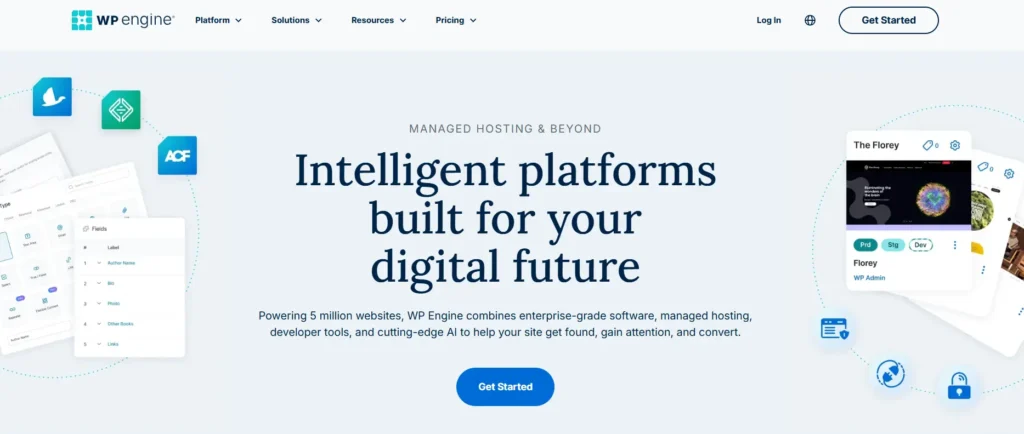
WP Engine is one of the most recognized names in managed WordPress hosting.
It is a strong option for agencies, developers, and businesses that need staging, backups, developer workflows, and reliable WordPress support.
WP Engine also has a mature platform. That matters when you manage client sites or business-critical websites.
Why this made the list:
- Strong WordPress tools
- Staging environments
- Good backup system
- Developer-friendly features
- Solid support options
- Good for agencies and teams
Best for:
- Agencies
- Established businesses
- Client websites
- Content-heavy sites
- Teams that need workflow tools
Watch out for:
WP Engine may restrict some plugins for performance or security reasons. That is not always bad, but beginners can be surprised by it.
Also, pricing rises as you add sites and traffic. Do not choose only the entry plan if you know your site will grow quickly.
3. SiteGround: Best for Beginners Who Want Better Than Cheap Shared Hosting

SiteGround is not pure premium managed WordPress hosting in the same way as Kinsta or Rocket.net, but it is a strong middle-ground option.
It is beginner-friendly, has useful WordPress tools, daily backups, caching, and support that is better than many budget hosts.
For a small business website, SiteGround can be a practical choice.
Why this made the list:
- Beginner-friendly interface
- WordPress auto-updates
- Daily backups
- Built-in caching
- Free SSL and CDN
- Good starting price
Best for:
- Beginners
- Small business websites
- Local service businesses
- Blogs
- Simple portfolio sites
Watch out for:
Renewal pricing is the big thing. Intro prices can look cheap, then jump later.
I’ve seen many people make this mistake. They compare only the first-year price and ignore the renewal rate. Always check what you will pay in year two.
4. Cloudways: Best for Users Who Want Managed Cloud Flexibility
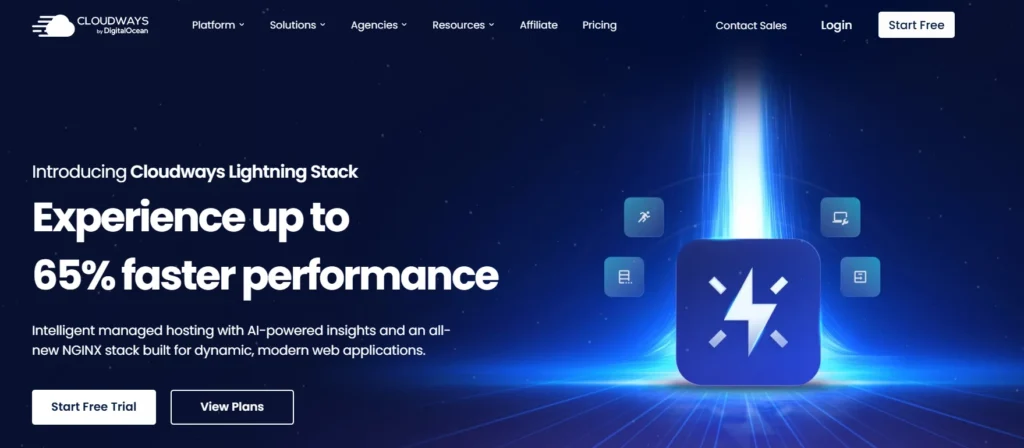
Cloudways is different from traditional managed WordPress hosting.
It gives you managed access to cloud providers like DigitalOcean, Vultr, AWS, and Google Cloud. You get more flexibility than standard hosting, but it is not as beginner-simple as Rocket.net or SiteGround.
Cloudways is great when you want more control without fully managing a raw VPS.
Why this made the list:
- Flexible cloud infrastructure
- Pay-as-you-go pricing
- Good scalability
- Choice of cloud providers
- Useful caching tools
- Better control than basic shared hosting
Best for:
- Developers
- Agencies
- Growing content sites
- Users who understand server basics
- Businesses expecting traffic spikes
Watch out for:
Cloudways is easier than managing your own VPS, but it is still more technical than beginner hosting.
If terms like server size, bandwidth, object cache, and vertical scaling scare you, choose a simpler managed host.
5. Hostinger: Best Budget Managed WordPress Hosting for Beginners
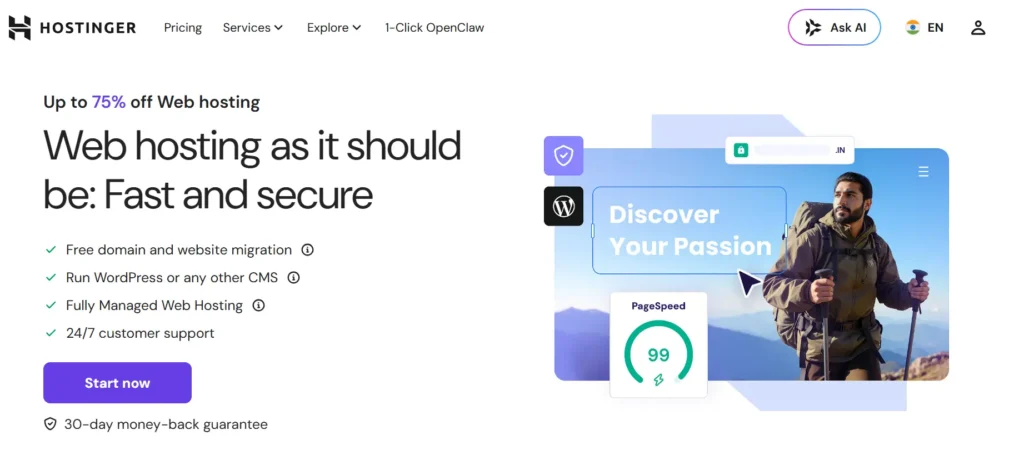
Hostinger is one of the best choices for users who want low pricing and a simple dashboard.
It is not the same class as Rocket.net, Kinsta, or WP Engine for serious high-traffic projects. But for beginners, small blogs, and early business sites, it gives strong value.
Some Hostinger plans include useful WordPress features like automatic backups, free SSL, migration, staging on higher plans, CDN on selected plans, and NVMe storage on stronger plans.
Why this made the list:
- Very affordable entry pricing
- Beginner-friendly hPanel
- Free SSL
- Free migration
- WordPress tools
- Good value for new sites
Best for:
- New bloggers
- Beginners
- Small affiliate sites
- Test projects
- Personal brands
- Budget business websites
Watch out for:
Budget hosting always has limits. Lower plans may not handle heavy plugins, large WooCommerce stores, or high traffic well.
Start here if budget matters. Move up when the site starts making money.
Which Host Should You Pick Based on Your Website Type?
Here is the simple buying advice.
Choose Kinsta if you want a premium dashboard, strong support, and a polished managed WordPress experience.
Choose WP Engine if you run agency sites, client projects, or established business websites that need developer tools.
Choose SiteGround if you are a beginner or small business owner who wants better hosting without jumping straight to premium pricing.
Choose Cloudways if you want managed cloud flexibility and do not mind a slightly more technical setup.
Choose Hostinger if your budget is tight and you need an affordable starting point.
My honest recommendation for most business users in 2026 is Rocket.net. It gives a strong mix of speed, security, simplicity, and managed performance.
For beginners on a tight budget, start with Hostinger or SiteGround.
For agencies and premium businesses, compare Rocket.net, Kinsta, and WP Engine first.
Expert’s Checklist: What Should You Do Right Now?
Before you buy managed WordPress hosting, check these things.
- Check renewal pricing, not just the first-year discount.
- Choose a server location near your main audience.
- Look for daily backups, not weekly backups.
- Use staging before updating plugins or themes.
- Make sure support understands WordPress, not just generic hosting.
- Avoid “unlimited” claims without reading fair usage limits.
- Check PHP worker limits if you run WooCommerce.
- Pick NVMe storage when available, but do not ignore caching.
- Use a CDN if you serve visitors from multiple countries.
- Start with the right plan, but do not overbuy enterprise hosting too early.
Here is the catch: the cheapest plan is rarely the cheapest long-term choice.
A slow site can waste ad spend. A hacked site can cost cleanup money. A bad migration can break rankings. Paying a bit more for the right host can save hundreds of dollars over time.
FAQs About Best Managed WordPress Hosting
1. What is the best managed WordPress hosting for beginners?
The best beginner options are Hostinger and SiteGround. Hostinger is better if budget is your main concern. SiteGround is better if you want stronger support, daily backups, and a more business-friendly setup.
2. Is managed WordPress hosting worth it?
Yes, if your website matters to your business. Managed WordPress hosting saves time by handling backups, updates, caching, security, and support. If your site earns money, the extra monthly cost is usually easier to justify.
3. What is the best managed WordPress hosting for WooCommerce?
Rocket.net, Kinsta, WP Engine, and Pressable are strong WooCommerce options. WooCommerce needs better resources because cart, checkout, and account pages are dynamic. Cheap shared hosting can struggle with that.
4. What is the difference between shared hosting and managed WordPress hosting?
Shared hosting gives you basic server space. Managed WordPress hosting gives you a WordPress-optimized setup with better caching, security, backups, updates, and expert support. Shared hosting is cheaper, but managed hosting is usually safer for business websites.
5. How much traffic can managed WordPress hosting handle?
It depends on the plan, caching, plugins, page type, and server resources. A cached blog can handle more visitors than a WooCommerce store on the same plan. Always check visits, bandwidth, PHP workers, RAM, and CPU limits.
6. Do I need NVMe hosting for WordPress?
You do not always need it, but NVMe helps with faster file and database operations. It is useful for busy WordPress sites, WooCommerce stores, large media libraries, and admin-heavy websites. Still, good caching and server tuning matter just as much.
6. Which is better for WordPress: LiteSpeed, Nginx, or Apache?
LiteSpeed and Nginx are usually better choices for performance-focused WordPress hosting. Apache is stable and compatible, but can be heavier under load. For beginners, the full hosting setup matters more than the web server name alone.
7. Can I move my WordPress site later if I choose the wrong host?
Yes, but migration can be stressful if your site is large, active, or earning money. Many managed hosts offer free migration. Still, choosing the right host early can prevent downtime, broken layouts, lost emails, and SEO headaches.