
Your website should not feel like a gamble.
One day it loads fine. The next day it takes six seconds to open, your contact form stops working, and a customer messages you saying, “Your site is down.” That is when cheap hosting suddenly becomes expensive.
I’ve seen many people make this mistake. They buy the lowest monthly plan, install WordPress, add a heavy theme, upload big images, and expect the site to behave like a serious business asset.
That rarely works.
The best hosting for small business is not always the cheapest plan. It is the plan that gives you enough speed, security, support, and room to grow without forcing you to become a server engineer.
To be honest, most beginners don’t need dedicated servers, complex VPS dashboards, or enterprise tools. They need hosting that is fast enough, simple enough, and reliable enough to keep the business running.
Here is the straight answer.
For most small businesses in 2026, Hostinger is my top pick because it gives the best mix of price, speed, beginner-friendly tools, and upgrade options. A discount link or coupon is available on our site, so check that before paying full price.
But Hostinger is not perfect for everyone. Some businesses need stronger support. Some need managed WordPress. Some need cloud power. That is why this guide breaks down the best options properly.
Which Small Business Hosting Should You Choose First?
Start with your business type, not the host’s marketing page.
A local service business, like a plumber, dentist, salon, or consultant, needs a fast WordPress site, email, SSL, backups, and good support. A growing online store needs more server resources, better caching, and stronger uptime.
Here is the simple rule:
- New small business site: Choose Hostinger or DreamHost.
- Growing WordPress business: Choose SiteGround.
- High-traffic WordPress site: Choose WP Engine or Kinsta.
- Store or performance-heavy site: Choose Cloudways.
- Technical user who wants speed controls: Choose A2 Hosting.
Do not buy hosting only because it says “unlimited.” Here is a secret most hosting companies won’t tell you: unlimited hosting still has CPU, RAM, inode, and fair usage limits.
That means your site can still slow down or get restricted if it uses too many server resources.
Why Hostinger Is the Top Pick for Small Business in 2026
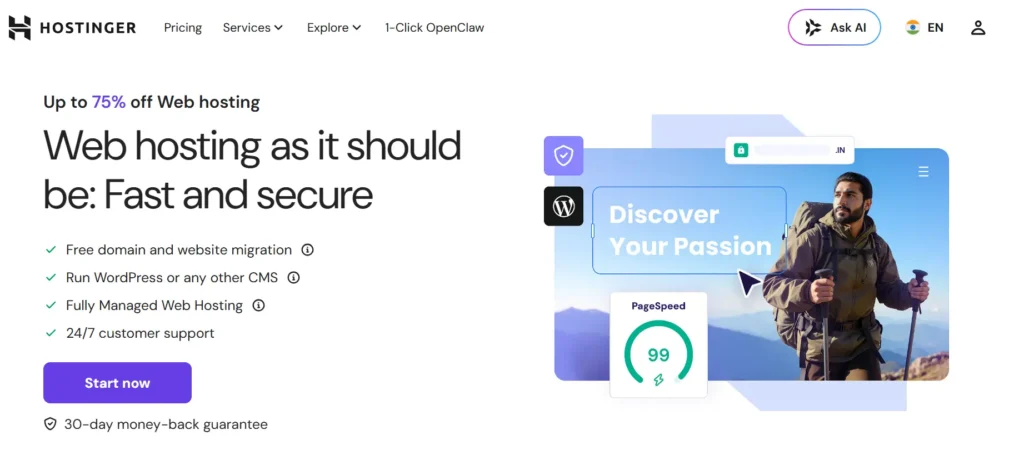
Hostinger is the best overall choice for most small businesses because it balances price and performance better than most beginner hosts.
It uses a clean control panel, simple WordPress setup, LiteSpeed server technology, free SSL, backups on many plans, and upgrade paths from shared hosting to cloud and VPS.
Why this made the list
Hostinger made the list because beginners can start without feeling lost, while growing businesses still get decent speed.
The interface is simpler than cPanel. That matters because most small business owners do not want to learn server management. They want to publish pages, update plugins, check backups, and move on.
Best for:
- Local business websites
- Service businesses
- Small blogs
- Affiliate sites
- Beginner WordPress users
- Businesses that want low starting cost
Key features:
- LiteSpeed servers for better WordPress caching
- NVMe storage on selected higher plans
- Free SSL for secure HTTPS
- WordPress auto-installer
- Daily or weekly backups, depending on plan
- Free migration
- Simple hPanel dashboard
The catch?
Lowest plans can feel limited once traffic grows. If your site gets serious traffic or runs WooCommerce, skip the cheapest plan and start with a stronger business or cloud plan.
Choosing the right plan here can save hundreds of dollars later. You avoid paying for emergency migrations, speed plugins, broken developer fixes, or rushed upgrades.
Why SiteGround Is Better for Support and Serious WordPress Sites
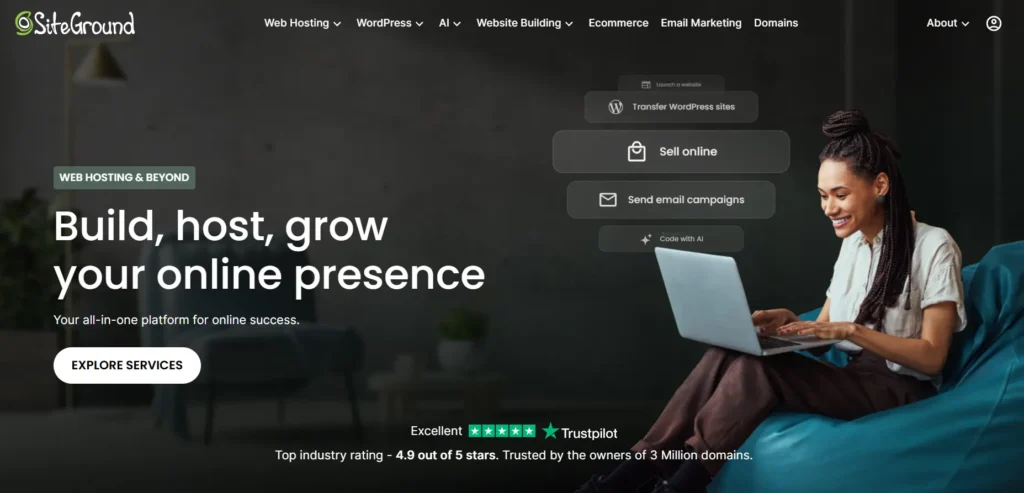
SiteGround is a strong choice for small businesses that care more about support, stability, and security than rock-bottom pricing.
It costs more than many budget hosts after renewal. But you get a more polished managed WordPress experience, strong caching, daily backups, security tools, staging on higher plans, and good customer support.
Why this made the list
SiteGround made the list because it is beginner-friendly but still serious enough for business sites that are growing.
Use it if your website brings leads or sales and you do not want to deal with slow support. I like SiteGround for businesses that need reliability but are not ready for WP Engine or Kinsta pricing.
Best for:
- Growing small businesses
- WordPress service websites
- Agencies managing client sites
- Bloggers with steady traffic
- Businesses that need better support
Key features:
- Managed WordPress tools
- Daily backups
- Built-in caching
- Free SSL
- Staging tools on higher plans
- Security firewall
- Email hosting
The downside is renewal pricing.
Many beginners see the first-year price and forget to check the second-year bill. Always check renewal pricing before you buy. That one habit can save you a lot of frustration.
Why Cloudways Is Best for Growing Stores and High-Traffic Sites
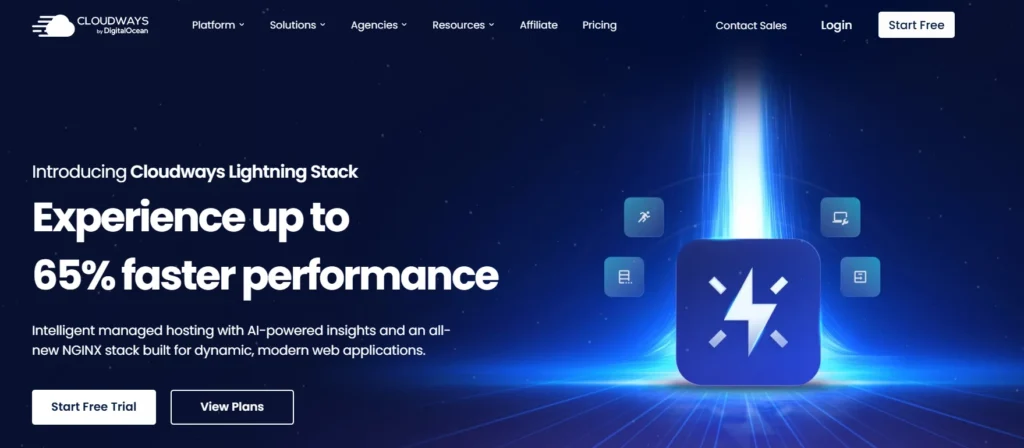
Cloudways is different from normal shared hosting.
Instead of putting your site on a crowded shared server, Cloudways lets you run managed hosting on cloud providers like DigitalOcean, AWS, and Google Cloud. You get more control and better scalability, but without managing the raw server yourself.
Why this made the list
Cloudways made the list because it gives small businesses cloud performance without forcing them to become system administrators.
This is a good middle ground between cheap shared hosting and expensive enterprise hosting.
Best for:
- WooCommerce stores
- High-traffic blogs
- Lead generation sites
- Agencies
- Businesses running campaigns
- Users who want more server power
Key features:
- Managed cloud servers
- Choice of cloud provider
- Vertical scaling
- Server-level caching
- Staging sites
- Free SSL
- Automated backups
- Team access
Here is the honest part.
Cloudways is not as beginner-friendly as Hostinger. You will see terms like server size, bandwidth, RAM, and application management. It is still easier than unmanaged VPS hosting, but it has a learning curve.
Choose Cloudways when your website already matters to revenue. If your business runs ads, gets spikes, or sells products online, shared hosting can become a bottleneck.
Why WP Engine Is Best for Premium Managed WordPress
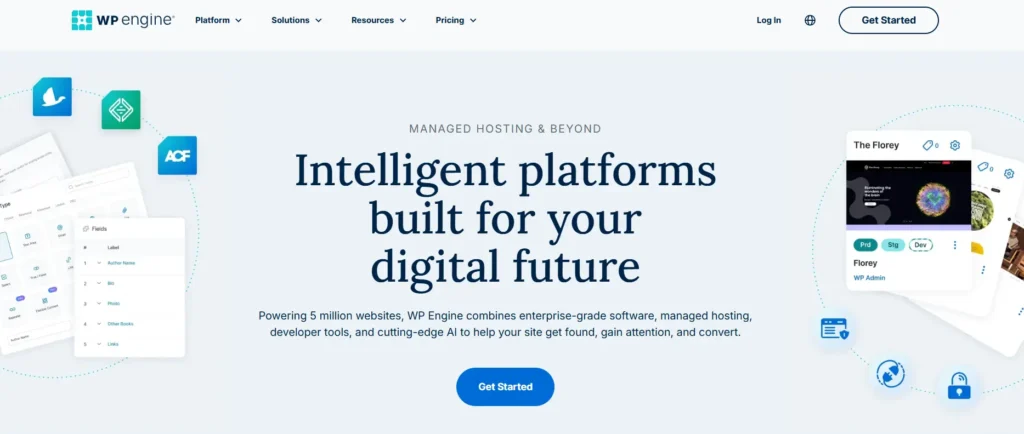
WP Engine is built for WordPress sites where downtime, plugin conflicts, and security problems are expensive.
It is not cheap. But that is the point. You are paying for a managed WordPress environment, stronger support, automatic backups, staging, security features, and performance tools.
Why this made the list
WP Engine made the list because some small businesses need fewer headaches, not lower monthly bills.
If your site generates leads every day, paying more for better WordPress management can make sense.
Best for:
- Established small businesses
- Agencies
- Professional service firms
- High-value lead generation sites
- WordPress-only businesses
- Teams that need staging and workflow tools
Key features:
- Managed WordPress hosting
- Automatic backups
- Staging environments
- Security monitoring
- Expert WordPress support
- Developer tools
- CDN options
The catch is flexibility.
WP Engine is focused on WordPress. If you want to run random apps, custom server stacks, or non-WordPress projects, this is not the right fit.
For pure WordPress businesses, though, it is a serious option.
Why Kinsta Is Best for Performance-Focused Businesses
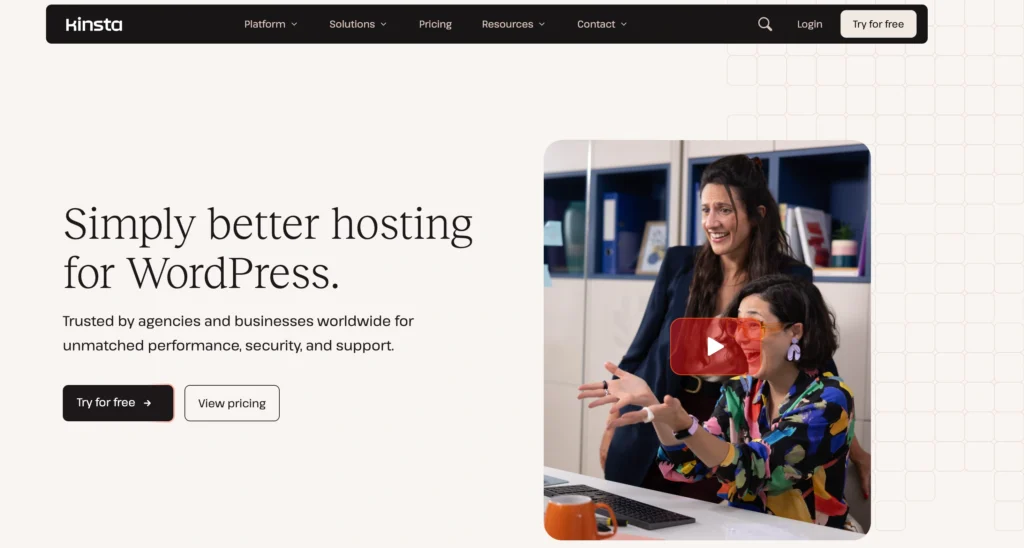
Kinsta is another premium managed WordPress host, and it is popular with agencies, developers, publishers, and businesses that care about performance.
It runs on strong cloud infrastructure and gives you a clean dashboard, caching, backups, staging, CDN features, and strong monitoring.
Why this made the list
Kinsta made the list because it is fast, polished, and built for businesses that have outgrown basic hosting.
It is not for someone trying to save every dollar. It is for businesses that want a managed platform and are willing to pay for it.
Best for:
- Agencies
- Larger WordPress sites
- Content publishers
- High-traffic blogs
- Businesses with serious SEO traffic
- Teams that need reliable staging
Key features:
- Managed WordPress environment
- Cloud-based infrastructure
- Built-in caching
- CDN
- Daily backups
- Staging
- Security monitoring
- Developer-friendly dashboard
The downside is price.
For a brand-new local business site, Kinsta may be overkill. To be honest, most beginners don’t need premium managed hosting on day one.
But if your site already earns money, speed and uptime are not luxuries. They protect revenue.
Why DreamHost Is Best for Simple, Honest Hosting
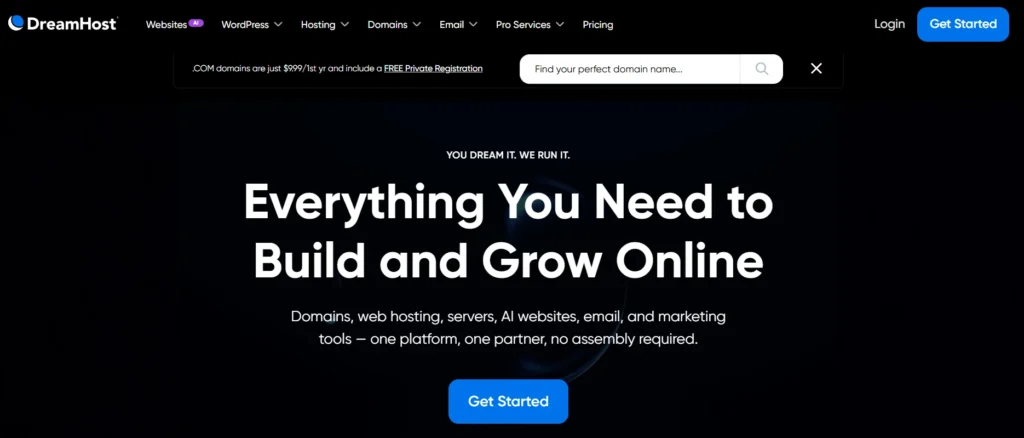
DreamHost is a good option for small businesses that want simple hosting without a confusing sales experience.
It has shared hosting, WordPress hosting, managed WordPress plans, VPS, and dedicated hosting. It is also one of the better-known names for WordPress users.
Why this made the list
DreamHost made the list because it keeps things relatively simple and works well for basic business sites.
It is not always the fastest host in every test, but it is dependable enough for many small websites.
Best for:
- Simple business websites
- Personal brand sites
- Small blogs
- US-focused businesses
- Beginners who want simple WordPress hosting
Key features:
- WordPress hosting
- Free SSL
- NVMe storage on selected plans
- Backups
- Managed WordPress option
- Email options
- Clear upgrade paths
The catch is data center location.
If most of your customers are outside the United States, check performance carefully. You may need a CDN to reduce load time for international visitors.
Why A2 Hosting Is Good for Speed Tweakers
A2 Hosting is known for speed-focused plans, especially its Turbo plans with LiteSpeed-style performance features and faster storage.
It can be a good fit if you know what you are buying. But I would not tell every beginner to start here without comparing plan limits.
Why this made the list
A2 Hosting made the list because its higher-tier plans can perform well when configured properly.
It is best for users who care about speed settings, caching, and hosting resources.
Best for:
- WordPress users who understand caching
- Developers
- Small sites needing faster shared hosting
- Users who want LiteSpeed-based performance
- Businesses that want more technical control
Key features:
- Turbo performance plans
- NVMe storage on selected plans
- Free SSL
- WordPress tools
- Migration options
- Developer-friendly features
- Security tools
The warning is simple.
Do not buy the cheapest plan and expect Turbo performance. Hosting companies often reserve the best hardware and caching features for higher tiers.
Read the plan details before buying.
What Technical Specs Actually Matter for Small Business Hosting?
Most hosting pages throw technical words at you because they sound impressive.
Here is what they really mean.
NVMe SSD vs Standard SSD: Why storage speed matters
SSD means solid-state drive. It is much faster than old hard drives because it has no spinning parts.
NVMe SSD is a newer and faster type of SSD. It can read and write data quicker, which helps when your WordPress site is loading files, database requests, images, and admin pages.
For a basic five-page site, standard SSD is usually fine.
For WooCommerce, membership sites, busy blogs, or sites with many plugins, NVMe is better. It helps reduce delays when many things happen at once.
LiteSpeed vs Nginx vs Apache: Which server is better?
Apache is old, flexible, and widely used. It works, but it can be slower under heavy traffic if not configured well.
Nginx is fast and efficient. Many premium WordPress hosts use it because it handles traffic well.
LiteSpeed is popular for WordPress because it works nicely with LiteSpeed Cache. That can make pages load faster without needing a complicated setup.
For beginners, LiteSpeed hosting is often easier because the caching plugin and server are designed to work together.
But do not buy hosting only because it says LiteSpeed. The full setup matters: CPU, RAM, caching, database performance, CDN, theme quality, and plugins all affect speed.
RAM and CPU cores: Why traffic needs resources
CPU is the server’s processing power. It handles tasks like loading PHP, processing checkout pages, running plugins, and serving dynamic WordPress pages.
RAM is temporary memory. It helps the server handle active processes without slowing down.
Think of CPU as the worker and RAM as the desk space.
If your site has too little CPU or RAM, it may load slowly when many people visit at once. This is common during ad campaigns, product launches, email promotions, and seasonal traffic spikes.
For a basic small business site, shared hosting can work.
For WooCommerce or high-traffic sites, choose cloud hosting, managed WordPress, or VPS-style resources.
Data center location and latency: Why distance matters
Latency is the delay between a visitor and your server.
If your customers are in India and your server is in the United States, the request travels farther. That can make the site feel slower.
Choose a data center close to your main audience when possible. If your audience is global, use a CDN, which stores copies of your site files in different regions.
A CDN is useful, but it does not fix bad hosting. It helps with static files like images, CSS, and scripts. It does not magically make a weak server powerful.
Which Hosting Features Are Marketing Gimmicks?
Some features matter. Some are just there to make the plan look bigger.
Be careful with these:
- Unlimited bandwidth: Usually still controlled by fair usage rules.
- Unlimited websites: Useless if the CPU and RAM are too low.
- Free domain: Nice, but not a reason to choose a bad host.
- AI website builder: Helpful for drafts, but not a replacement for strategy.
- Huge discount price: Check the renewal cost before buying.
- Free migration: Good, but ask if email, staging, and DNS are included.
The features that actually matter are simpler:
- Fast storage
- Enough CPU and RAM
- Daily backups
- Free SSL
- Good support
- Security firewall
- Staging
- Easy upgrade path
- Data center choice
- Clean dashboard
The Expert’s Checklist: What Should You Do Right Now?
Use this checklist before buying hosting.
- Pick based on your business stage. New sites can start small. Revenue sites need better hosting.
- Check renewal pricing. The first-year discount is not the real cost.
- Choose a nearby data center. This reduces latency for your main visitors.
- Avoid the cheapest plan for WooCommerce. Stores need more CPU and RAM.
- Make sure backups are included. Daily backups are better than weekly backups.
- Use LiteSpeed, Nginx, or managed WordPress caching. Speed needs proper caching.
- Install only necessary plugins. Too many plugins can destroy performance.
- Use a CDN for wider audiences. This helps users far from your server.
- Test support before committing long term. Slow support becomes painful during emergencies.
- Use our coupon or discount link if available. Do not pay full price when a verified deal exists.
FAQs About the Best Hosting for Small Business
1. What is the best hosting for small business in 2026?
For most small businesses, Hostinger is the best starting point because it is affordable, fast enough for business sites, and easy for beginners. SiteGround is better if you want stronger support. Cloudways, WP Engine, and Kinsta are better for higher-traffic or revenue-focused sites.
2. Is shared hosting enough for a small business website?
Yes, shared hosting is enough for a basic small business website with a few pages, a blog, and a contact form. It is not ideal for busy WooCommerce stores, membership sites, or websites getting heavy traffic from ads.
3. Which hosting is best for a small business WordPress site?
Hostinger is best for budget-conscious WordPress beginners. SiteGround is better for growing WordPress sites. WP Engine and Kinsta are better for businesses that want premium managed WordPress hosting and stronger performance.
4. How much should small business hosting cost?
Most small business websites can start with affordable shared or managed WordPress hosting. Expect to pay more as traffic grows. Do not judge only by the first-month price. Renewal cost, backups, migrations, support, and performance matter more over time.
5. Do I need VPS hosting for a small business?
Most beginners do not need VPS hosting. VPS hosting is useful when you need dedicated resources, custom server control, or better performance. If you are not technical, managed cloud hosting like Cloudways is usually easier than unmanaged VPS.
6. What is the difference between web hosting and WordPress hosting?
Web hosting can run many types of websites. WordPress hosting is optimized for WordPress, often with one-click installs, caching, automatic updates, security tools, and WordPress support. If your site uses WordPress, WordPress hosting is usually the easier choice.
7. Does hosting affect SEO for small business websites?
Yes, hosting can affect SEO indirectly. Slow load times, downtime, and poor server response can hurt user experience. Good hosting will not guarantee rankings, but bad hosting can hold back a site that otherwise has good content and local SEO.
8. Should I choose monthly or yearly hosting?
Monthly hosting is safer if you are testing a host. Yearly hosting is usually cheaper. For beginners, I prefer starting with a reputable host and using a discount link, but always check the renewal price before choosing a long billing term.
Final Recommendation: Which Host Should You Pick?
Choose Hostinger if you want the best overall small business hosting for price, ease of use, and performance. It is my top pick for 2026 for most beginners and small business owners.
Choose SiteGround if support and managed WordPress tools matter more than the lowest price.
Choose Cloudways if your site gets traffic, runs WooCommerce, or needs cloud performance without unmanaged server headaches.
Choose WP Engine if WordPress is central to your business and you want premium managed hosting.
Choose Kinsta if performance, reliability, and a polished managed WordPress experience matter more than budget pricing.
Choose DreamHost if you want simple, reliable hosting for a basic business site.
Choose A2 Hosting if you understand hosting specs and want speed-focused plans with more technical control.
The wrong host can cost you in lost leads, developer fixes, emergency migrations, and wasted time. The right host can save hundreds of dollars in the long run and keep your site stable while your business grows.
For most readers, start with Hostinger’s stronger business-level plan, use the available discount link or coupon on our site, and upgrade only when your traffic proves you need more power.