
Your first website should not feel like a server management job.
But that is exactly what happens when beginners pick the wrong host. The site loads slowly. WordPress feels heavy. Support gives copy-paste replies. Then renewal pricing jumps, and suddenly that “cheap” hosting plan becomes an expensive mistake.
I’ve seen many people make this mistake. They buy the lowest-priced plan, install ten plugins, choose a heavy theme, and wonder why their website takes five seconds to load.
The truth is simple. The best hosting for beginners is not always the cheapest plan. It is the host that gives you enough speed, support, security, backups, and room to grow without making you learn server administration.
For 2026, my top pick for most beginners is Hostinger because it gives a strong balance of price, speed, beginner tools, LiteSpeed performance, and easy WordPress setup. A discount link or coupon is available on our site, so check that before paying full price.
Now let’s break down what actually matters.
What Should Beginners Look for in Web Hosting?
Beginners usually focus on price first. That is understandable.
But hosting is not just rent for your website. It controls how fast your pages load, how often your site stays online, how easy it is to fix problems, and how much you pay later when traffic grows.
Look for these basics:
- Easy WordPress installation
- Free SSL certificate
- Automatic backups
- Fast storage
- Good support
- Simple dashboard
- Transparent renewal pricing
- Enough resources for growth
Here is a secret most hosting companies won’t tell you: most beginners do not need a huge plan. They need a stable beginner plan with good caching and enough server resources.
Do not pay extra for features you will not use in your first year.
Why Is Hostinger the Top Pick for Beginners in 2026?
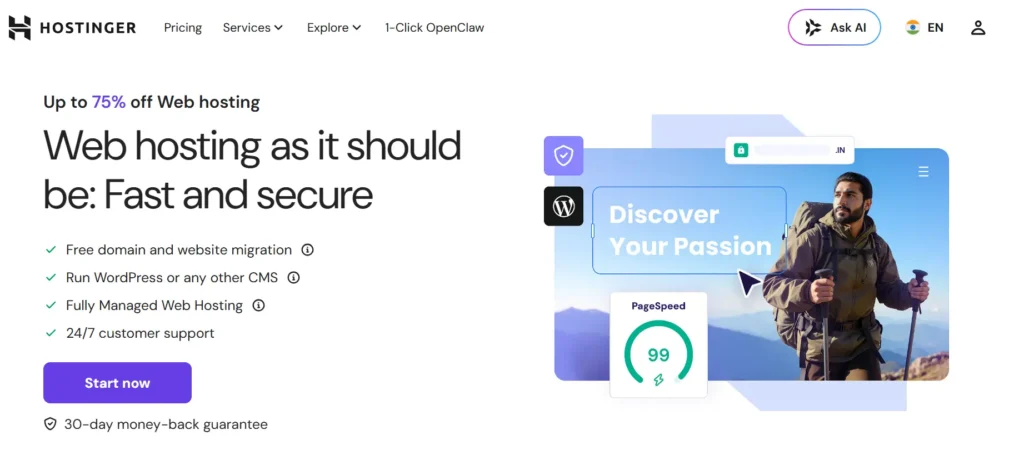
Hostinger is the best starting point for most beginners because it keeps hosting simple without feeling weak.
It uses a clean control panel, has beginner-friendly WordPress tools, and offers strong value compared with many traditional shared hosting brands. For small blogs, affiliate sites, business websites, and starter WooCommerce stores, it gives enough power without making things complicated.
Why this made the list
Hostinger made the list because it gives beginners three things they actually need: speed, simplicity, and low entry cost.
The dashboard is easier than old-school cPanel. WordPress setup is quick. LiteSpeed caching helps WordPress load faster when configured properly.
Best for:
- First websites
- Blogs
- Affiliate sites
- Small business websites
- Beginners who want low cost and decent speed
Key features:
- LiteSpeed server technology
- Managed WordPress tools
- Free SSL
- Free domain on selected plans
- Email on many plans
- Beginner-friendly dashboard
- Website migration support
To be honest, most beginners don’t need VPS hosting. Hostinger’s shared or WordPress plans are enough for a new site unless you already expect heavy traffic.
The main thing to watch is renewal pricing. Like most hosts, the first term is discounted. Always check the renewal price before buying.
Why Is Bluehost Still Good for First-Time WordPress Users?
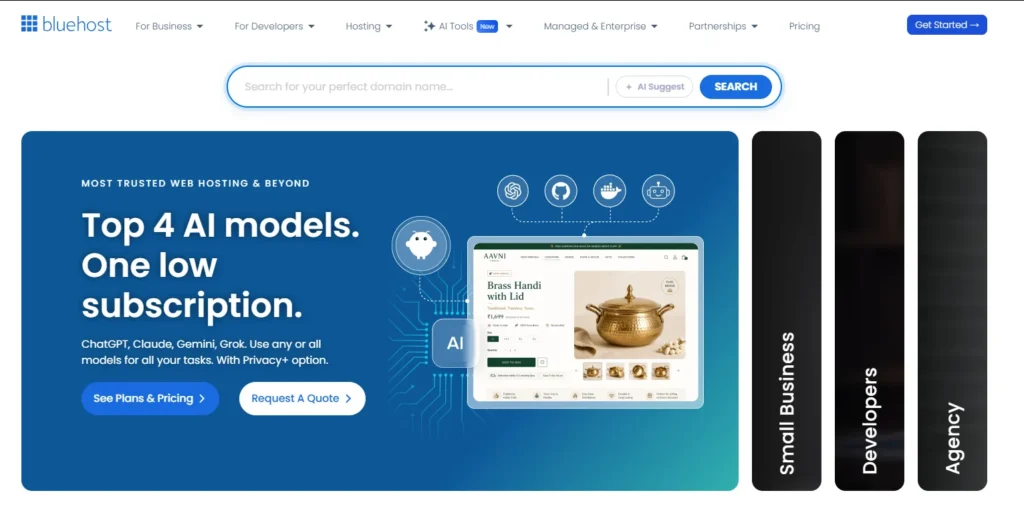
Bluehost is popular because it is built around beginners.
The setup process is simple. The dashboard guides you through WordPress installation, themes, and basic website building. If you are nervous about touching technical settings, Bluehost feels less scary than many traditional hosts.
Why this made the list
Bluehost made the list because it offers one of the smoothest beginner onboarding experiences.
You do not need to know what DNS, PHP, FTP, or database settings mean on day one. That matters. A beginner host should help you publish quickly, not force you to become a sysadmin.
Best for:
- Personal blogs
- Beginner WordPress users
- Local business websites
- Users who want phone support
- People who prefer guided setup
Key features:
- WordPress-focused dashboard
- Free SSL
- Free domain on selected plans
- AI website builder tools
- CDN on many plans
- 24/7 support
- NVMe storage on selected plans
Bluehost is not always the fastest option for the money. But speed is not the only factor for beginners. Ease of use matters too.
Choose Bluehost if you want a simple first website and value support over advanced performance tuning.
Why Is SiteGround Better for Growing Businesses?
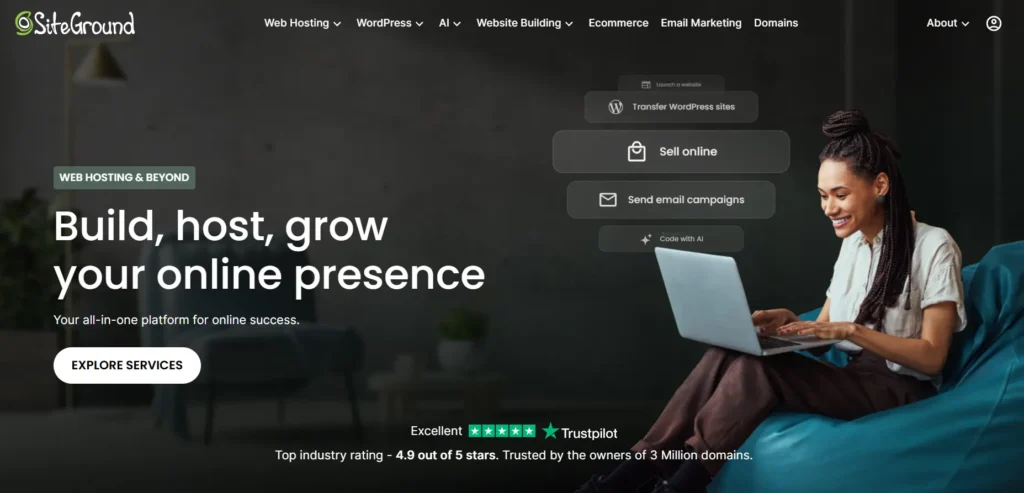
SiteGround costs more than many beginner hosts, but it feels more polished.
It is a strong choice for users who are beginners today but expect the website to become important for their business. Think service companies, coaches, consultants, agencies, and small ecommerce brands.
Why this made the list
SiteGround made the list because it gives better managed features than basic budget hosting.
You get strong WordPress tools, daily backups, caching, staging on higher plans, security features, and solid support. These things matter when your website starts bringing leads or sales.
Best for:
- Growing business websites
- WordPress users who want better support
- Small ecommerce stores
- Agencies managing client sites
- Users who can spend more for stability
Key features:
- Managed WordPress hosting
- Daily backups
- Free SSL
- Built-in caching
- CDN
- Staging on higher plans
- Security tools
- Strong support reputation
SiteGround is not the cheapest. That is the trade-off.
But choosing the right host can save hundreds of dollars in the long run. One bad crash during a sale or one malware cleanup can cost more than a year of better hosting.
Why Is DreamHost a Simple Option for Budget-Conscious Beginners?
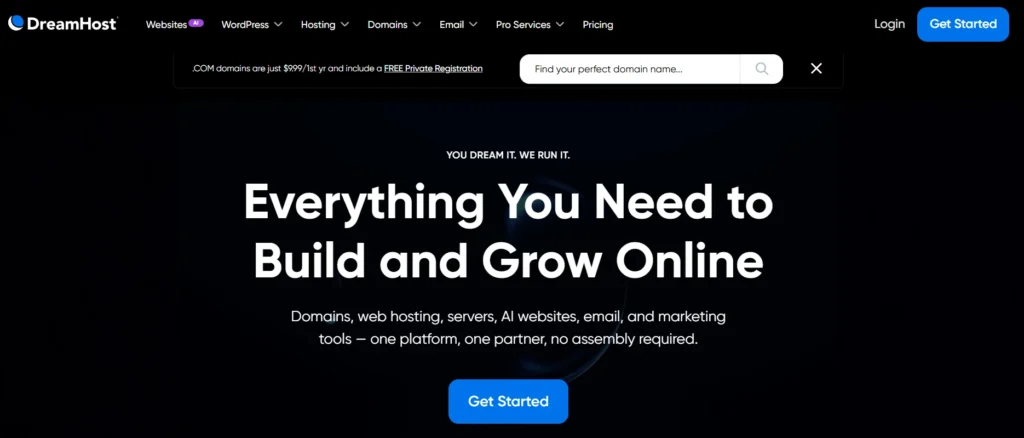
DreamHost is a good fit if you want simple pricing, WordPress hosting, and a less aggressive upsell experience.
It has been around for a long time and offers shared hosting, managed WordPress hosting, VPS, and more. Beginners usually start with shared hosting or DreamPress if they want managed WordPress.
Why this made the list
DreamHost made the list because it is simple, honest, and beginner-friendly.
The custom dashboard is different from cPanel, but it is not hard to learn. It also works well for users who want fewer distractions and fewer flashy add-ons.
Best for:
- Bloggers
- Portfolio sites
- Small business websites
- Beginners who want simple hosting
- Users who want WordPress-focused options
Key features:
- WordPress hosting
- Free SSL
- Custom control panel
- Automatic WordPress updates
- CDN and staging on managed plans
- Backups on selected plans
- Long money-back window on shared hosting
DreamHost is not my first choice for high-performance WooCommerce stores. For that, I would look at SiteGround, Cloudways, or WP Engine.
But for a normal beginner website, it is a clean and reliable option.
Why Is Namecheap Good for Very Cheap Starter Websites?
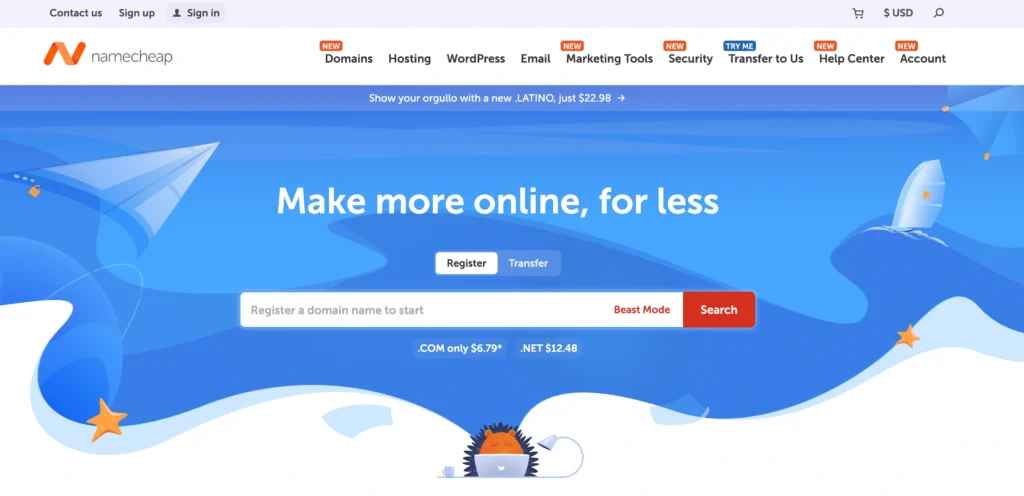
Namecheap is best known as a domain registrar, but its hosting can work well for basic starter websites.
If your budget is tight and you are building a small site, Namecheap can make sense. It is not the most powerful host in this list, but it is affordable and easy enough for beginners.
Why this made the list
Namecheap made the list because some beginners need the lowest safe starting cost.
Not every website is a business asset on day one. Sometimes you just need to test a niche, launch a basic portfolio, or build a small content site. Namecheap fits that use case.
Best for:
- Very small websites
- Test projects
- Portfolio sites
- Budget blogs
- Users who already buy domains from Namecheap
Key features:
- Low-cost shared hosting
- Domain and hosting in one place
- Free SSL on many plans
- cPanel access
- WordPress installer
- Email hosting options
- Managed WordPress through EasyWP
Here is the honest warning. Do not expect premium performance from the cheapest plan.
Use Namecheap when budget matters more than speed. Move to a stronger host when traffic or revenue grows.
Why Is Cloudways Better When Your Site Starts Getting Traffic?
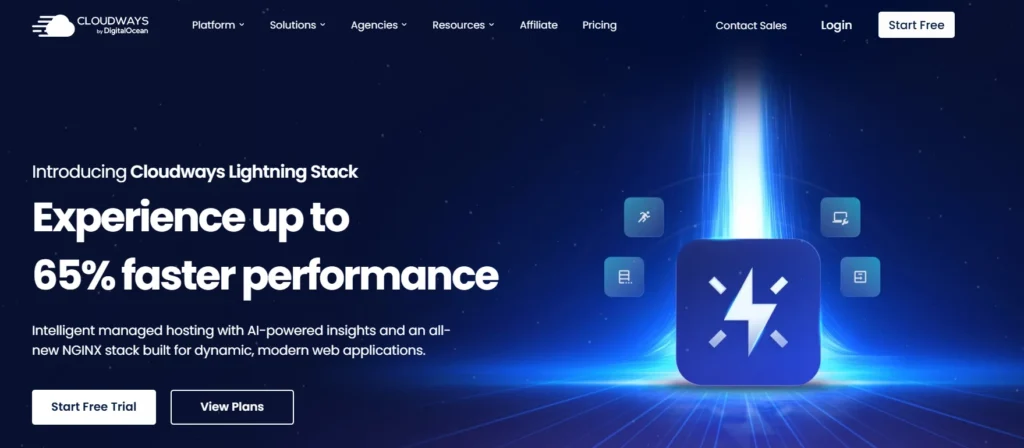
Cloudways is not the easiest host for complete beginners, but it is one of the best next-step options.
It gives you managed cloud hosting on providers like DigitalOcean, Vultr, AWS, and Google Cloud. That means you get dedicated cloud resources instead of being packed into a basic shared server.
Why this made the list
Cloudways made the list because it is a smart upgrade path for growing websites.
You do not need to manage the raw server yourself, but you still get better performance control than normal shared hosting. It is especially useful for WordPress sites that are starting to earn money.
Best for:
- Growing blogs
- Affiliate websites
- WooCommerce stores
- Agencies
- Users who want cloud performance without full server management
Key features:
- Managed cloud hosting
- Scalable server resources
- Choice of cloud provider
- Object caching on selected plans
- Staging
- Backups
- Better traffic handling than basic shared hosting
Cloudways is not ideal if you want the simplest possible dashboard. There is a learning curve.
But if your site is already getting traffic, Cloudways can be a much better long-term move than jumping from one cheap shared host to another.
Why Is WP Engine Best for Serious WordPress Businesses?
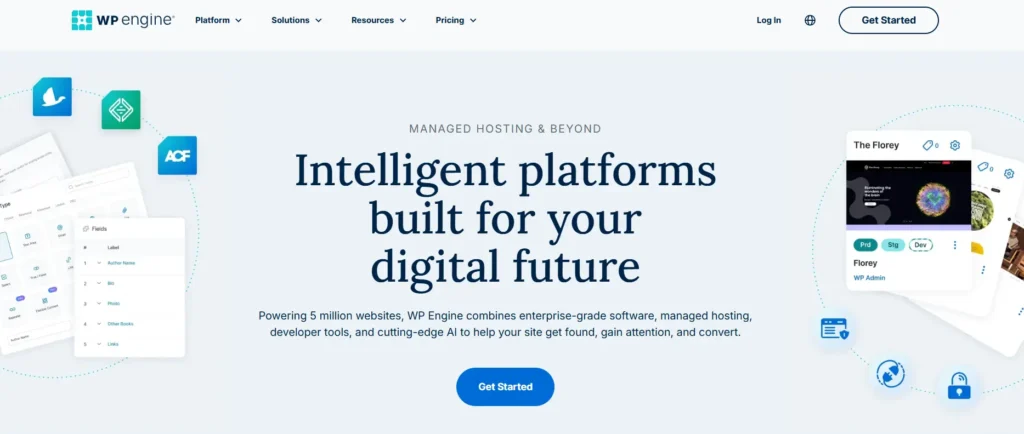
WP Engine is not cheap beginner hosting. Let’s be clear about that.
It is premium managed WordPress hosting for businesses that care about speed, support, security, staging, backups, and reliability. If your website makes money, WP Engine can make sense.
Why this made the list
WP Engine made the list because some beginners are not hobby users. Some are business owners launching a serious site from day one.
If downtime costs you leads, bookings, or sales, premium managed hosting may be cheaper than fixing problems later.
Best for:
- Serious business websites
- Agencies
- High-value WordPress sites
- WooCommerce stores with revenue
- Users who want managed support
Key features:
- Managed WordPress hosting
- Daily and on-demand backups
- Staging environments
- Security patching
- SSL
- DDoS protection
- Performance caching
- Developer tools
To be honest, most beginners don’t need WP Engine for a small blog.
But if your website is connected to real revenue, it belongs on your shortlist.
What Is the Difference Between NVMe SSD and Standard SSD?
Storage affects how quickly your server reads and writes website files.
A standard SSD is already much faster than old hard drives. It helps your website load files, images, and database information more quickly.
NVMe SSD is faster than regular SSD because it uses a more direct connection to the server. Think of it like a wider road with fewer traffic jams.
Why this matters:
- WordPress constantly reads from the database.
- WooCommerce stores handle product, cart, and checkout data.
- Busy websites need faster file access.
- Faster storage helps the admin dashboard feel smoother.
Do not buy hosting only because it says NVMe. Bad server management can ruin good hardware.
But all else being equal, NVMe is better than standard SSD.
What Is Better: LiteSpeed, Nginx, or Apache?
These are web server technologies. They help deliver your website files to visitors.
Apache is the classic option. It is flexible and widely supported. Many old hosting setups still use it.
Nginx is known for handling many visitors efficiently. It is often used as a web server, reverse proxy, or caching layer.
LiteSpeed is popular for WordPress because it works well with LiteSpeed Cache. When configured properly, it can make WordPress pages load very fast.
For beginners, here is the simple version:
- Choose LiteSpeed if you want easy WordPress caching.
- Choose Nginx if you are on a managed performance-focused platform.
- Apache is fine for basic sites, but it is not the speed advantage anymore.
Do not obsess over this too much. A well-managed Nginx server can beat a poorly configured LiteSpeed server.
Hosting quality matters more than the logo.
How Much RAM and CPU Does a Beginner Website Need?
RAM is short-term memory for your server.
CPU cores are processing power. They help the server handle requests, PHP scripts, database queries, plugin tasks, and checkout actions.
For a small beginner WordPress site, shared hosting is usually enough. You may not see exact RAM and CPU numbers because shared hosting divides resources across accounts.
For growing sites, look for clearer resources.
A practical guide:
- Small blog: shared hosting is fine.
- Business website: better shared or managed WordPress hosting.
- Growing affiliate site: cloud hosting or managed WordPress.
- WooCommerce store: avoid the cheapest shared plan.
- High-traffic site: managed cloud, VPS, or premium WordPress hosting.
More RAM helps when you run heavier plugins, page builders, ecommerce tools, and traffic spikes.
More CPU helps when many visitors are clicking at once.
Why Do Data Center Locations and Latency Matter?
A data center is where your website physically lives.
Latency is the delay between a visitor clicking your site and the server responding. The farther the visitor is from the server, the higher the delay can be.
Example: if your audience is mostly in the United States, choose a US data center. If your audience is in India, Europe, or Southeast Asia, choose a closer location when possible.
A CDN can help by storing copies of static files near visitors. But your main server location still matters, especially for dynamic pages like:
- WordPress admin
- Checkout pages
- Login pages
- Search pages
- Membership dashboards
Pick a host with a data center close to your main audience.
Which Hosting Provider Should You Choose Right Now?
Here is the simple buying advice.
Choose Hostinger if you want the best mix of price, speed, and beginner tools. This is my top pick for most beginners in 2026.
Choose Bluehost if you want guided WordPress setup and beginner-friendly support.
Choose SiteGround if your website is for a growing business and you can spend more for better managed tools.
Choose DreamHost if you want simple WordPress hosting without too much noise.
Choose Namecheap if you need the cheapest safe starting point.
Choose Cloudways if your website is already growing and you want better cloud performance.
Choose WP Engine if your WordPress site is business-critical and you want premium managed hosting.
The Expert’s Checklist: What Should You Do Before Buying Hosting?
Use this checklist before you pay.
- Check renewal pricing, not just the first-year discount.
- Choose a server location close to your audience.
- Make sure SSL is free.
- Look for automatic backups.
- Avoid paying for unnecessary add-ons at checkout.
- Start with one website plan unless you need more.
- Use LiteSpeed or strong managed caching if available.
- Pick managed WordPress hosting if you hate technical work.
- Do not buy VPS hosting unless you know why you need it.
- Check our site for a discount link or coupon before purchasing.
Take your time here. A good host can save hundreds of dollars over the next few years by reducing migrations, emergency fixes, malware cleanup, and performance problems.
FAQs About the Best Hosting for Beginners
1. What is the best hosting for beginners in 2026?
For most beginners, Hostinger is the best hosting choice in 2026 because it offers a strong mix of affordability, speed, easy WordPress setup, and beginner-friendly tools. Bluehost is also good if you want a more guided WordPress experience.
2. Is shared hosting enough for a beginner website?
Yes, shared hosting is enough for most beginner websites. A small blog, portfolio, local business site, or affiliate website does not need VPS hosting on day one. Upgrade only when your traffic, plugins, or revenue justify it.
3. Should beginners choose WordPress hosting or normal web hosting?
Beginners should usually choose WordPress hosting if they plan to use WordPress. It often includes automatic updates, WordPress setup tools, caching, and support trained around WordPress problems.
4. Is cheap web hosting bad?
Cheap hosting is not always bad. Bad cheap hosting is bad. A good cheap host gives you SSL, backups, support, decent speed, and clear renewal pricing. A bad one hides limits, overloads servers, and charges extra for basic features.
5. How much should beginners pay for hosting?
Most beginners should start with an affordable shared or WordPress hosting plan. You do not need to pay premium prices unless your website is tied to business revenue, ecommerce, bookings, or high traffic.
6. Do I need NVMe hosting for WordPress?
You do not strictly need NVMe hosting, but it helps. NVMe storage is faster than standard SSD storage, which can improve database-heavy tasks. For WordPress, speed depends on hosting quality, caching, theme weight, plugins, and storage together.
7. When should I upgrade from shared hosting?
Upgrade when your site becomes slow despite optimization, your traffic grows, your host shows resource limit warnings, or your website starts making real money. Growing sites usually move to managed WordPress, cloud hosting, or VPS hosting.
8. Which hosting is best for small business beginners?
For small businesses, Hostinger is good for budget-conscious users, Bluehost is good for simple setup, and SiteGround is better for businesses that want stronger support and managed WordPress features. If the website directly generates revenue, avoid the cheapest plan.