
A slow website is not just annoying. It quietly kills sales, leads, rankings, and trust.
I’ve seen many people make this mistake. They buy the cheapest hosting plan, install WordPress, add a heavy theme, add ten plugins, and then wonder why the site loads like it is stuck in traffic.
The truth is simple. Good hosting does not magically make a bad website fast. But bad hosting can make even a well-built site feel slow.
This guide is for beginners, small business owners, bloggers, agencies, and anyone who wants to choose the best web hosting providers without falling for fake “unlimited everything” claims.
Which web host should you choose in 2026?
My Top Pick for 2026 is Hostinger for most beginners and small business websites.
Why? Because it gives the best mix of price, speed, beginner-friendly tools, LiteSpeed servers, free SSL, backups, email options, and WordPress features without making hosting feel scary.
A discount link or coupon is available on our site, so check that before buying. Choosing the right host can save hundreds of dollars in the long run, especially when renewal pricing and paid add-ons are counted.
That said, Hostinger is not perfect for everyone.
Use this simple rule:
- Choose Hostinger if you want the best value for a blog, small business site, portfolio, or affiliate site.
- Choose SiteGround if you want stronger support and better tools for a growing WordPress site.
- Choose Cloudways if you want managed cloud performance without managing a raw VPS.
- Choose Kinsta if your WordPress site already makes money and downtime hurts.
- Choose WP Engine if you run a serious WordPress business or agency.
- Choose Bluehost if you want a simple WordPress setup with beginner tools.
- Choose DreamHost if you want honest pricing, solid basics, and a longer refund window.
What hosting features actually matter?
Hosting companies love long feature lists. Most of them are filler.
To be honest, most beginners don’t need root access, advanced staging, dedicated IPs, or custom server stacks. They need a fast website, easy WordPress setup, reliable support, free SSL, backups, and pricing that does not become painful after renewal.
Here are the technical terms that actually matter.
NVMe SSD vs Standard SSD
SSD storage is already faster than old hard drives. But NVMe SSD is faster than standard SSD because it talks to the server through a faster connection.
Why does that matter?
WordPress constantly reads and writes data. Your theme, plugins, images, database queries, and admin dashboard all depend on storage speed. NVMe helps most when your site has:
- WooCommerce products
- Many blog posts
- Search filters
- Logged-in users
- Heavy plugins
- Large databases
For a tiny five-page website, NVMe is nice but not life-changing. For a growing WordPress site, it helps.
LiteSpeed vs Nginx vs Apache
This is where beginners get confused.
Apache is old, stable, and widely supported. It works with many WordPress setups, but it can feel slower under heavy traffic if not configured well.
Nginx is fast at serving static files like images, CSS, and JavaScript. Many cloud hosts use Nginx in front of Apache to handle traffic better.
LiteSpeed is popular for WordPress because it works well with the LiteSpeed Cache plugin. That combo can make a site much faster without needing a complex setup.
Here is a secret most hosting companies won’t tell you. The web server matters, but caching matters more. A well-cached Apache setup can beat a badly configured LiteSpeed setup.
Still, for beginners, LiteSpeed hosting is usually easier to optimize.
RAM and CPU cores
Think of CPU cores as workers and RAM as workspace.
More CPU helps your server process more tasks at the same time. More RAM helps your site handle heavier plugins, database work, and traffic spikes without freezing.
For a simple blog, shared hosting is fine. For WooCommerce, LMS sites, membership sites, or high-traffic blogs, CPU and RAM matter a lot.
Use this rough guide:
- Small blog: shared hosting is enough
- Business website: better shared or entry cloud hosting
- WooCommerce store: managed cloud or managed WordPress hosting
- High-traffic site: cloud VPS, Kinsta, WP Engine, or similar
- Agency sites: managed cloud or premium managed WordPress
Do not buy a VPS just because it sounds powerful. A poorly managed VPS is worse than good shared hosting.
Data center locations and latency
Latency means delay. It is the time between your visitor clicking your site and your server responding.
If your audience is in India, but your server is in the US, every request travels farther. That adds delay.
Pick a host with data centers close to your visitors. Or use a CDN, which stores cached files around the world.
For example:
- US audience: choose a US data center
- UK or EU audience: choose London, Germany, Netherlands, or nearby
- India audience: choose India, Singapore, or nearby Asia data centers
- Global audience: use a CDN with good caching
Do not ignore location. A cheap plan in the wrong region can feel slower than a slightly more expensive plan near your users.
Best web hosting providers in 2026
1. Hostinger: Best overall value for beginners
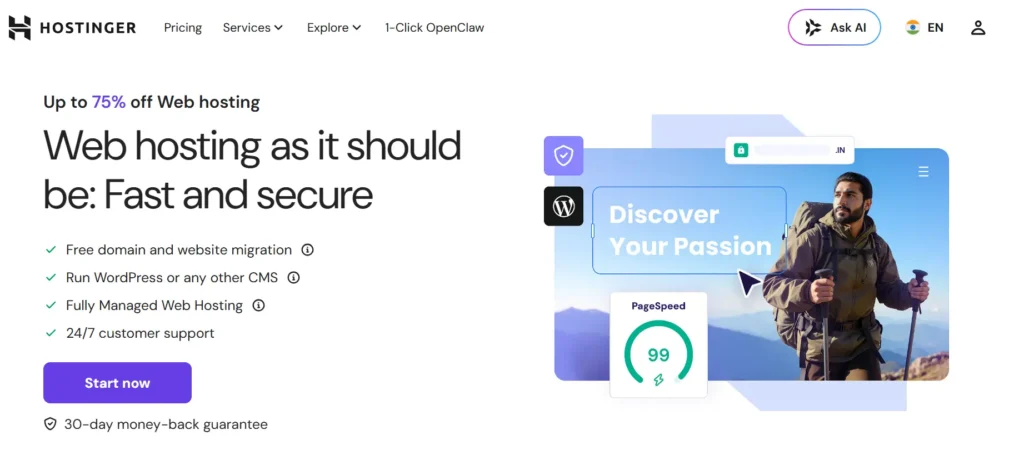
Hostinger is my top pick for most people because it keeps things simple. The dashboard is clean, WordPress setup is quick, and the performance is strong for the price.
Its biggest advantage is value. You get useful features without paying premium managed hosting prices.
Why this made the list
Hostinger uses beginner-friendly tools, LiteSpeed-based WordPress optimization, SSL, backups, email options, and affordable long-term plans. It is a strong fit for bloggers, affiliate sites, small businesses, portfolio sites, and local service websites.
Best for
- Beginners
- Small business websites
- Bloggers
- Affiliate marketers
- Portfolio sites
- Budget-conscious WordPress users
Key features
- LiteSpeed server setup
- WordPress-friendly dashboard
- Free SSL
- Backups depending on plan
- Email options
- Free migration
- Website builder tools
- Good value on longer billing terms
What I like
Hostinger does not feel intimidating. Many beginners get stuck in cPanel because it looks technical. Hostinger’s hPanel is easier for new users.
The speed is also good for the money. Pair it with a lightweight theme, image compression, and LiteSpeed Cache, and most small websites will run well.
What I don’t like
Renewal prices are higher than the first-term deal. Also, the cheapest plan is not the one I would choose for a serious website. Start with a middle plan if you plan to grow.
2. SiteGround: Best for support and growing WordPress sites
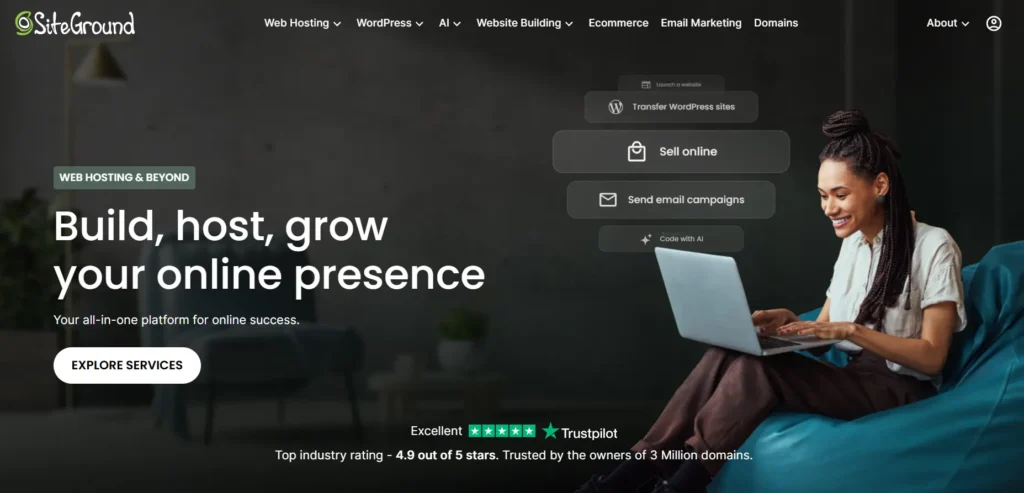
SiteGround is not the cheapest host. That is the first thing you should know.
But it is a strong option if you want better support, daily backups, solid WordPress tools, and a cleaner hosting experience than many budget hosts.
Why this made the list
SiteGround is good for business owners who want less hassle. Its platform is polished, support is stronger than many budget hosts, and its WordPress tools are useful.
Best for
- Growing WordPress sites
- Small businesses
- Bloggers who want better support
- Freelancers hosting client sites
- Users willing to pay more after renewal
Key features
- Daily backups
- Free SSL
- Managed WordPress tools
- Built-in caching
- Staging on higher plans
- Email hosting
- CDN option
- Strong support
What I like
SiteGround is easy to trust if you are not technical. The dashboard is clean, and the support team is usually better than what you get from ultra-cheap hosts.
What I don’t like
The renewal price can be painful. I’ve seen many people make this mistake: they buy SiteGround at the promo price and forget to check the real renewal cost.
Buy SiteGround if you value support and stability. Do not buy it only because the first-year price looks cheap.
3. Cloudways: Best managed cloud hosting for growing websites
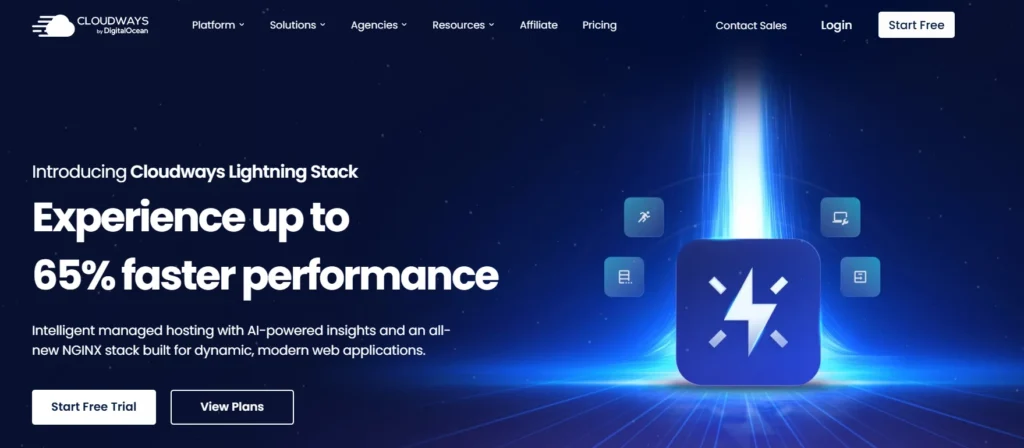
Cloudways is different from regular shared hosting. It sits on top of cloud providers and gives you a managed dashboard, server controls, backups, scaling, caching, and support.
This is not the best first host for a total beginner. But it is excellent when your site starts getting serious traffic.
Why this made the list
Cloudways gives growing websites more control and power without forcing you to manage a raw server. It is a strong middle ground between cheap shared hosting and expensive premium WordPress hosting.
Best for
- Growing WordPress sites
- WooCommerce stores
- Agencies
- High-traffic blogs
- Users who want cloud hosting without server headaches
Key features
- Managed cloud servers
- Nginx and Apache stack
- Varnish caching
- Redis support
- Staging
- Backups
- Vertical scaling
- Pay-as-you-go style pricing
What I like
You can scale resources as traffic grows. That is useful for campaigns, ecommerce spikes, and seasonal traffic.
Cloudways also gives more server-level control than typical shared hosting.
What I don’t like
It is not as beginner-friendly as Hostinger or Bluehost. You need to understand basic hosting terms. Email hosting is also not always included the same way it is with traditional shared hosts.
4. Kinsta: Best premium managed WordPress hosting
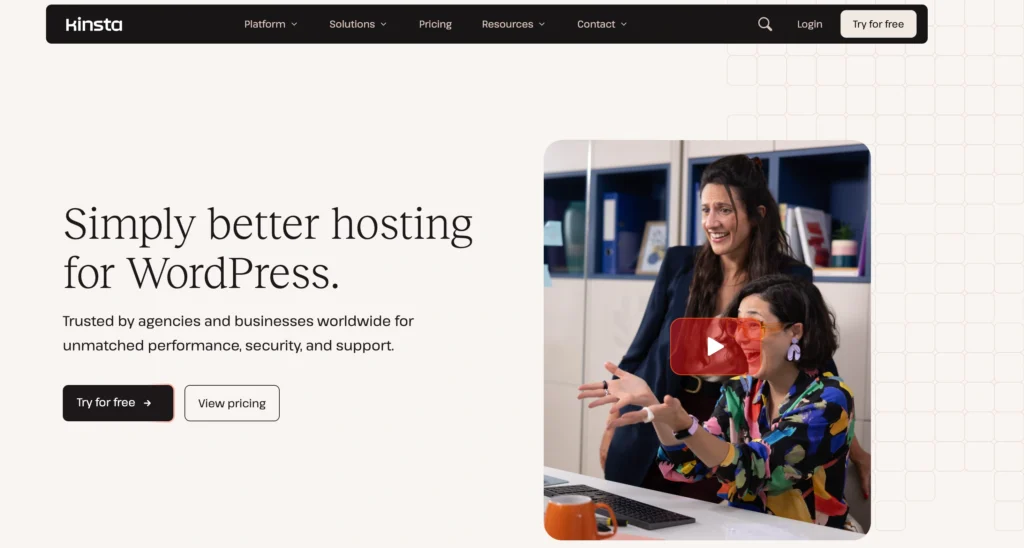
Kinsta is for people who care more about performance, uptime, security, and expert WordPress support than saving a few dollars per month.
If your website makes money, Kinsta can make sense. If your site is new and has no traffic, it is probably overkill.
Why this made the list
Kinsta is built for serious WordPress users. It uses premium cloud infrastructure, strong caching, Cloudflare integration, security tools, and a polished dashboard.
Best for
- Revenue-generating WordPress sites
- Agencies
- SaaS blogs
- High-traffic content sites
- Businesses where downtime costs money
Key features
- Managed WordPress hosting
- Premium cloud infrastructure
- Edge caching
- CDN
- Daily backups
- Malware protection
- Staging
- Expert WordPress support
What I like
Kinsta removes a lot of technical stress. You are not just renting server space. You are paying for a managed WordPress platform.
What I don’t like
The price is too high for beginners. Also, visit-based limits can become expensive as your traffic grows.
5. WP Engine: Best for serious WordPress businesses
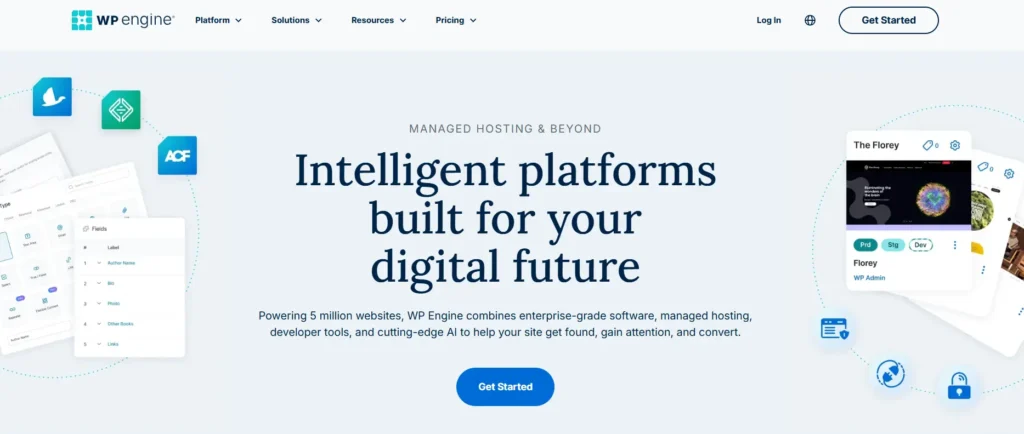
WP Engine is another premium managed WordPress host. It is popular with agencies, businesses, publishers, and teams that need performance, workflow tools, staging, security, and strong support.
Why this made the list
WP Engine is built for businesses that rely on WordPress. It is not meant to be the cheapest host. It is meant to give teams a stable and managed WordPress environment.
Best for
- Agencies
- Business websites
- High-value WordPress projects
- WooCommerce stores
- Teams needing staging and workflow tools
Key features
- Managed WordPress hosting
- Staging environments
- Automated backups
- Performance caching
- Security features
- Developer tools
- Premium support
What I like
WP Engine is good when WordPress is central to your business. It gives structure, backups, staging, and support that cheaper hosts often lack.
What I don’t like
It is expensive if you only run a basic website. Some plugins may be restricted for performance or security reasons. That is not always bad, but beginners may find it confusing.
6. Bluehost: Best simple WordPress setup for beginners
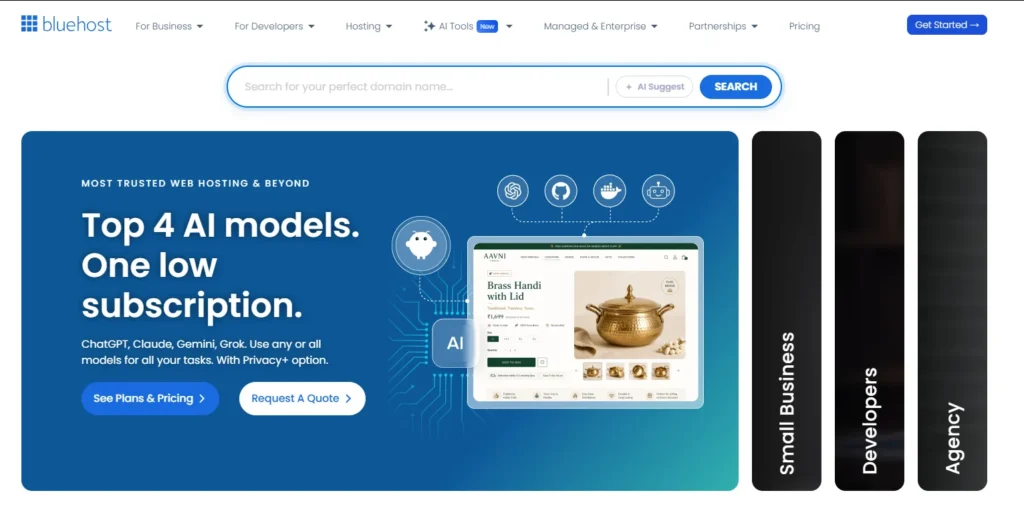
Bluehost has been around for a long time and is still one of the easiest ways to launch a WordPress site.
It is not my top pick for performance-heavy websites, but it works well for beginners who want a simple setup, domain, hosting, and WordPress in one place.
Why this made the list
Bluehost makes onboarding easy. New users can get a domain, install WordPress, pick a design, and start building without touching server settings.
Best for
- First-time website owners
- Simple WordPress sites
- Local businesses
- Personal blogs
- Users who want guided setup
Key features
- Beginner WordPress setup
- Free domain on many annual plans
- Free SSL
- Website builder tools
- Email options
- cPanel access
- Support channels
What I like
Bluehost is simple. For many beginners, simple beats advanced.
What I don’t like
Performance is not always as strong as more optimized hosts. Also, like many budget hosts, the upsells and renewal pricing need attention.
7. DreamHost: Best for honest basics and simple WordPress hosting
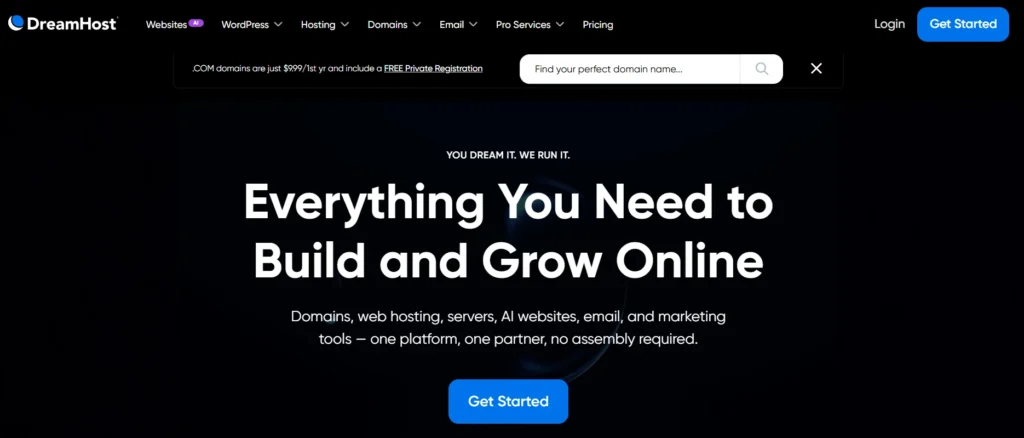
DreamHost is a good choice if you want a straightforward host with solid shared hosting and managed WordPress options.
It does not always feel as flashy as Hostinger or Bluehost, but that is not a bad thing.
Why this made the list
DreamHost offers simple hosting, WordPress-friendly plans, free SSL, backups on many plans, and a reputation for being more straightforward than many big hosting brands.
Best for
- Bloggers
- Small websites
- Budget WordPress users
- Users who want simple pricing
- People who dislike aggressive upsells
Key features
- Shared hosting
- Managed WordPress plans
- Free SSL
- Free domain on annual web hosting plans
- Backups on selected plans
- WordPress tools
- Email options
What I like
DreamHost keeps things clean. It is a good fit for users who want reliable basics without feeling pushed into too many add-ons.
What I don’t like
The dashboard may not feel as polished as newer hosting platforms. Support is good, but not always as instant as premium managed hosts.
Which hosting provider should you avoid?
Avoid any host that hides renewal pricing, sells “unlimited” hosting with strict hidden limits, charges extra for basic SSL, or pushes you into a VPS before you understand server management.
Also avoid buying hosting only because of a huge discount. The cheapest plan is often cheap because it has limited resources, weak backups, or slow support.
Calculate the two-year cost before buying.
Expert’s checklist: What should you do right now?
Use this checklist before buying any hosting plan.
- Pick the host based on your website type, not just price.
- Check renewal pricing, not only the first-year deal.
- Choose a data center near your audience.
- Use NVMe storage if your site is database-heavy.
- Prefer LiteSpeed for beginner WordPress sites if available.
- Make sure free SSL is included.
- Check backup frequency before paying.
- Avoid paying for a VPS too early.
- Use a lightweight WordPress theme.
- Install only the plugins you actually need.
- Use a CDN if visitors come from multiple countries.
- Buy the plan that fits the next 12 months, not your dream traffic number.
Final advice: Which host is best for most people?
For most beginners and small business owners, Hostinger is the best web hosting provider in 2026 because it balances price, speed, ease of use, and WordPress features better than most competitors.
- Choose SiteGround if support matters more than price.
- Choose Cloudways if your site is growing and shared hosting feels too limited.
- Choose Kinsta or WP Engine if your WordPress site already earns money and downtime is expensive.
- Choose Bluehost or DreamHost if you want simple, beginner-friendly hosting without overthinking the stack.
The smartest move is not buying the most powerful hosting. The smartest move is buying hosting that matches your current website and gives you room to grow.
FAQs about the best web hosting providers
1. What is the best web hosting provider for beginners in 2026?
Hostinger is the best choice for most beginners because it is affordable, easy to use, and fast enough for small WordPress websites. Bluehost is also beginner-friendly, especially if you want guided WordPress setup.
2. Which web hosting is best for WordPress?
For budget WordPress hosting, Hostinger and SiteGround are strong choices. For premium managed WordPress hosting, Kinsta and WP Engine are better for serious business sites, agencies, and high-traffic websites.
3. Is shared hosting good enough for a business website?
Yes, shared hosting is fine for a small business website with basic pages, contact forms, and moderate traffic. But if you run WooCommerce, bookings, memberships, or heavy plugins, move to managed cloud or managed WordPress hosting.
4. Do I need NVMe hosting for WordPress?
You do not always need it, but NVMe storage helps WordPress sites load and process database requests faster. It is more useful for WooCommerce, large blogs, and websites with many plugins.
5. Is LiteSpeed better than Apache for WordPress?
LiteSpeed is often better for beginner WordPress users because it works well with LiteSpeed Cache. Apache is still reliable, but LiteSpeed can be easier to optimize without advanced server knowledge.
6. How much should I pay for good web hosting?
For a beginner website, expect to pay a few dollars per month during the first term and more at renewal. For serious business hosting, expect to pay more for better resources, backups, support, and performance.
7. Should I buy the cheapest hosting plan?
Only if your website is small and not important for sales. The cheapest plan usually has tighter limits. If your site is for business, buy at least a mid-level shared plan or an entry managed WordPress plan.
8. Can changing web hosting make my website faster?
Yes, but only if your current host is the bottleneck. You should also optimize images, remove heavy plugins, use caching, choose a lightweight theme, and set up a CDN.